
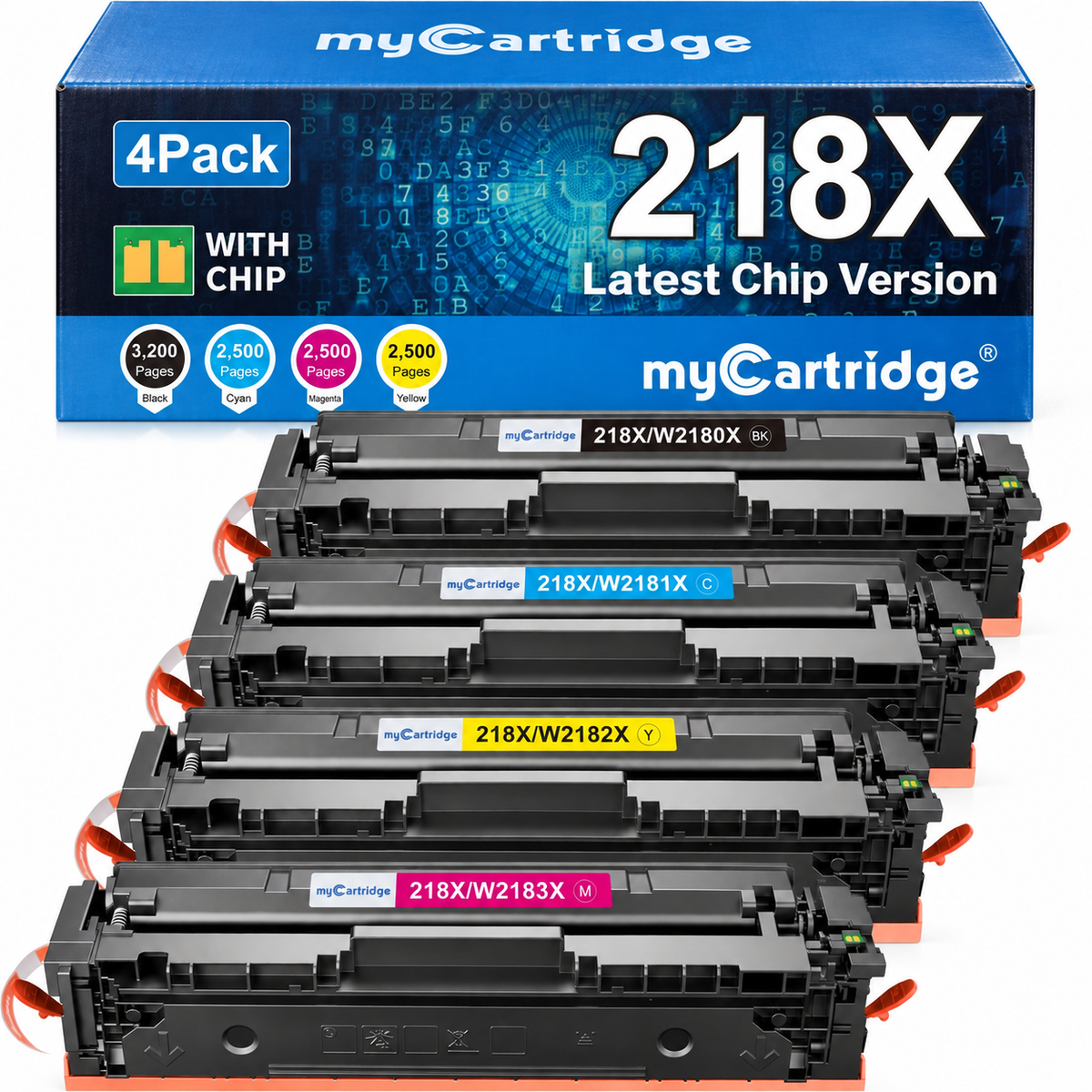
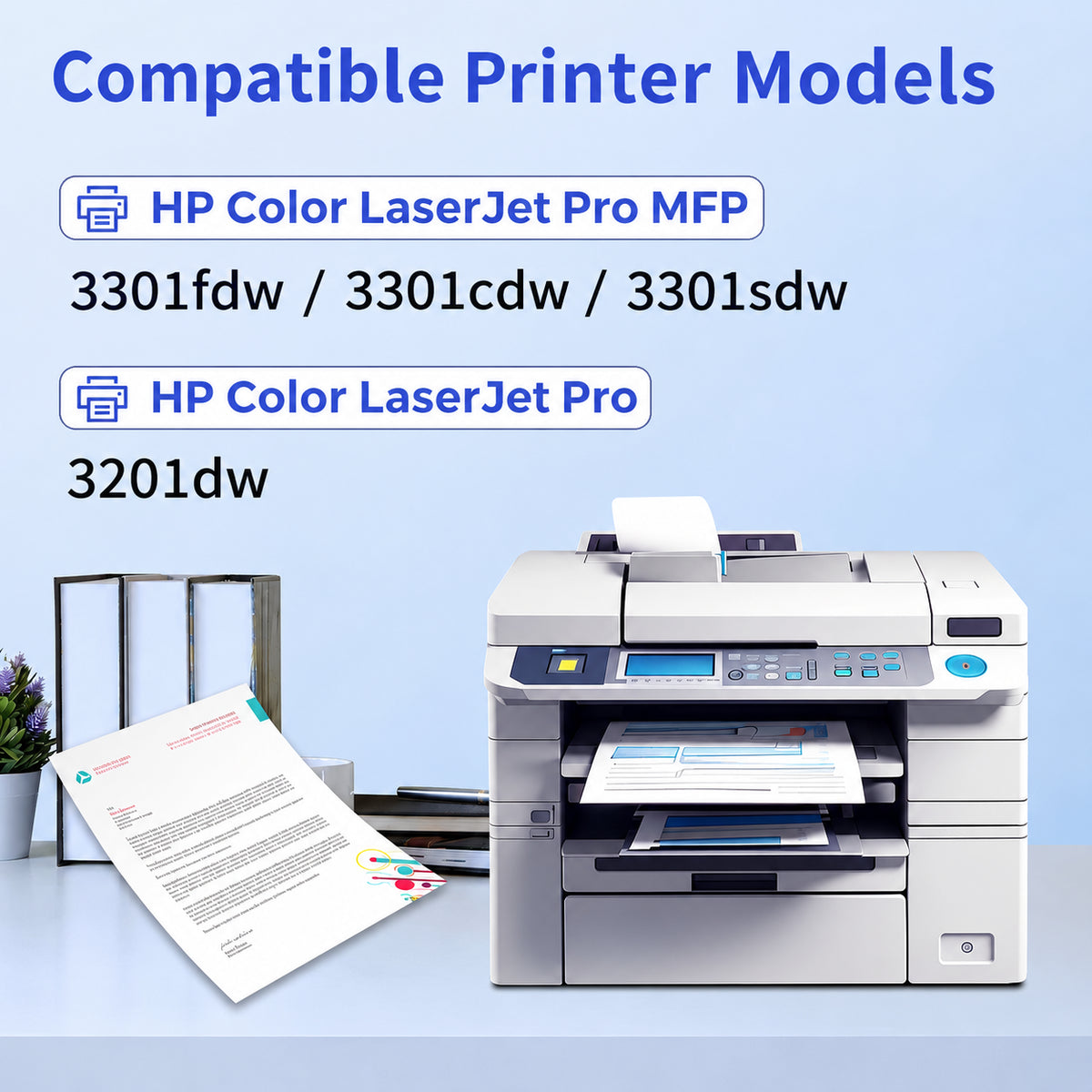
For HP Color LaserJet Pro 3201dw, MFP 3301fdw, MFP 3301cdw, MFP 3301sdw
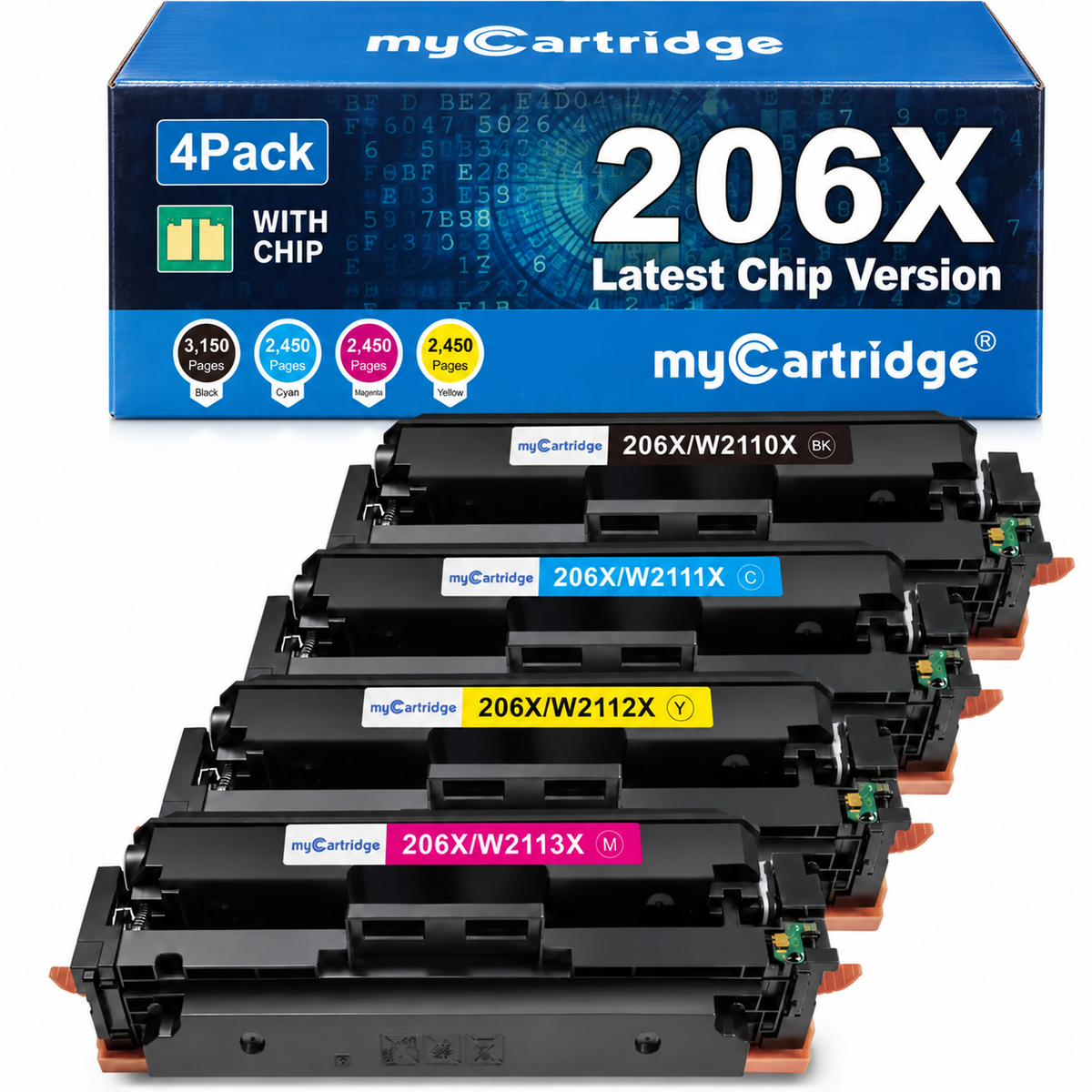
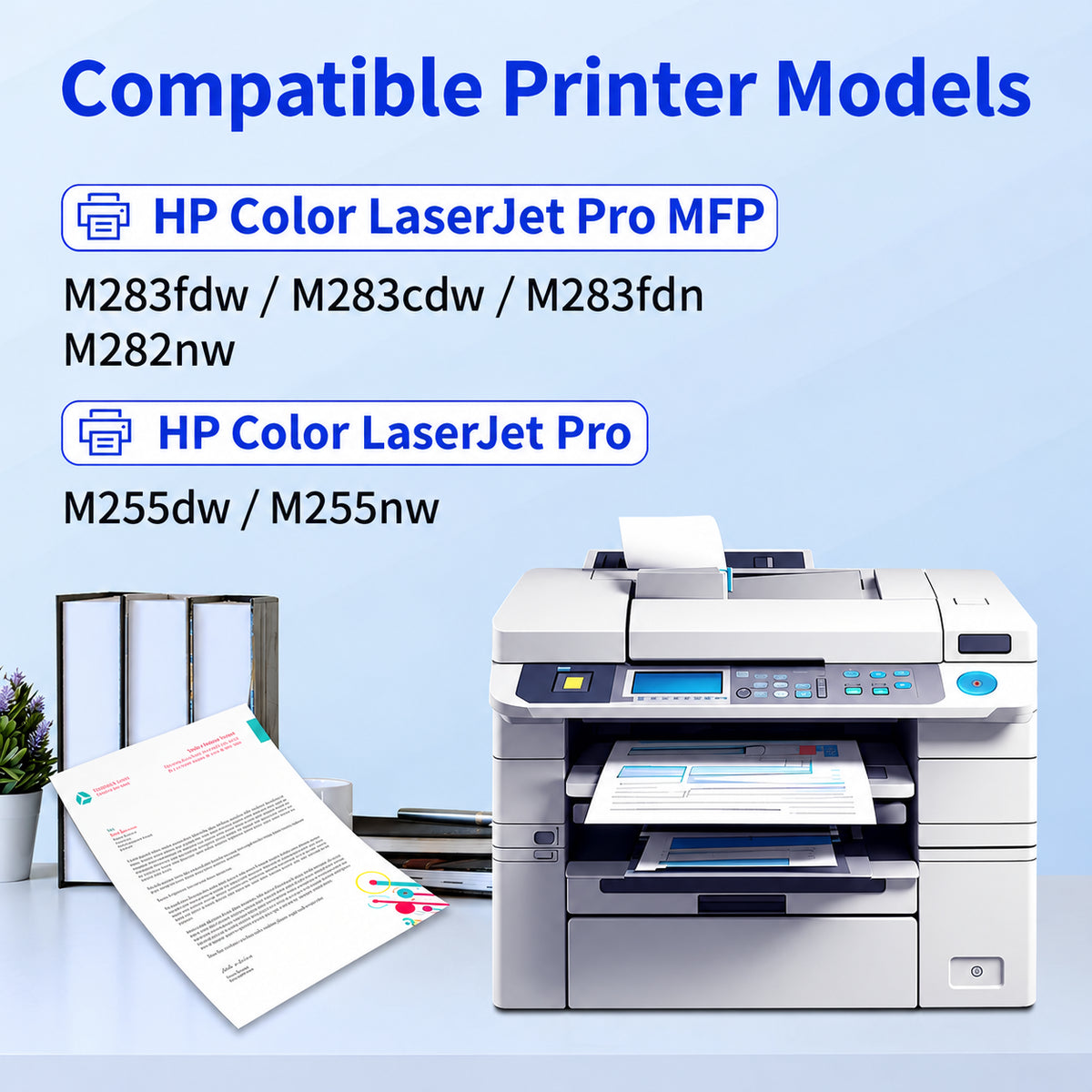
For HP Color LaserJet Pro M255dw · M255nw · MFP M283fdw · MFP M283cdw · MFP M282nw · MFP M283fdn
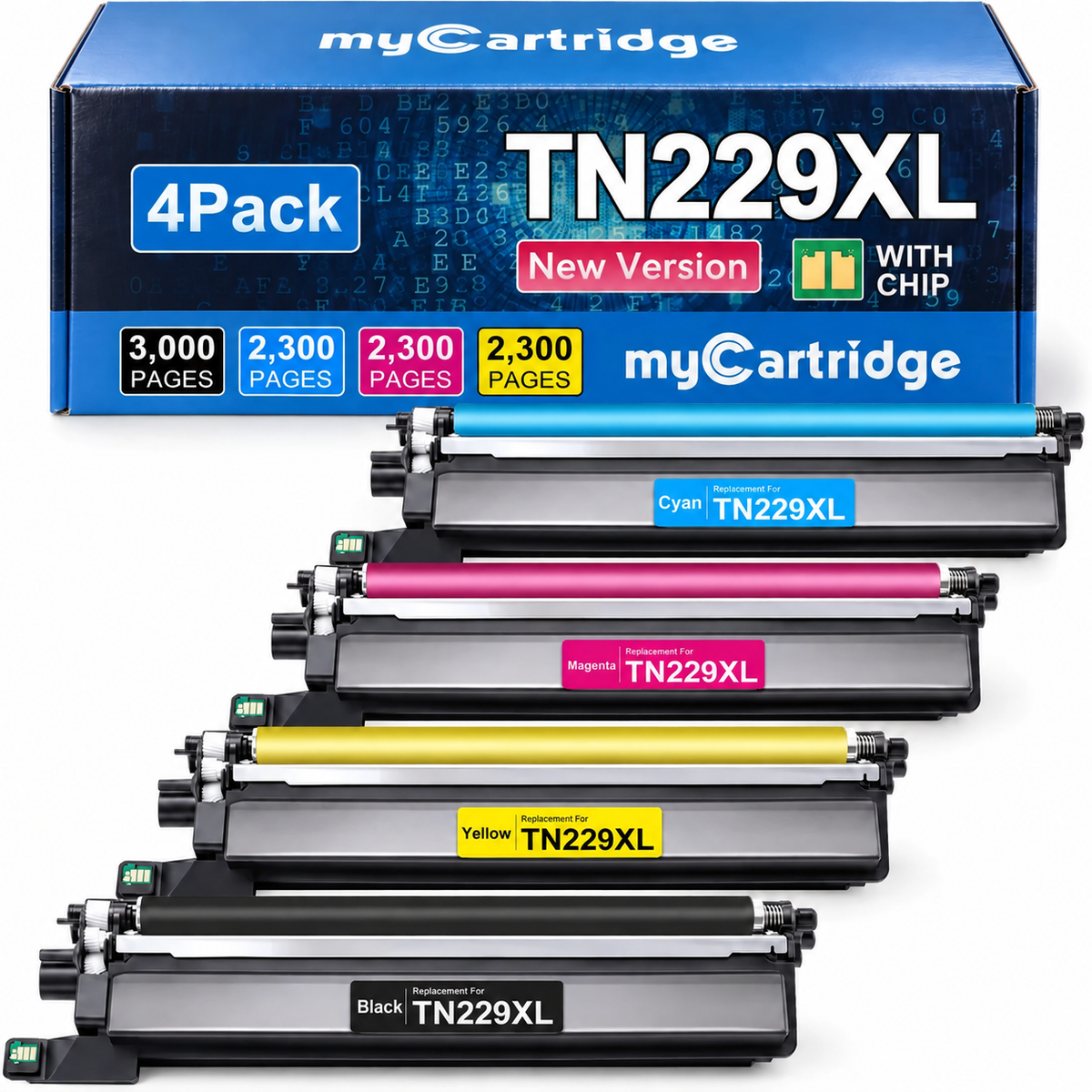

For MFC-L3780CDW, HL-L3280CDW, MFC-L3720CDW, MFC-L3765CDW, HL-L3220CDW, HL-L3295CDW, HL-L3300CDW, MFC-L8395CDW, HL-L8245CDW
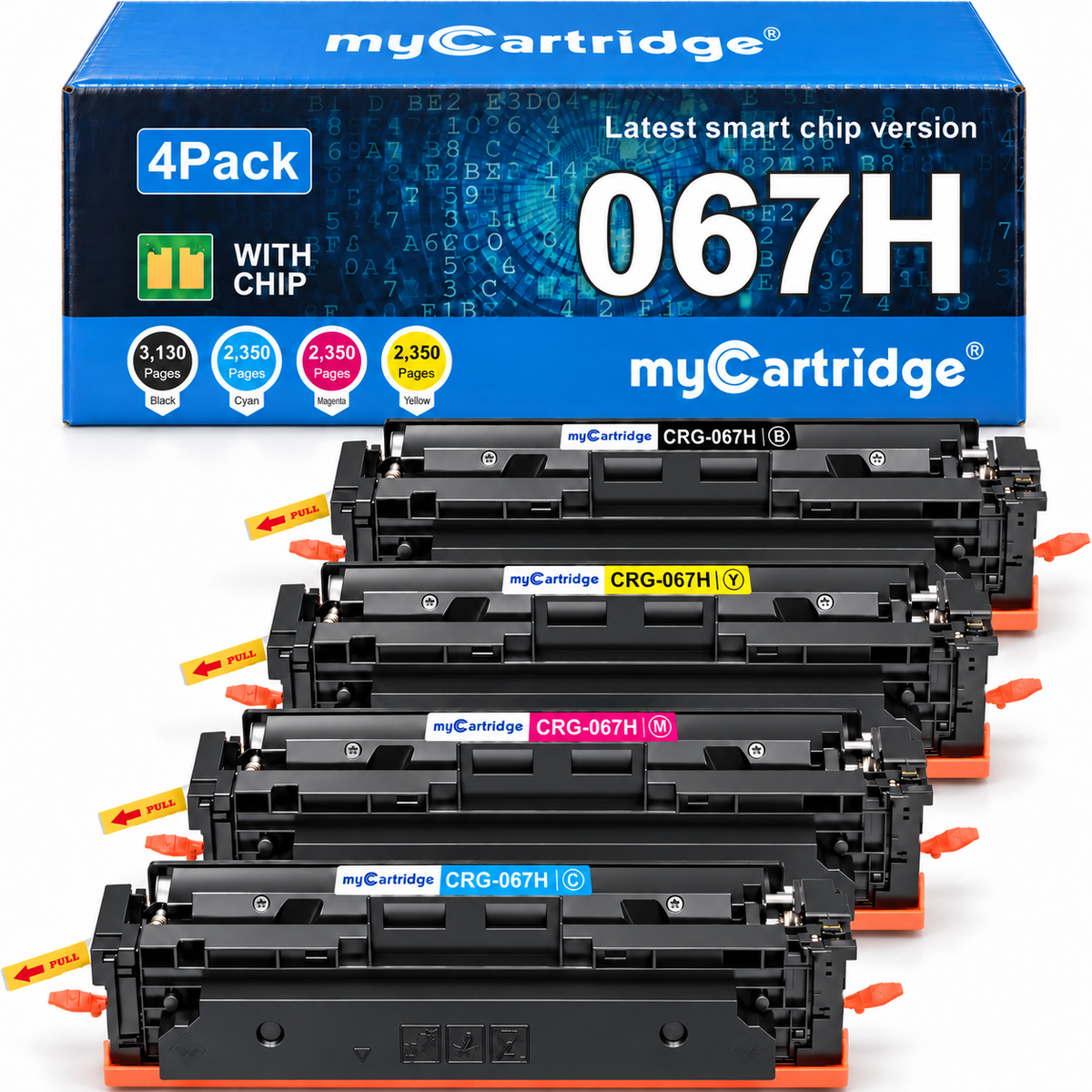
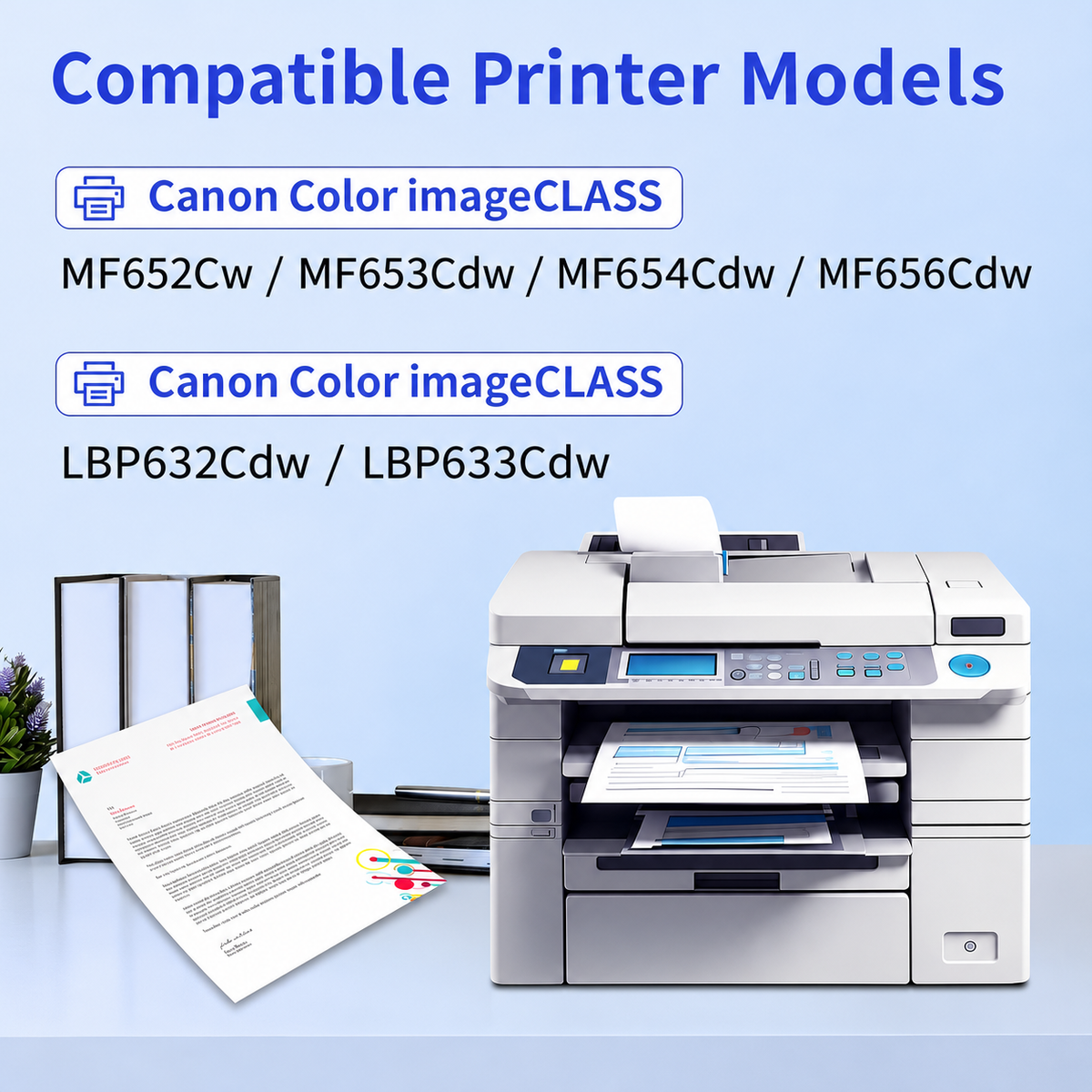
For Color imageCLASS LBP632Cdw, LBP633Cdw, MF652Cw, MF653Cdw, MF654Cdw, MF656Cdw
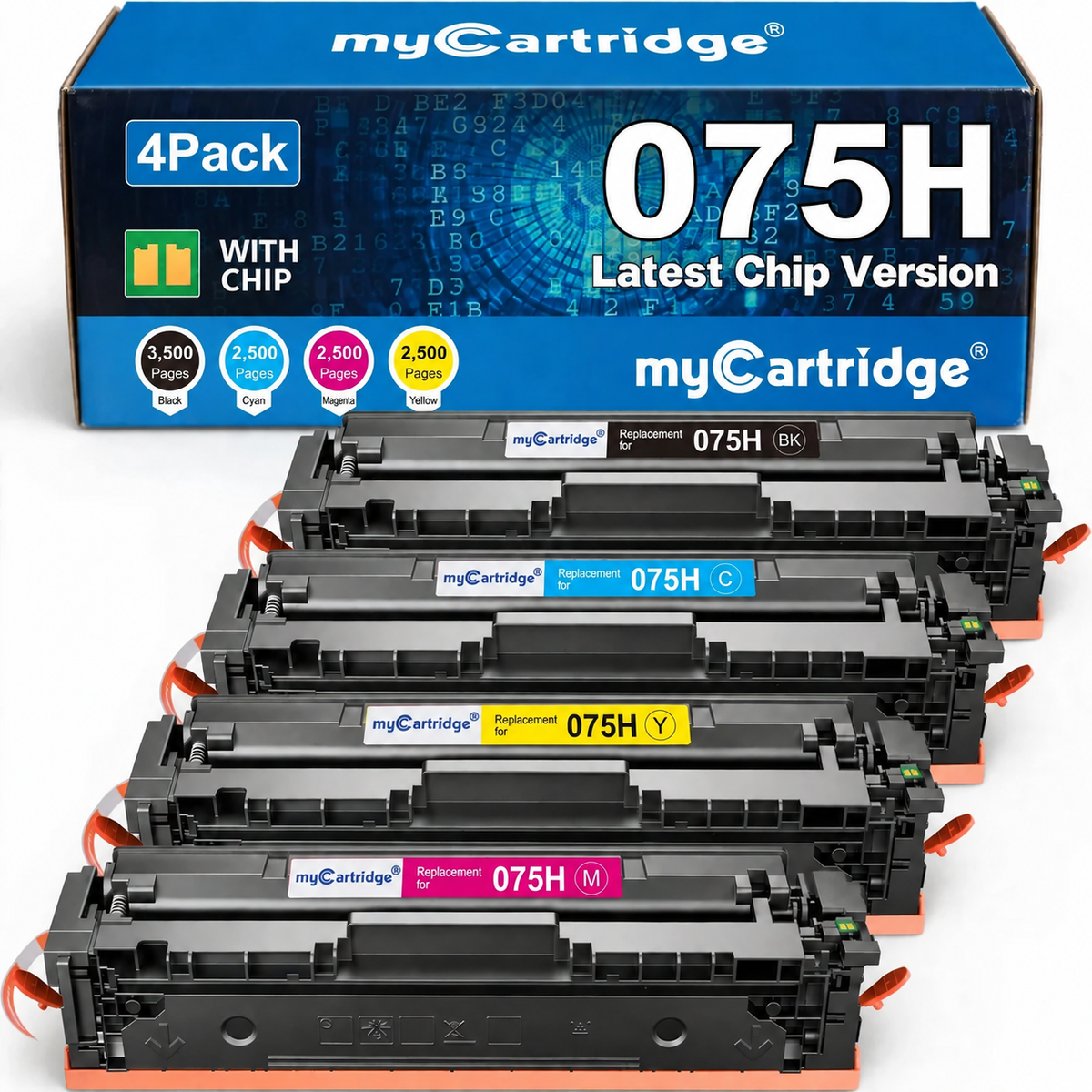
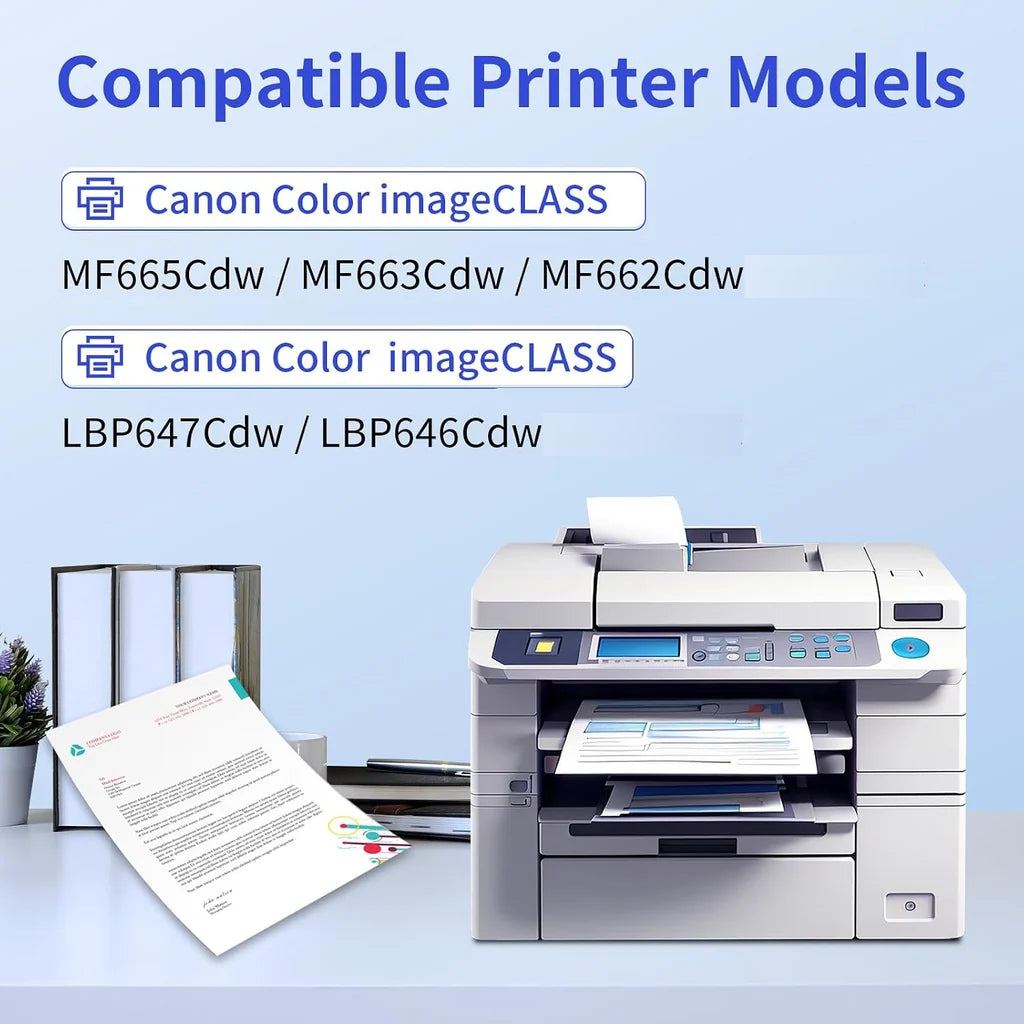
For Canon Color imageCLASS MF665Cdw, MF663Cdw, MF662Cdw, LBP647Cdw, LBP646Cdw
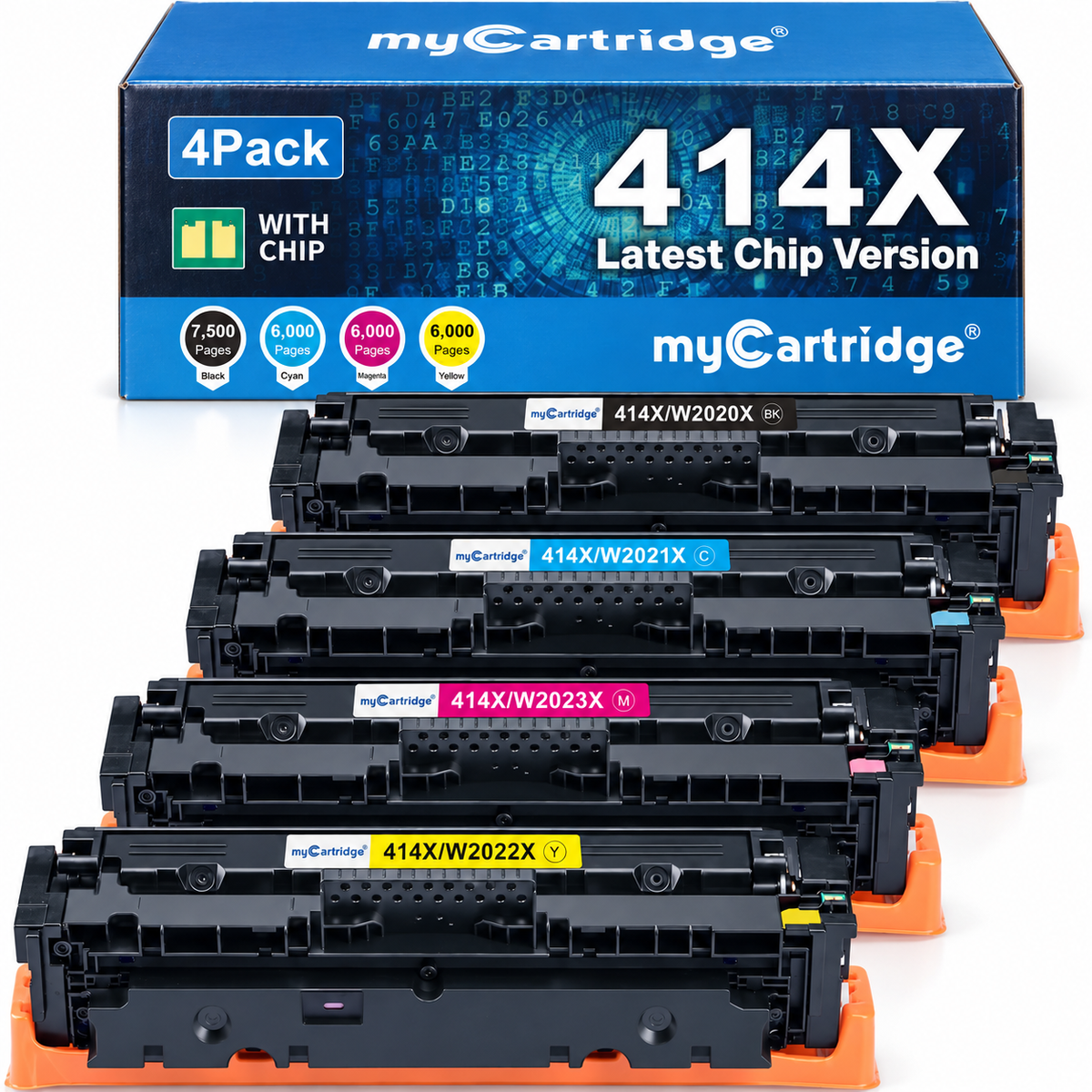
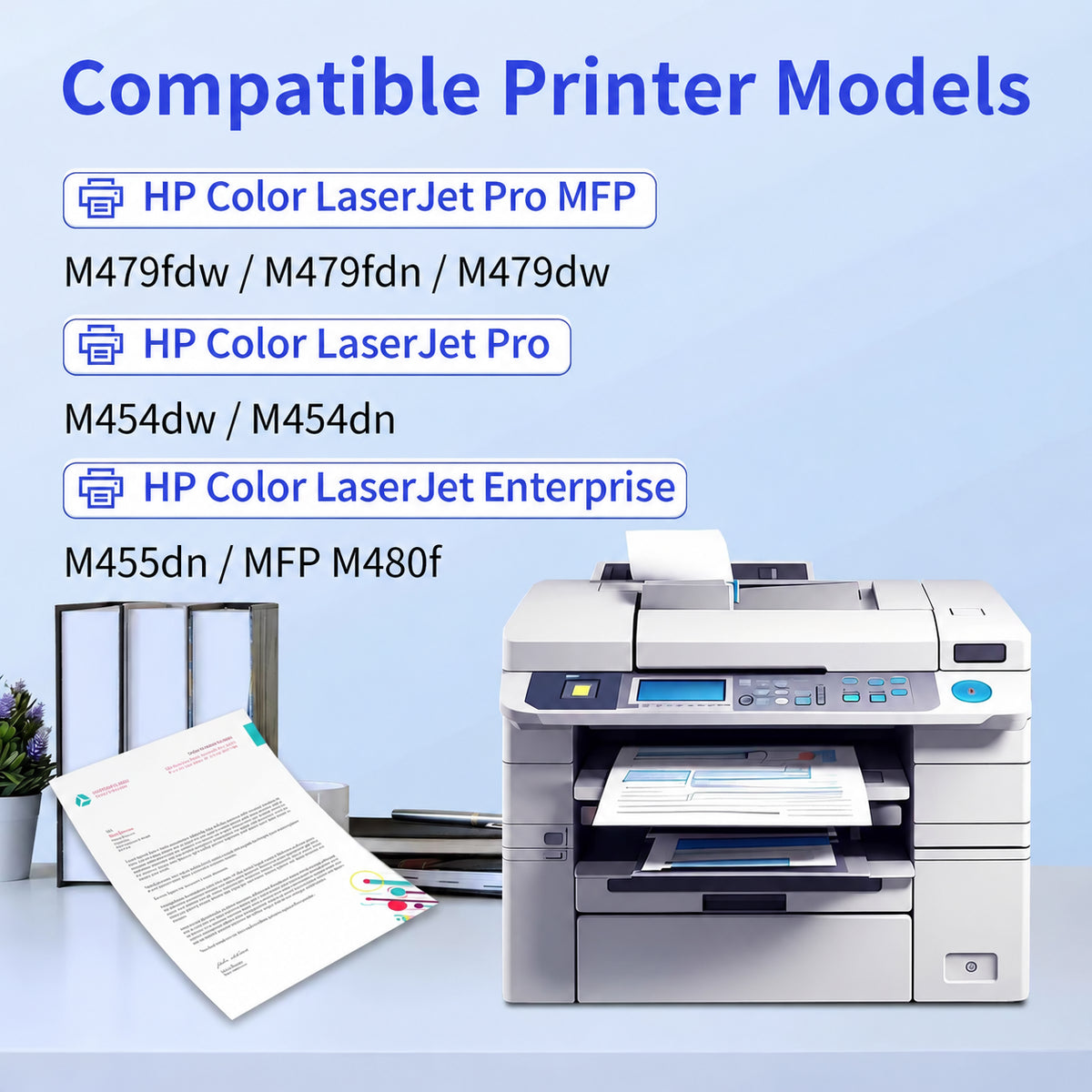
For HP Color LaserJet Pro M454dn, M454dw, MFP M479dw, M479fdn, M479fdw, Enterprise M455dn, MFP M480f
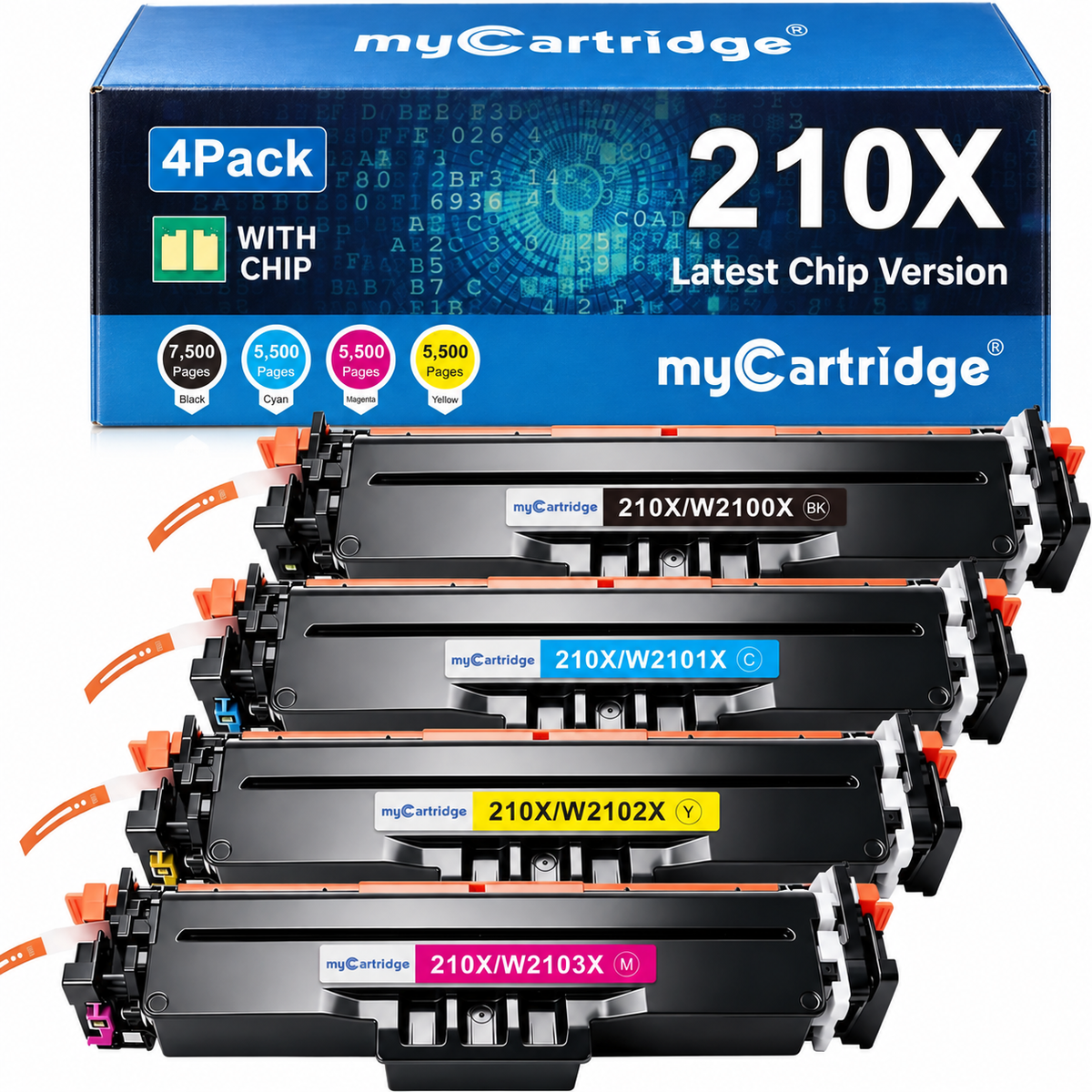
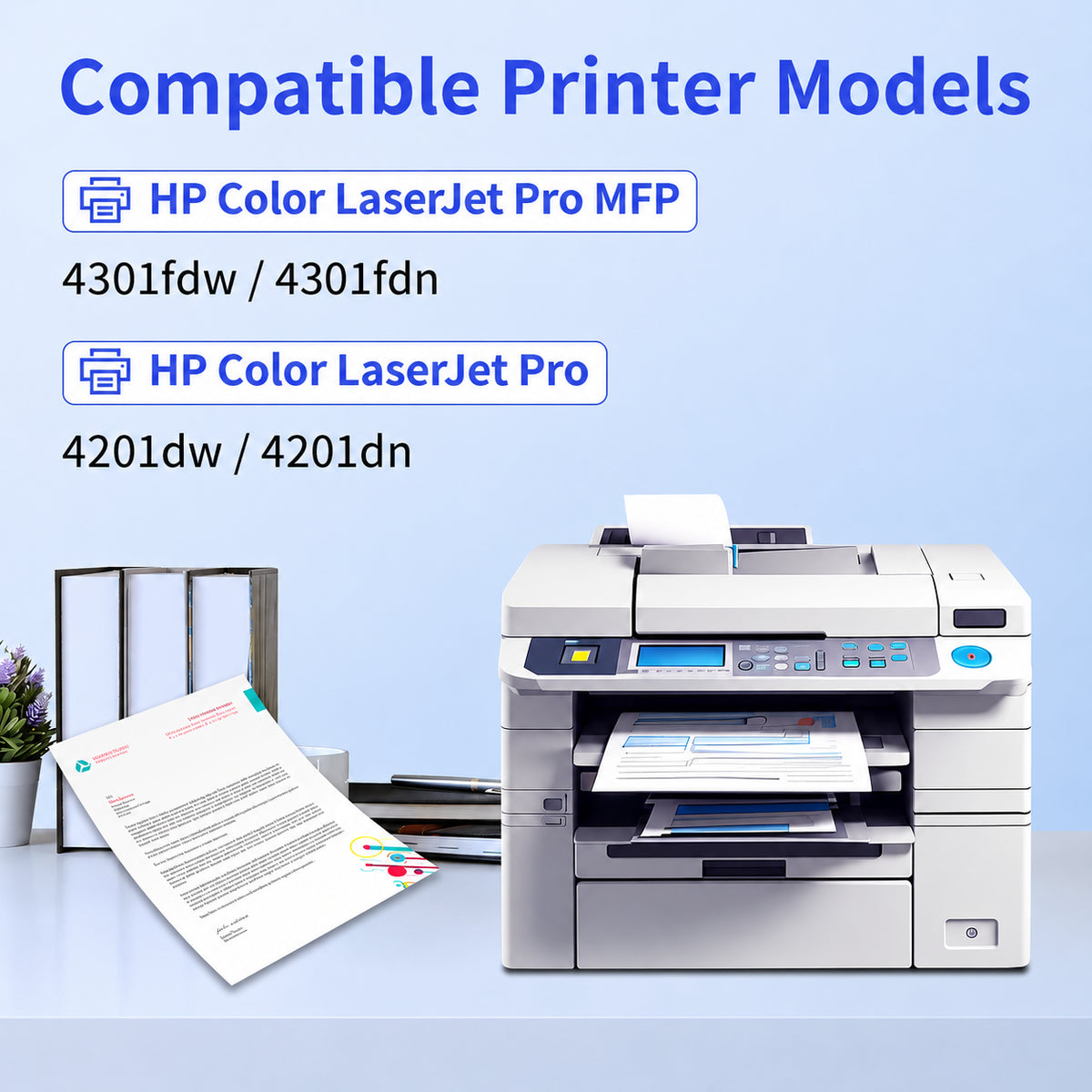
For HP Color LaserJet Pro 4201dw, 4201dn, MFP 4301fdw, MFP 4301fdn
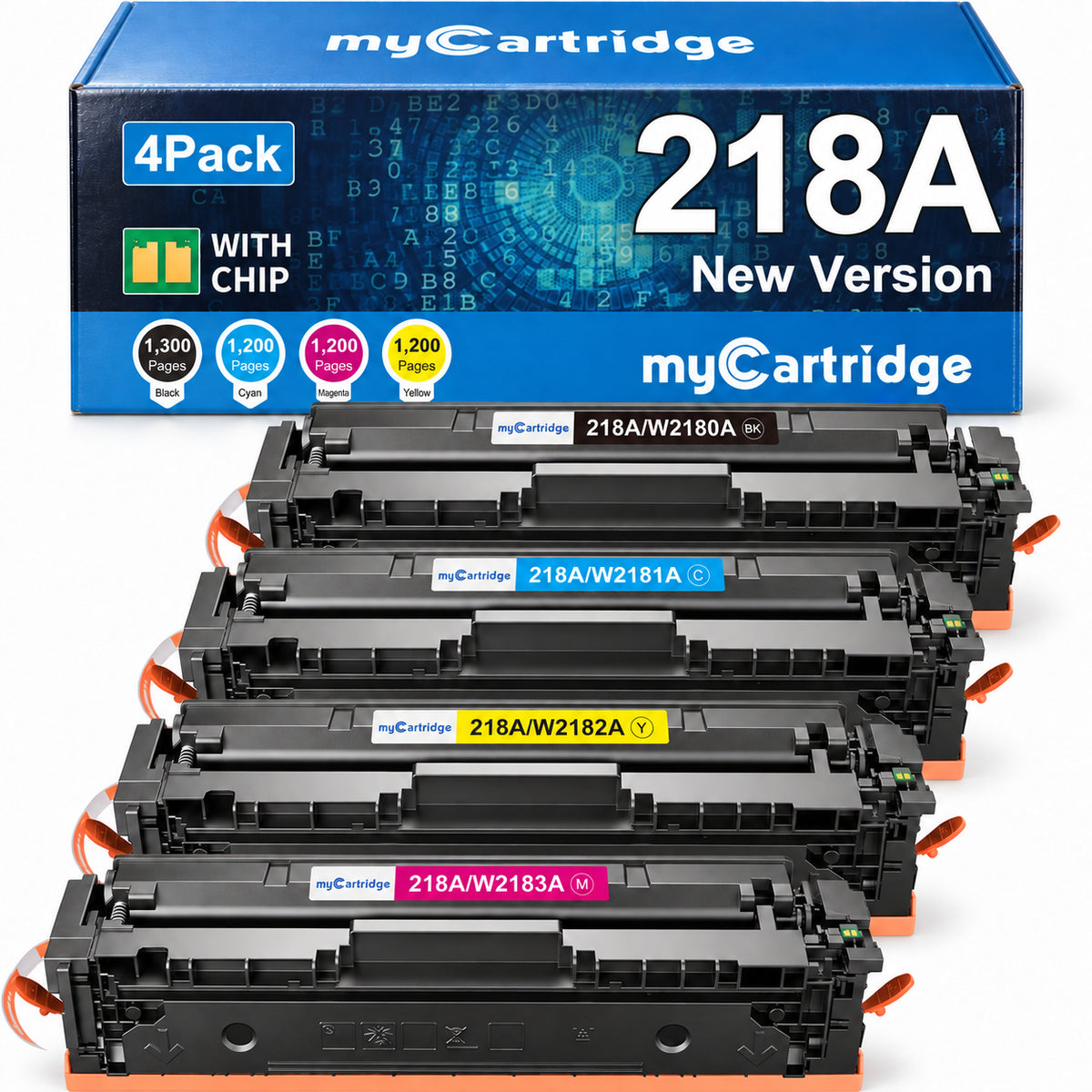

For HP Color LaserJet Pro 3201dw · MFP3301fdw · MFP3301cdw · MFP3301sdw
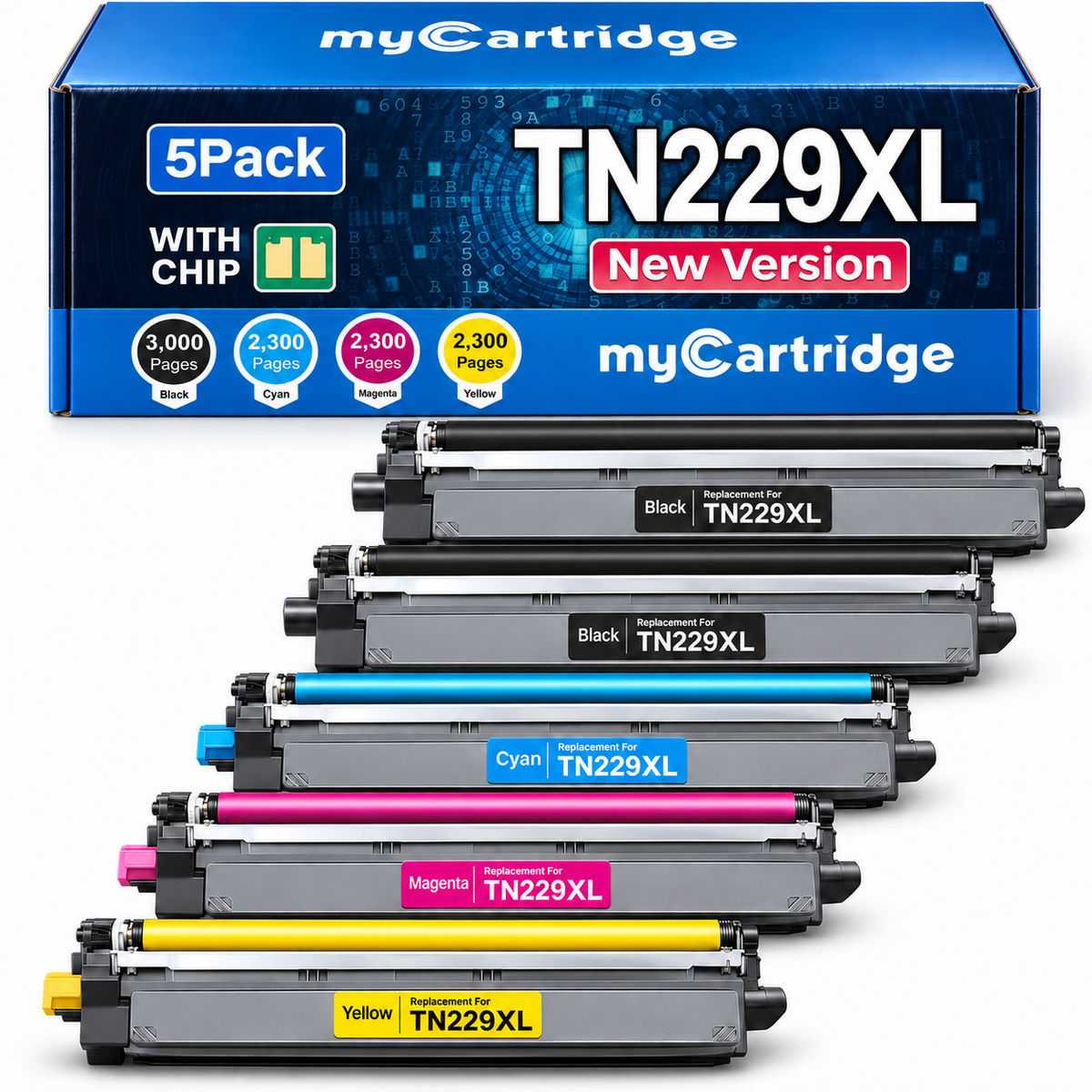

For HL-L3280CDW HL-L3295CDW MFC-L3780CDW MFC-L3720CDW
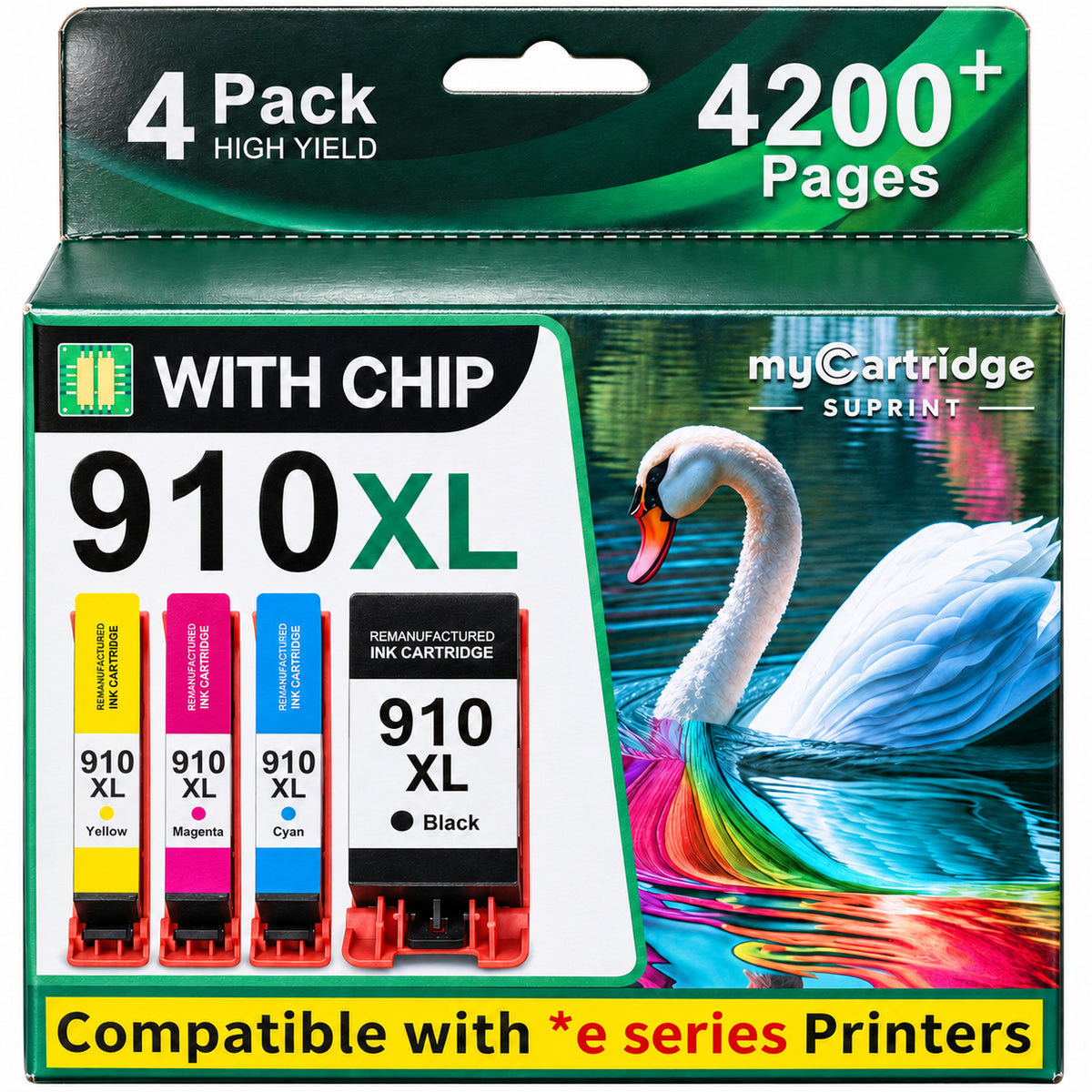
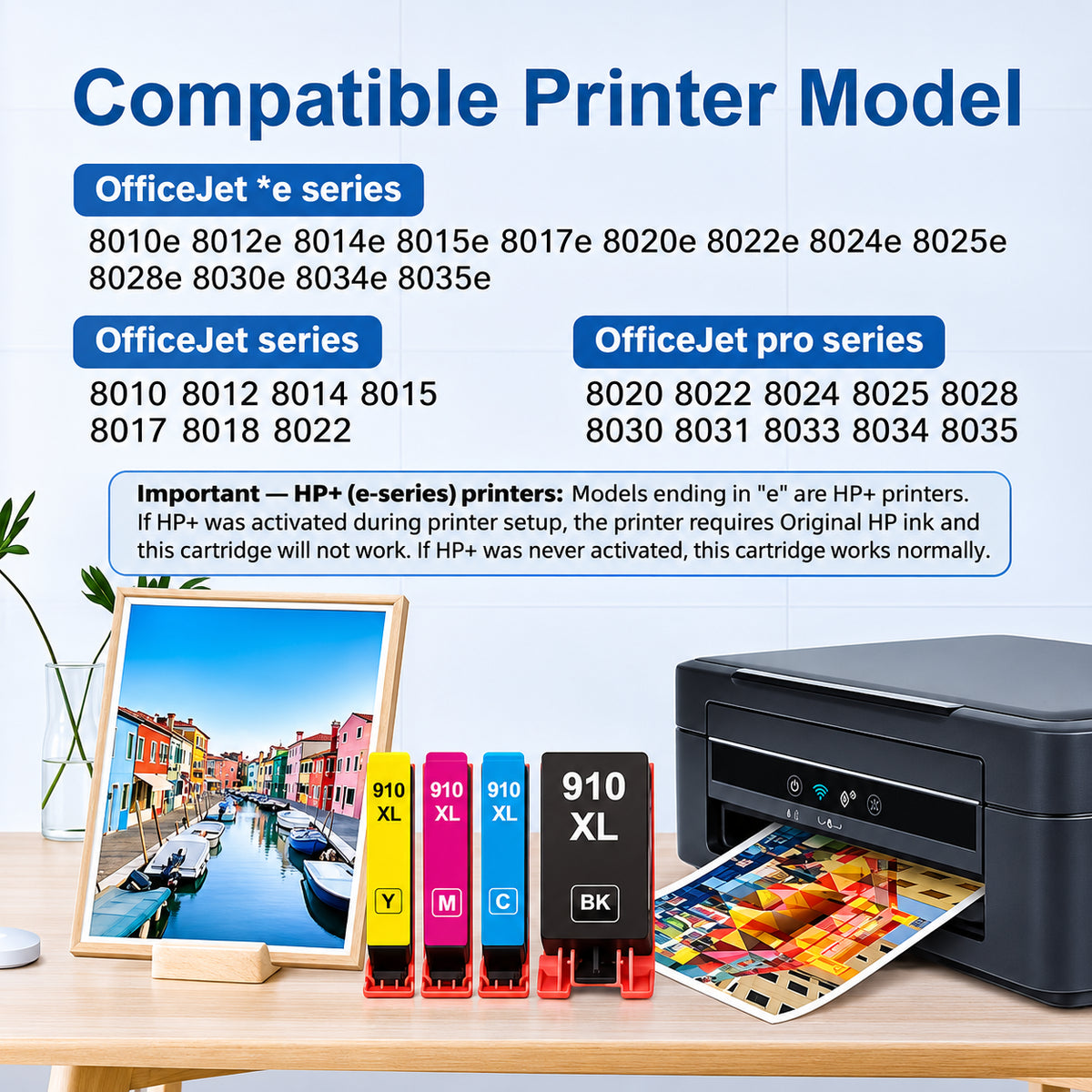
For OfficeJet 8010, OfficeJet Pro 8020, OfficeJet Pro 8030 Series
For HP Color LaserJet Pro MFP 3301cdw · High-Yield · Latest Chip Version
For HP Color LaserJet Pro MFP 3301fdw · High-Yield · Latest Chip Version
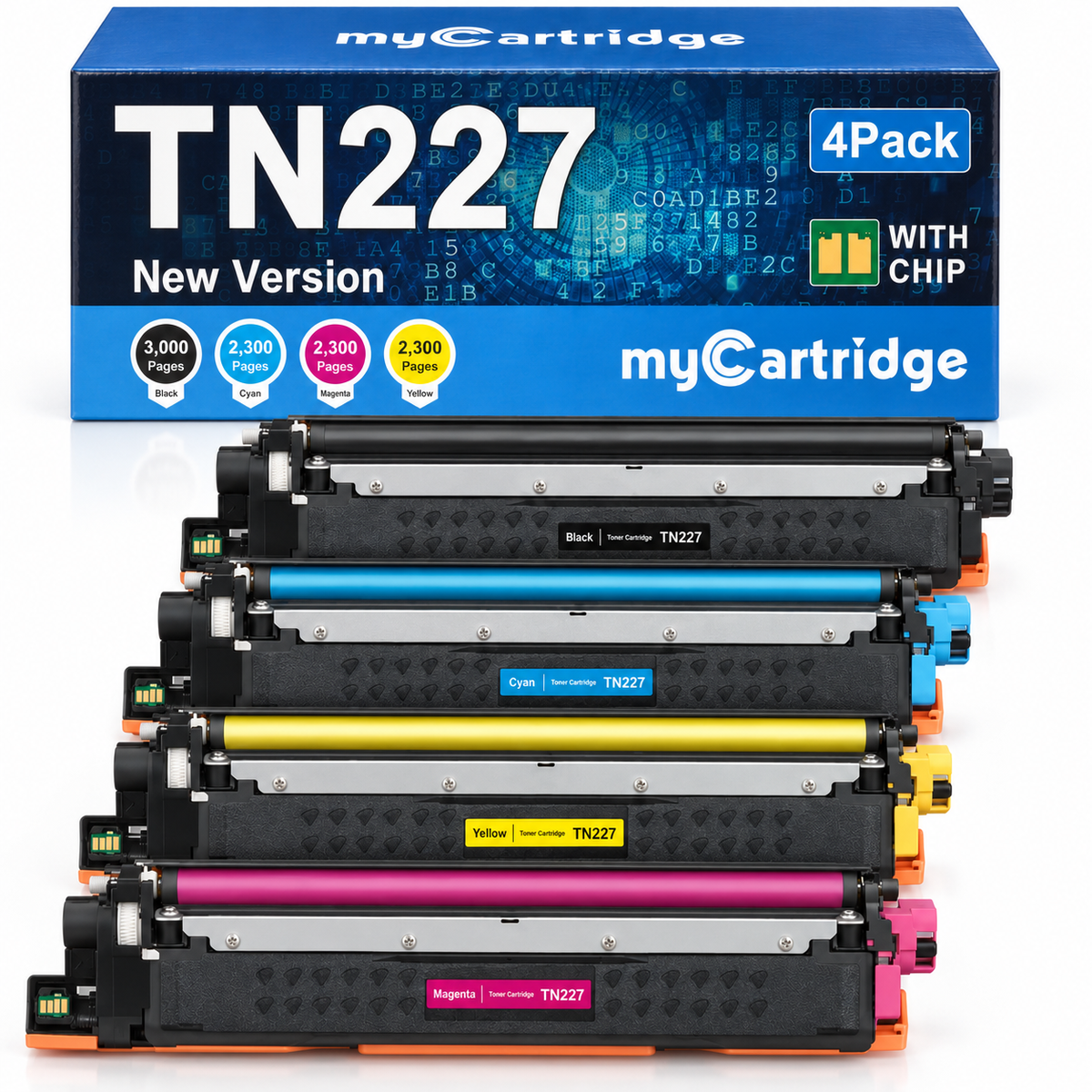
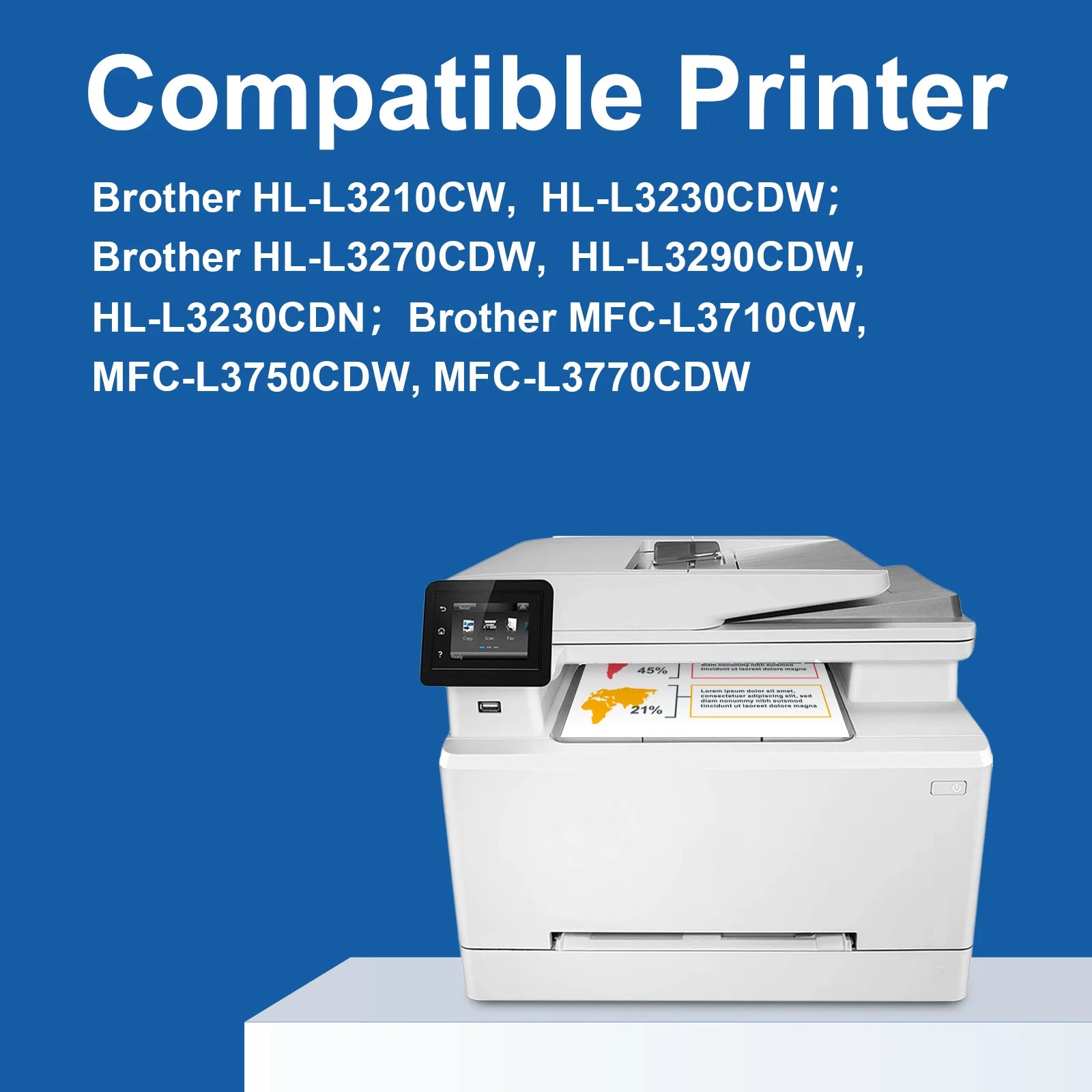
For HL-L3210CW, HL-L3230CDW, HL-L3270CDW, HL-L3290CDW, MFC-L3710CW, MFC-L3750CDW, MFC-L3770CDW


For OfficeJet Pro 8710 8720 8730 8740 7740 7720
For HP Color LaserJet Pro MFP M479fdw · High Yield Value ·Pre-Installed Smart Chips
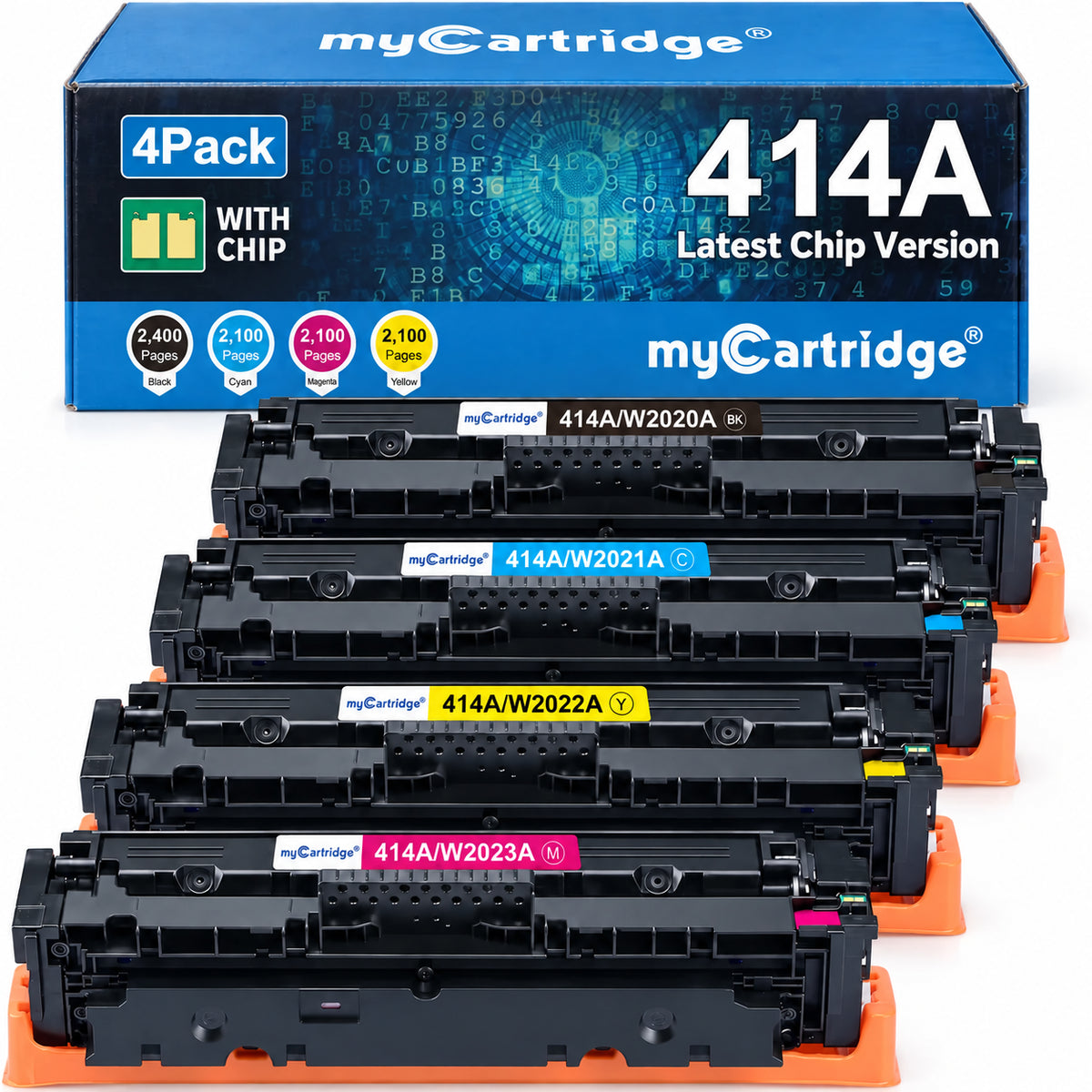
For HP Color LaserJet Pro M454dn · M454dw · MFP M479dw · M479fdn · M479fdw · Enterprise M455dn · MFP M480f
For HP Color LaserJet Pro MFP M283fdw · High-Yield · Latest Chip Version

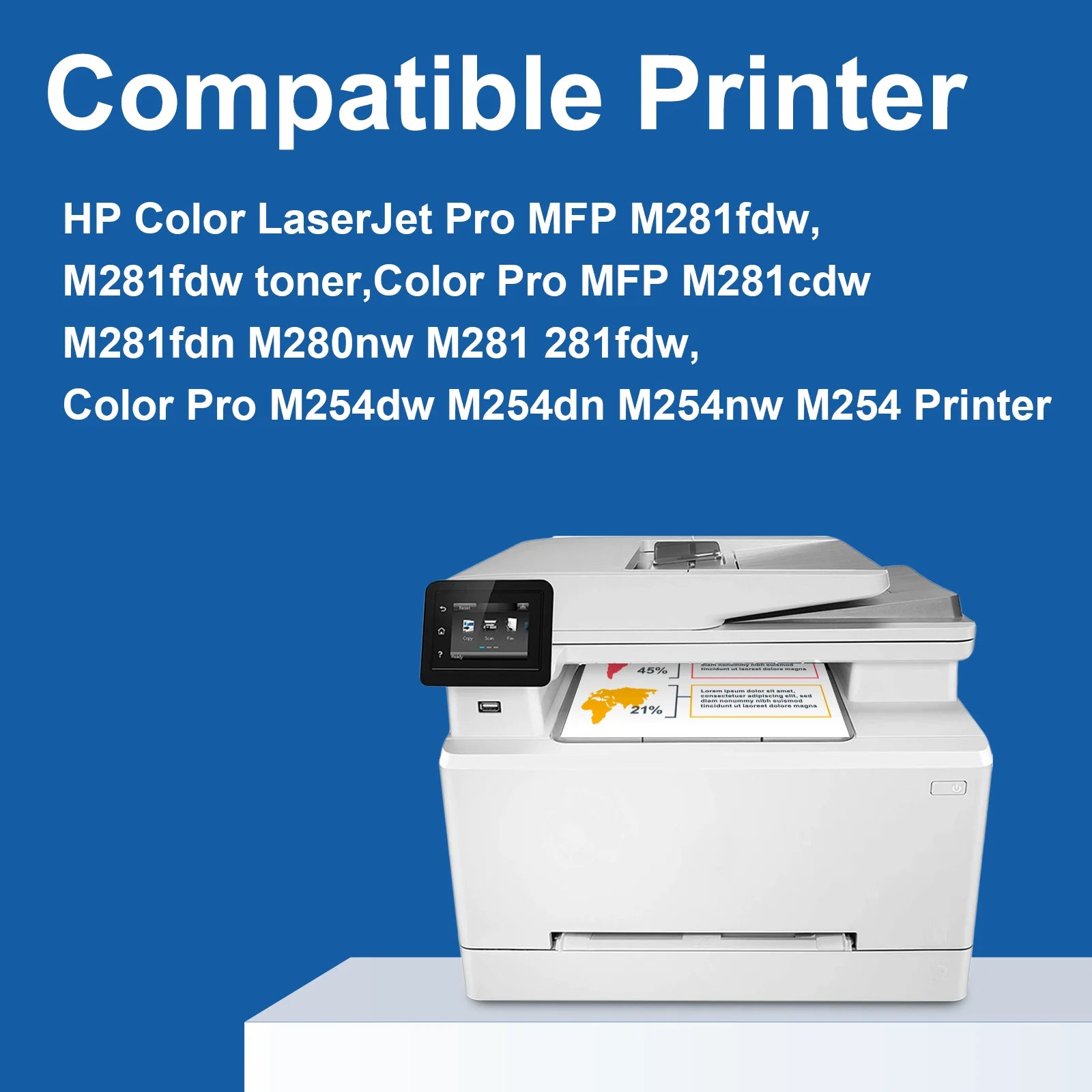
For Color LaserJet Pro M254dn, M254dw, M254nw, MFP M280nw, M281fdn, M281fdw, M281cdw
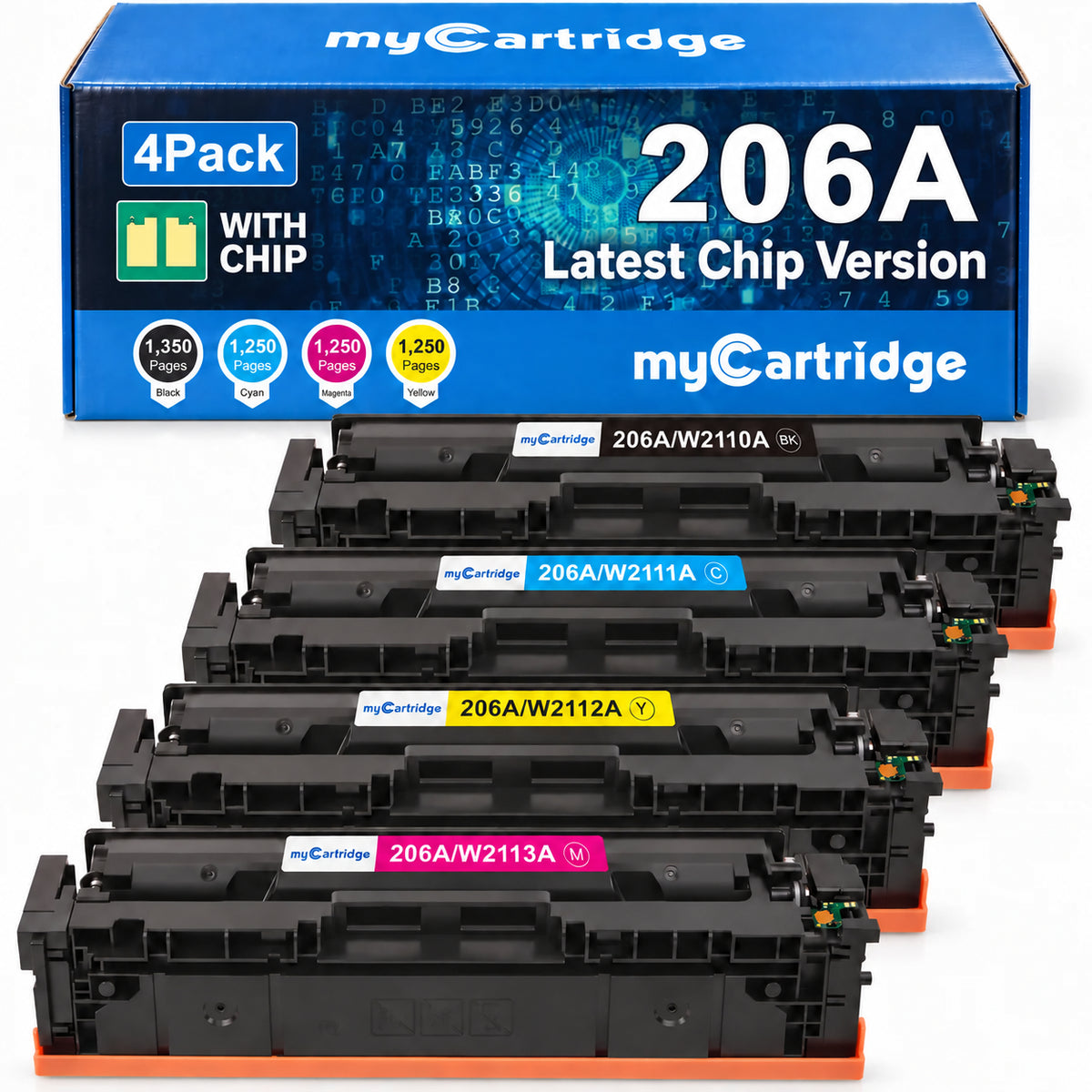
For HP Color LaserJet Pro M255dw · M255nw · MFP M283fdw · MFP M283cdw · MFP M282nw · MFP M283fdn
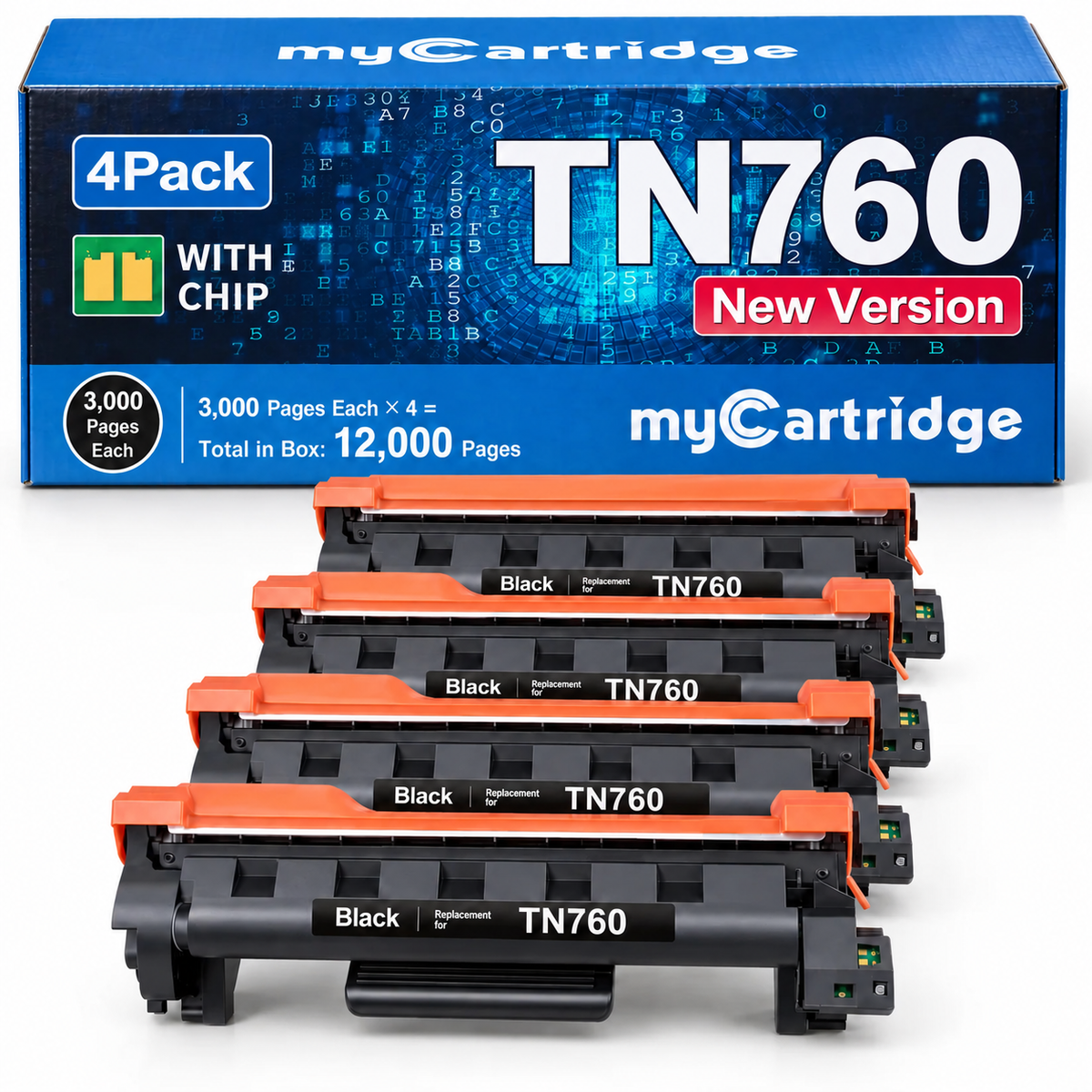

For HL-L2350DW, HL-L2370DW, HL-L2370DW XL, HL-L2390DW, HL-L2395DW, DCP-L2550DW, MFC-L2690DW, MFC-L2710DW, MFC-L2717DW, MFC-L2730DW, MFC-L2750DW, MFC-L2750DW XL


For HL-L2350DW, HL-L2370DW, HL-L2370DW XL, HL-L2390DW, HL-L2395DW, DCP-L2550DW, MFC-L2690DW, MFC-L2710DW, MFC-L2717DW, MFC-L2730DW, MFC-L2750DW, MFC-L2750DW XL
For HP Color LaserJet Pro MFP 3301sdw · High-Yield · Latest Chip Version

For HP Color LaserJet Pro 4201dw · 4201dn · MFP 4301fdw · MFP 4301fdn


For HL-L2405W, HL-L2420DW, HL-L2460DW, HL-L2480DW, HL-L2865DW, DCP-L2640DW, MFC-L2820DW, MFC-L2900DW
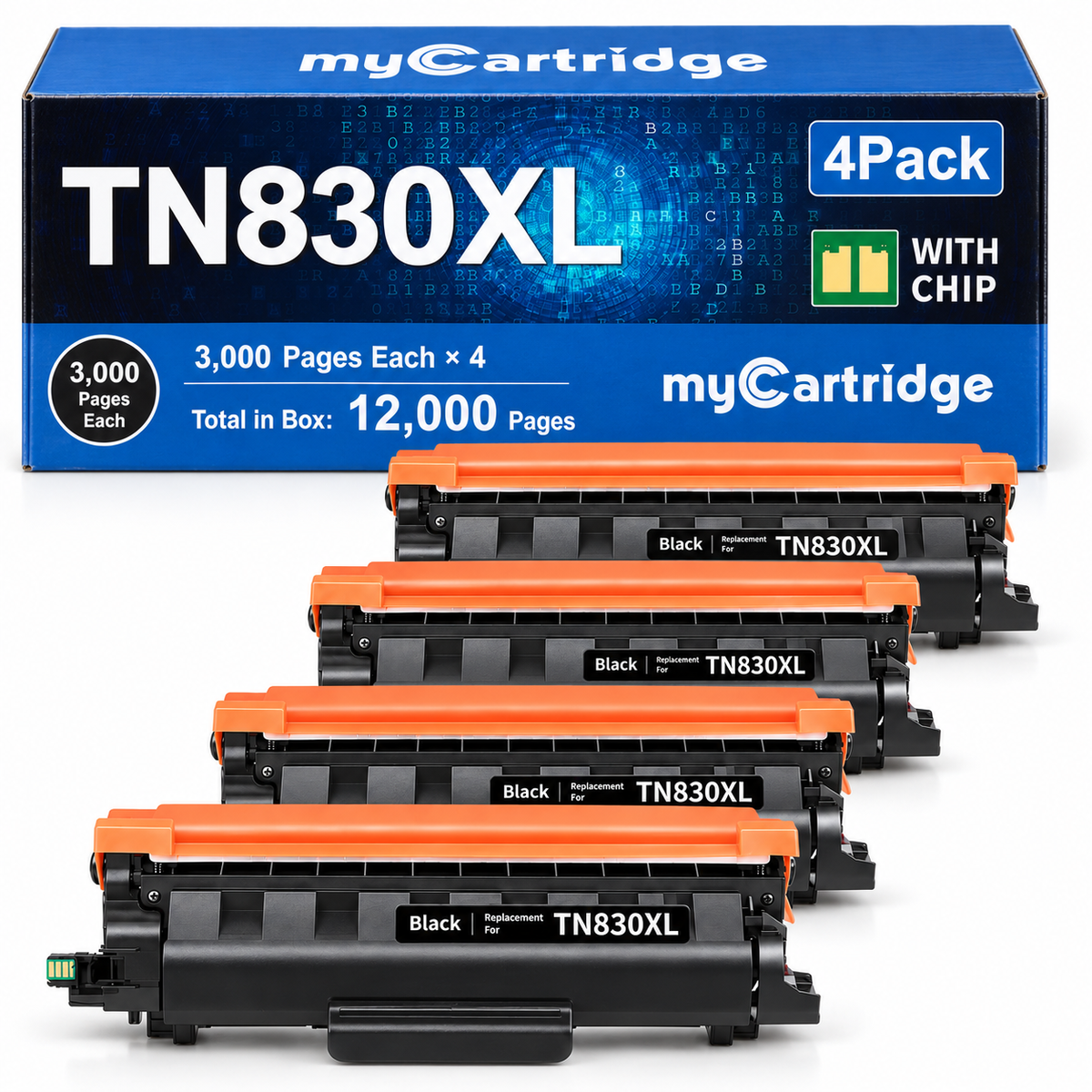
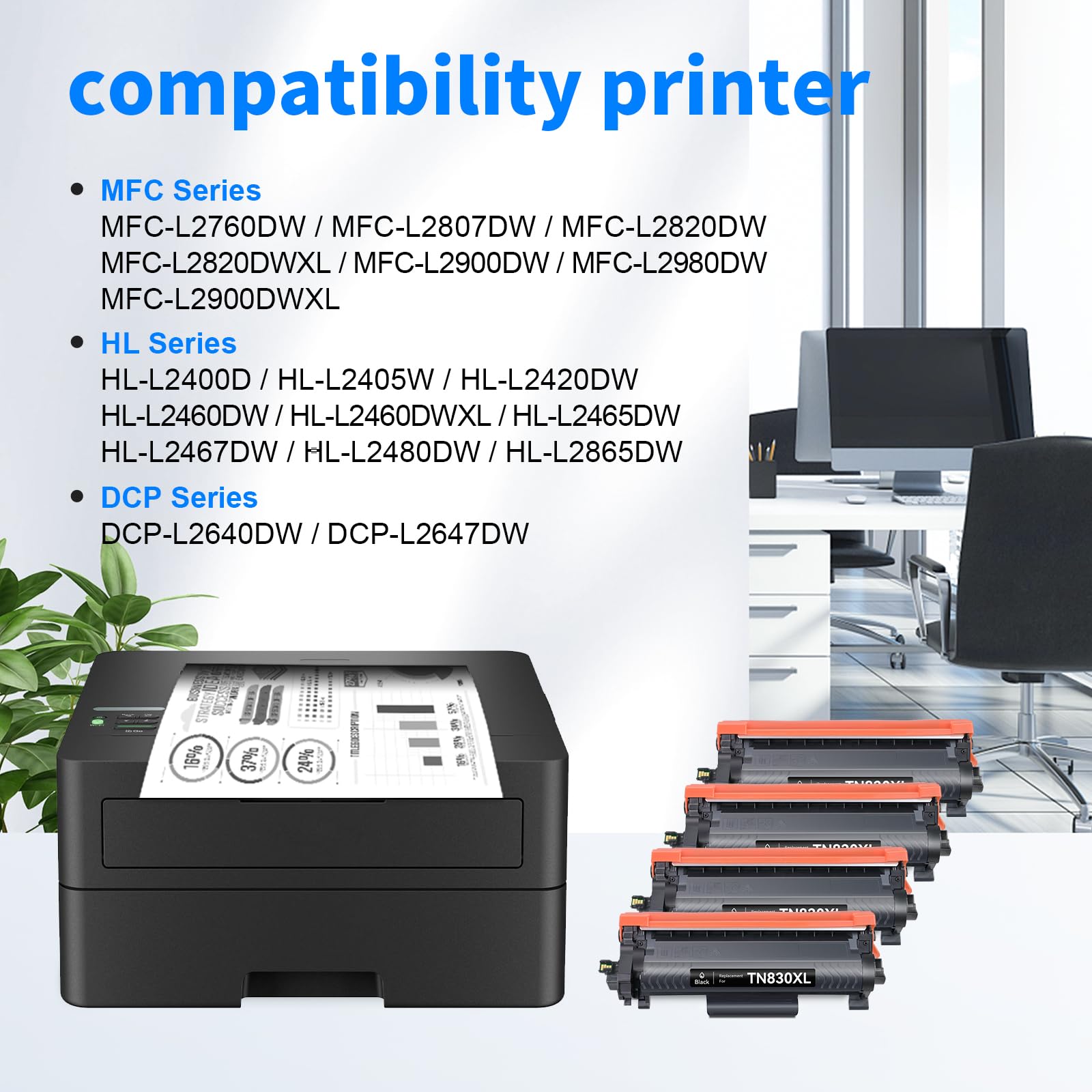
For HL-L2405W, HL-L2420DW, HL-L2460DW, HL-L2480DW, HL-L2865DW, DCP-L2640DW, MFC-L2820DW, MFC-L2900DW
For HP Color LaserJet Pro M255dw · High-Yield · Latest Chip Version

For HP Color LaserJet Pro MFP 4301fdw · High-Yield · Latest Chip Version
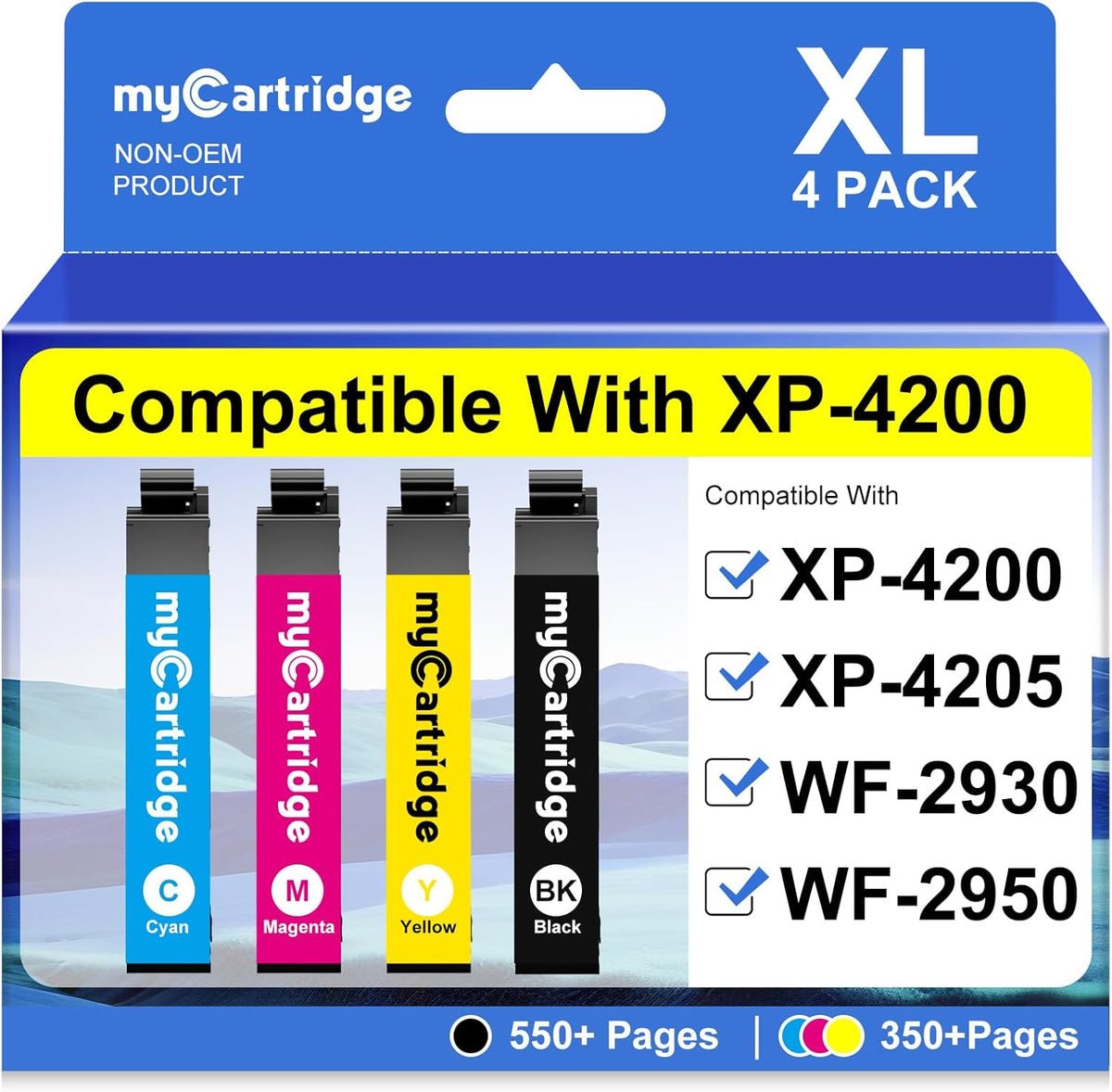
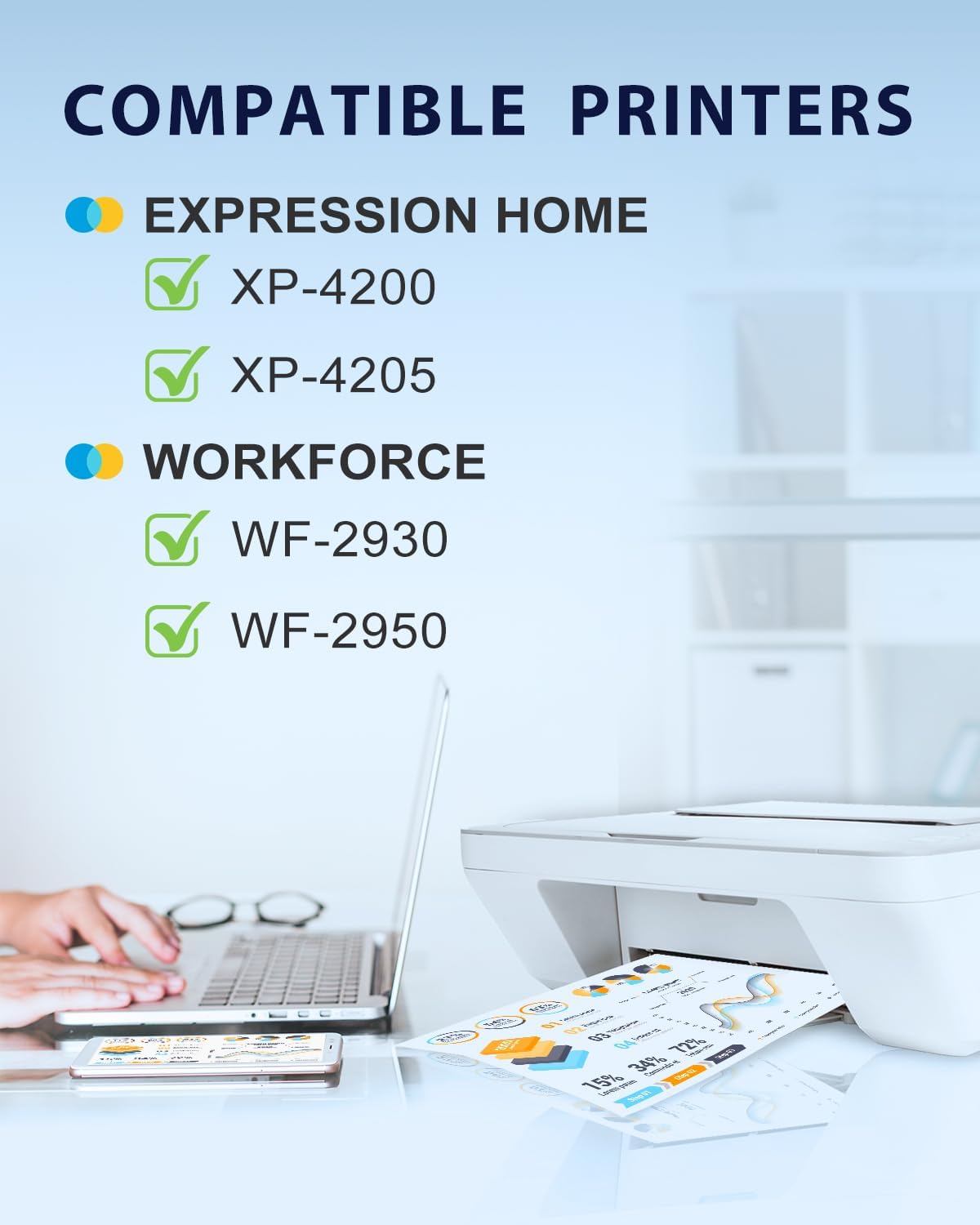
For XP-4200 XP-4205 WF-2930 WF-2950


For Brother HL-L3280CDW · TN229XL High-Yield · Latest Chip Version


For ENVY 5540/5640/5660/7640, OfficeJet 200/250/5740/8040


For Envy Photo 7855 7858 7155 7158 7900 7800 6255 6258
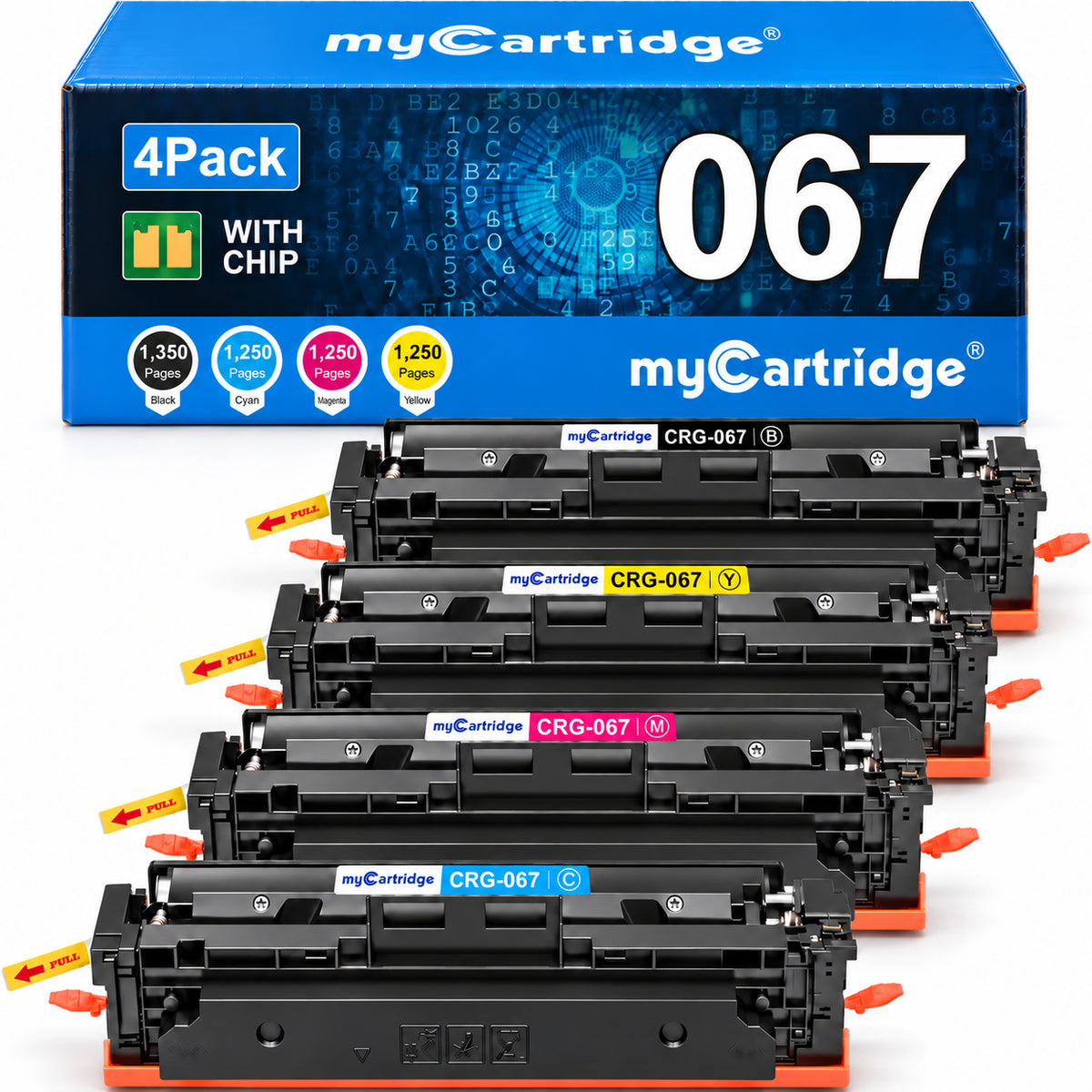
For LBP632Cdw, LBP633Cdw, MF652Cw, MF653Cdw, MF654Cdw, MF656Cdw
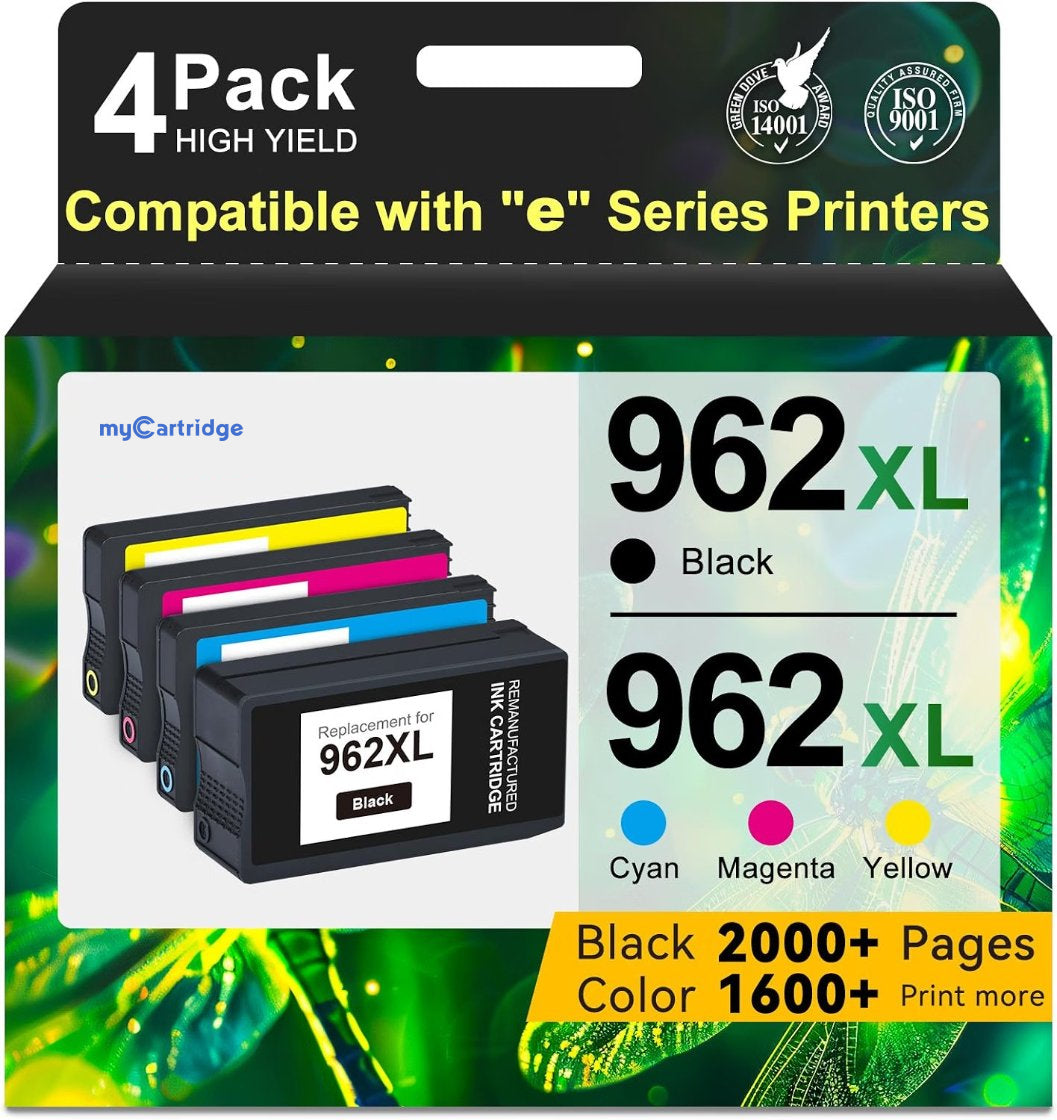
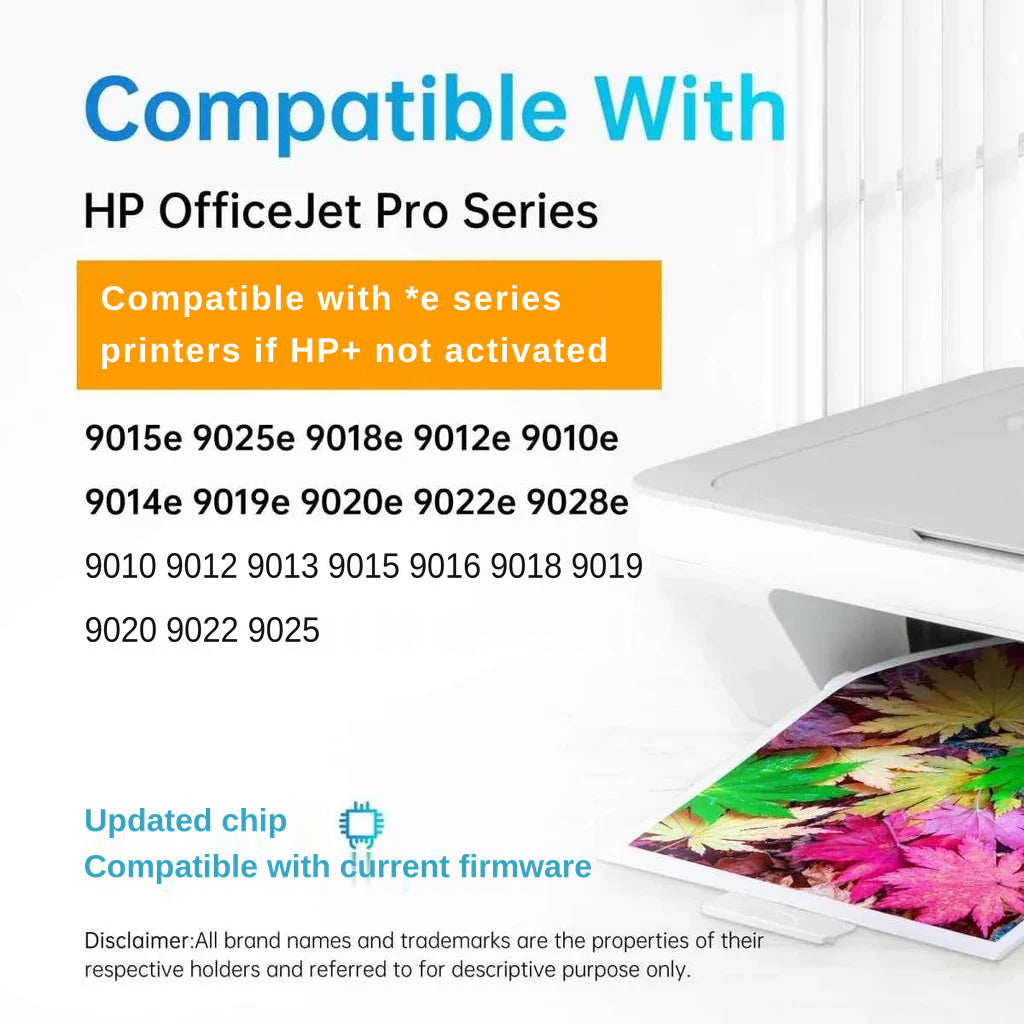
For OfficeJet Pro 9010 9010e 9012 9012e 9013 9014e 9015 9015e 9016 9018 9018e 9019 9019e 9020 9020e 9022 9022e 9025 9025e 9028e


For HP Color LaserJet Pro 4201dw · 4201dn · MFP 4301fdw · MFP 4301fdn · High Yield


For HL-L3220CDW, HL-L3280CDW, HL-L3295CDW, HL-L3300CDW, HL-L8245CDW, MFC-L3720CDW, MFC-L3765CDW, MFC-L3780CDW, MFC-L8395CDW

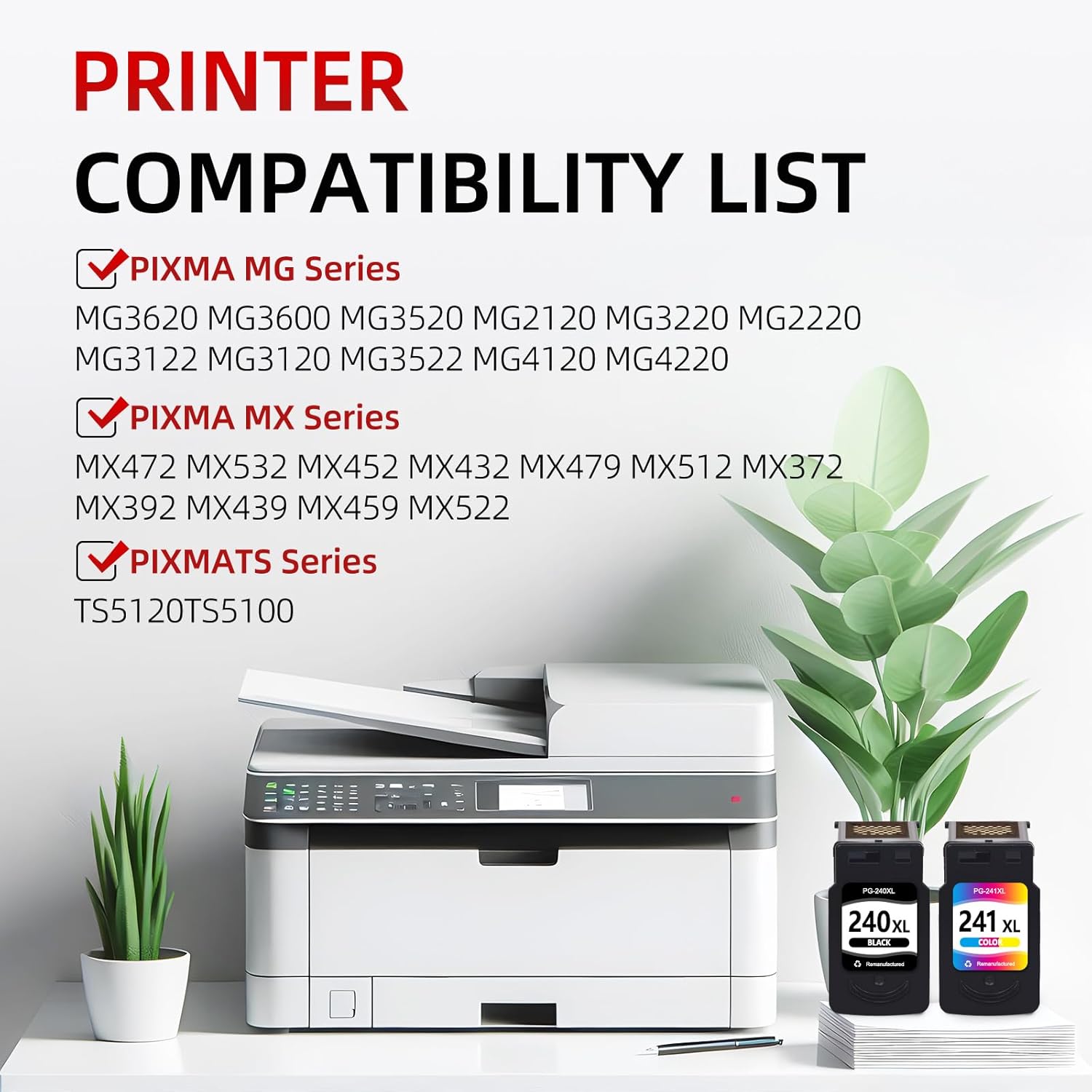
For MG3620 MG3600 TS5120 MG3520 MG2120 MX472

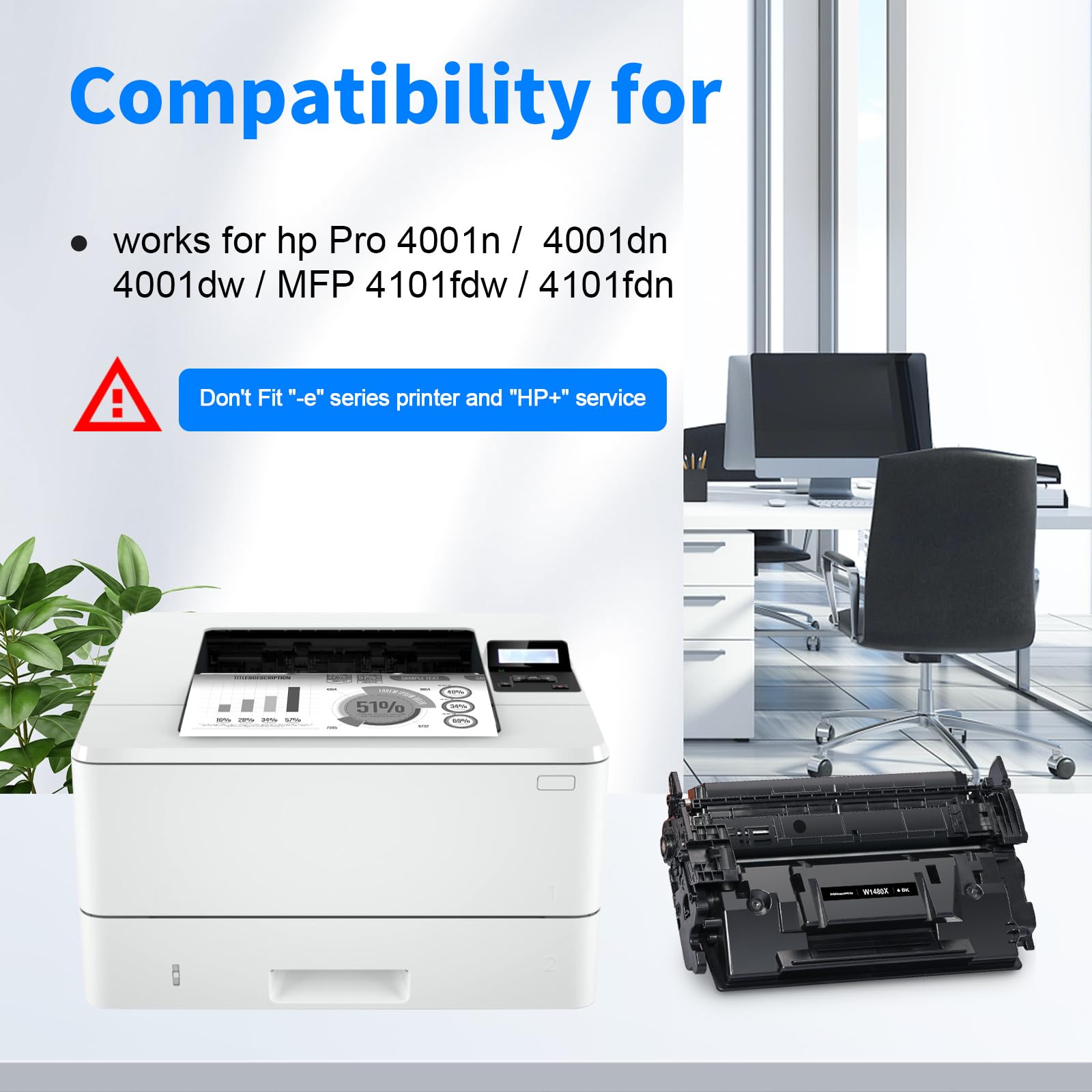
For Laser Pro 4001dw 4001dn 4001n 4001dwe 4001ne MFP 4101fdw 4101fdn 4101fdne 4101fdwe
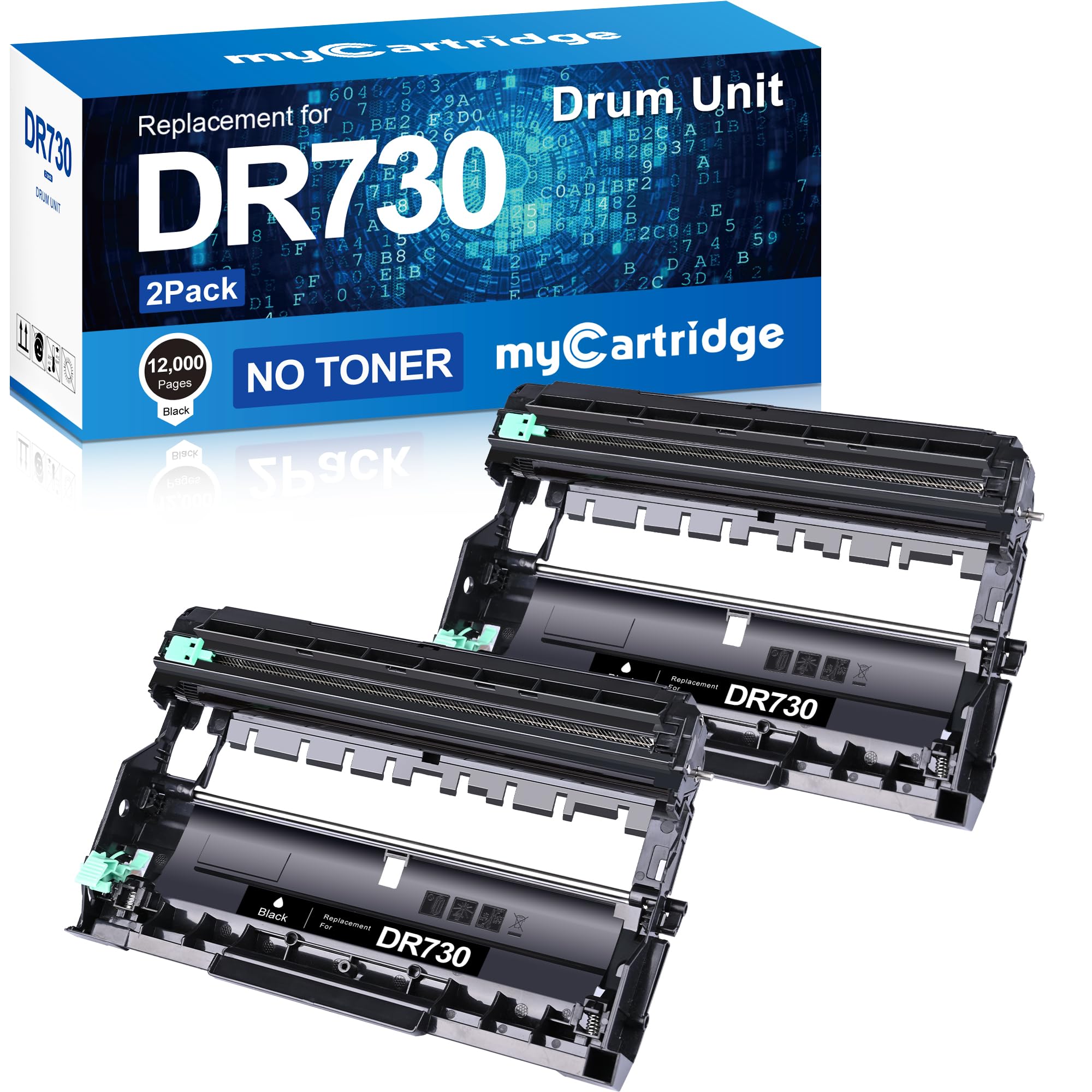
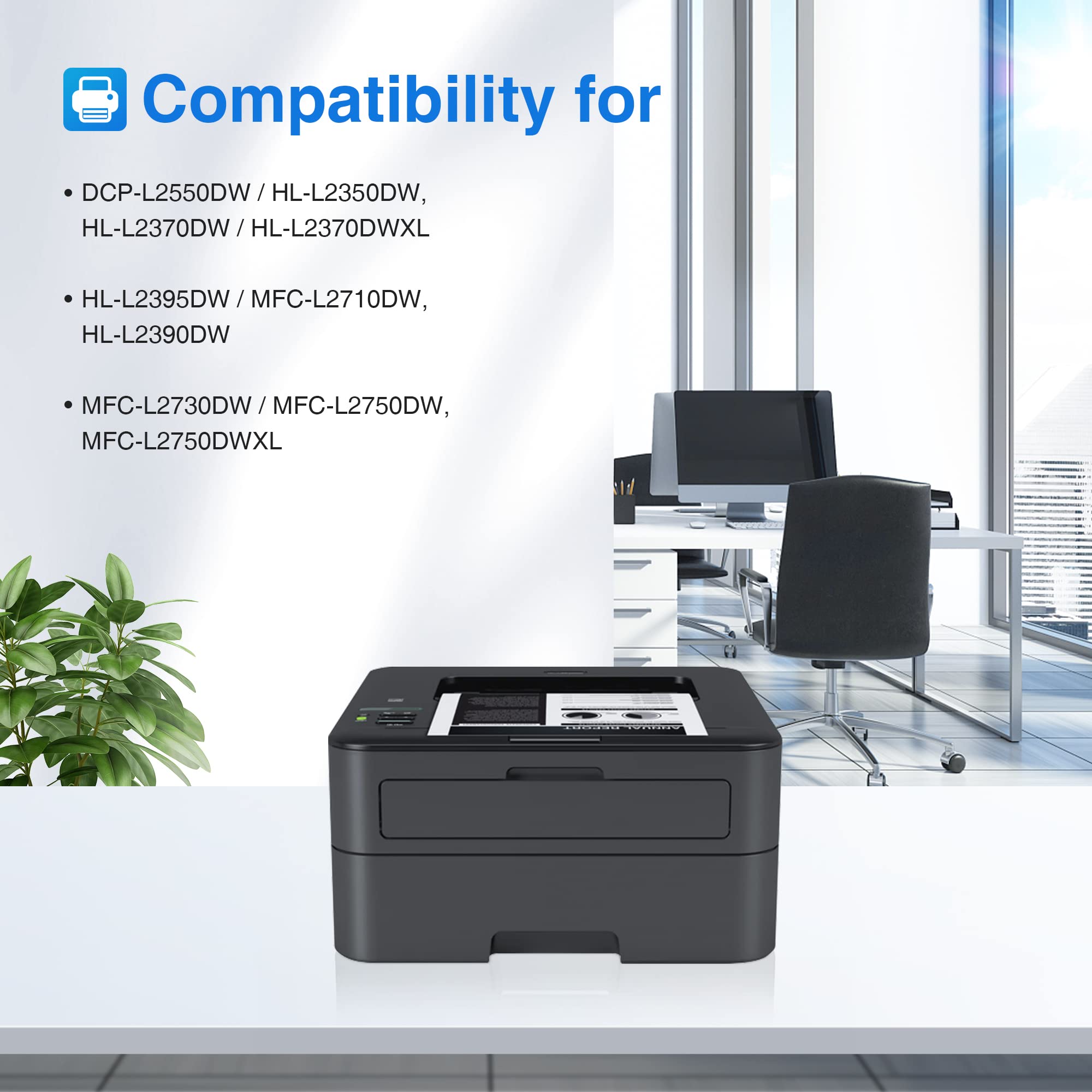
For HL-L2350DW L2370DW L2390DW L2395DW MFC-L2710DW L2730DW L2750DW DCP-L2550DW · 12,000 page No Toner
For Brother MFC-L3780CDW · TN229XL High-Yield · Latest Chip Version
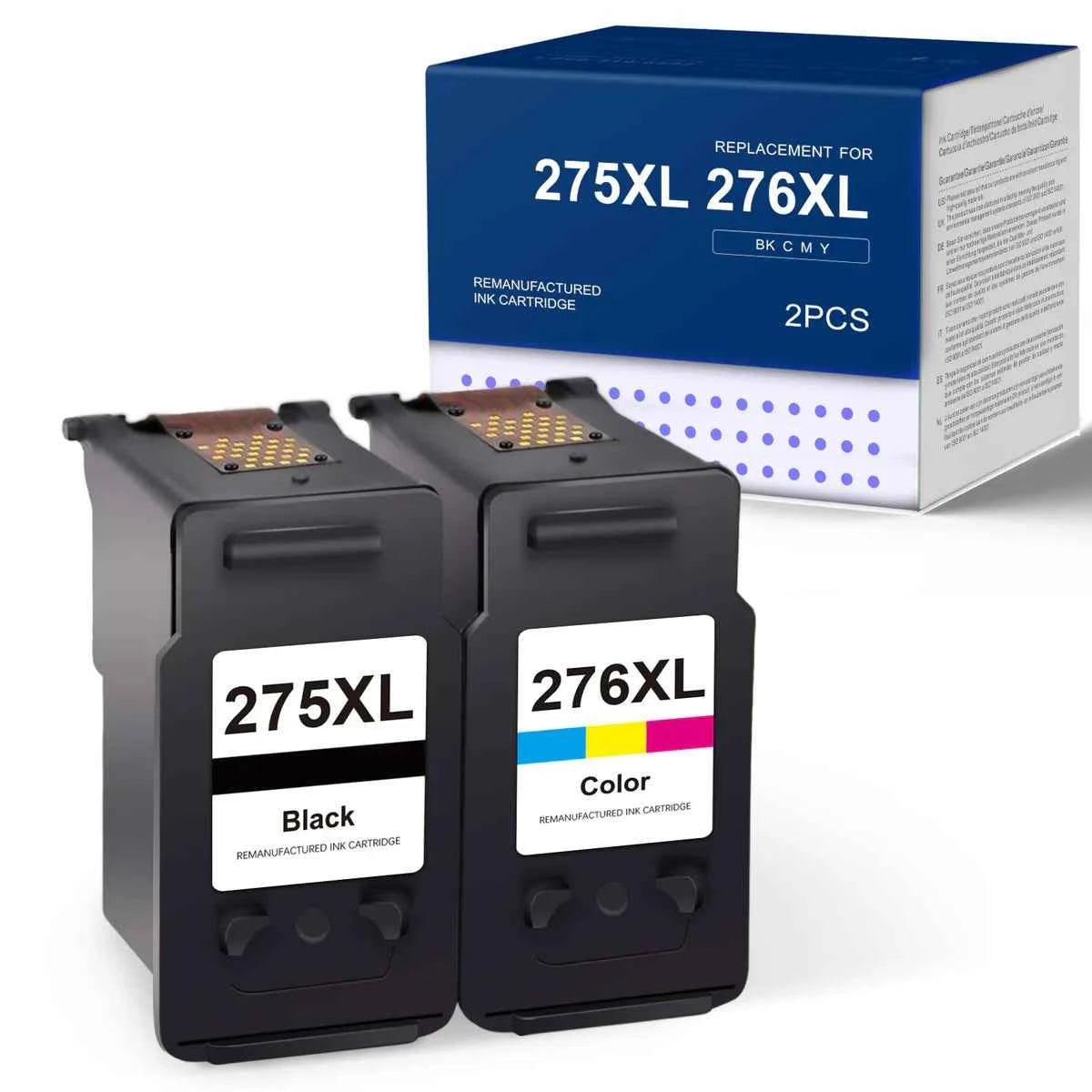
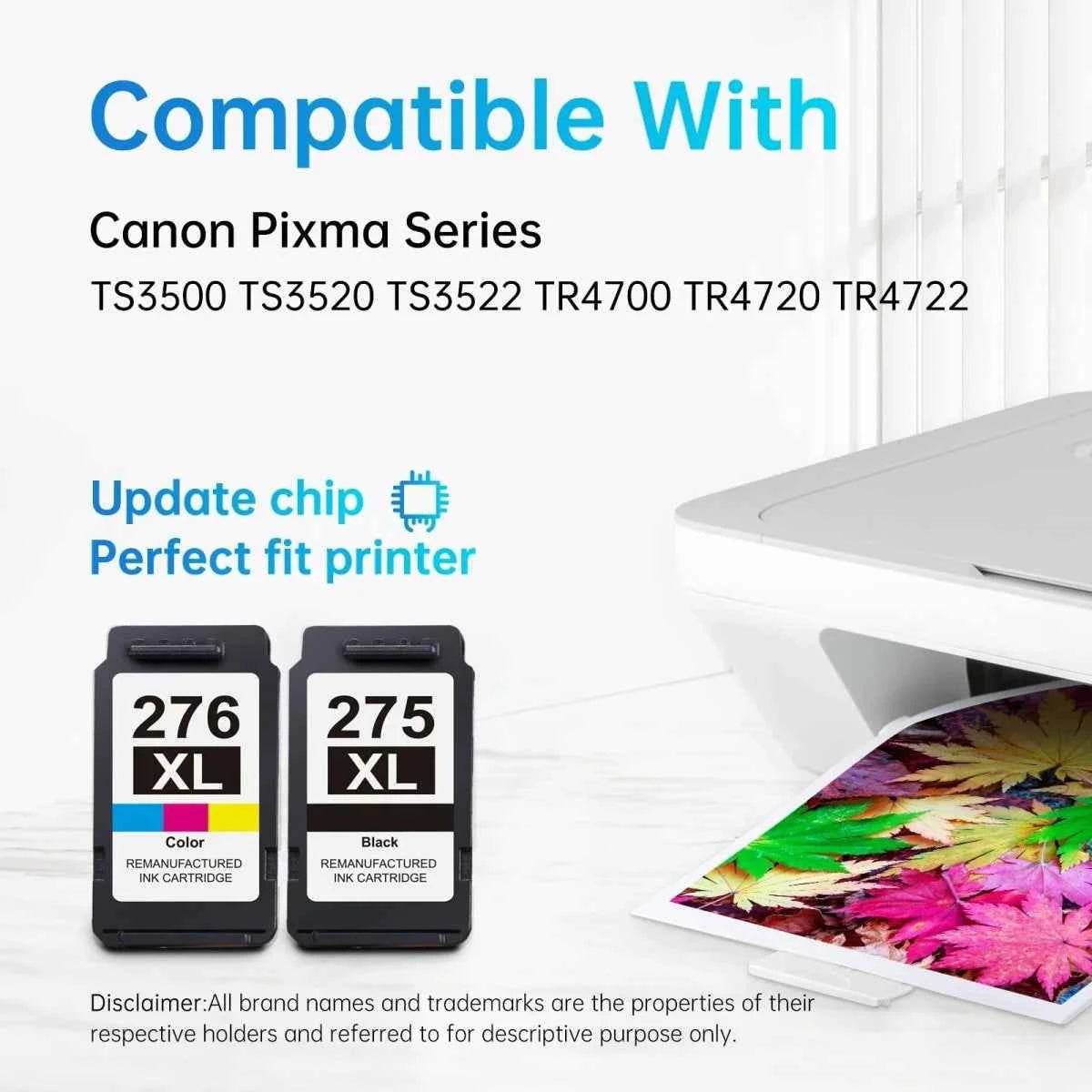
For PIXMA TS & TR Series

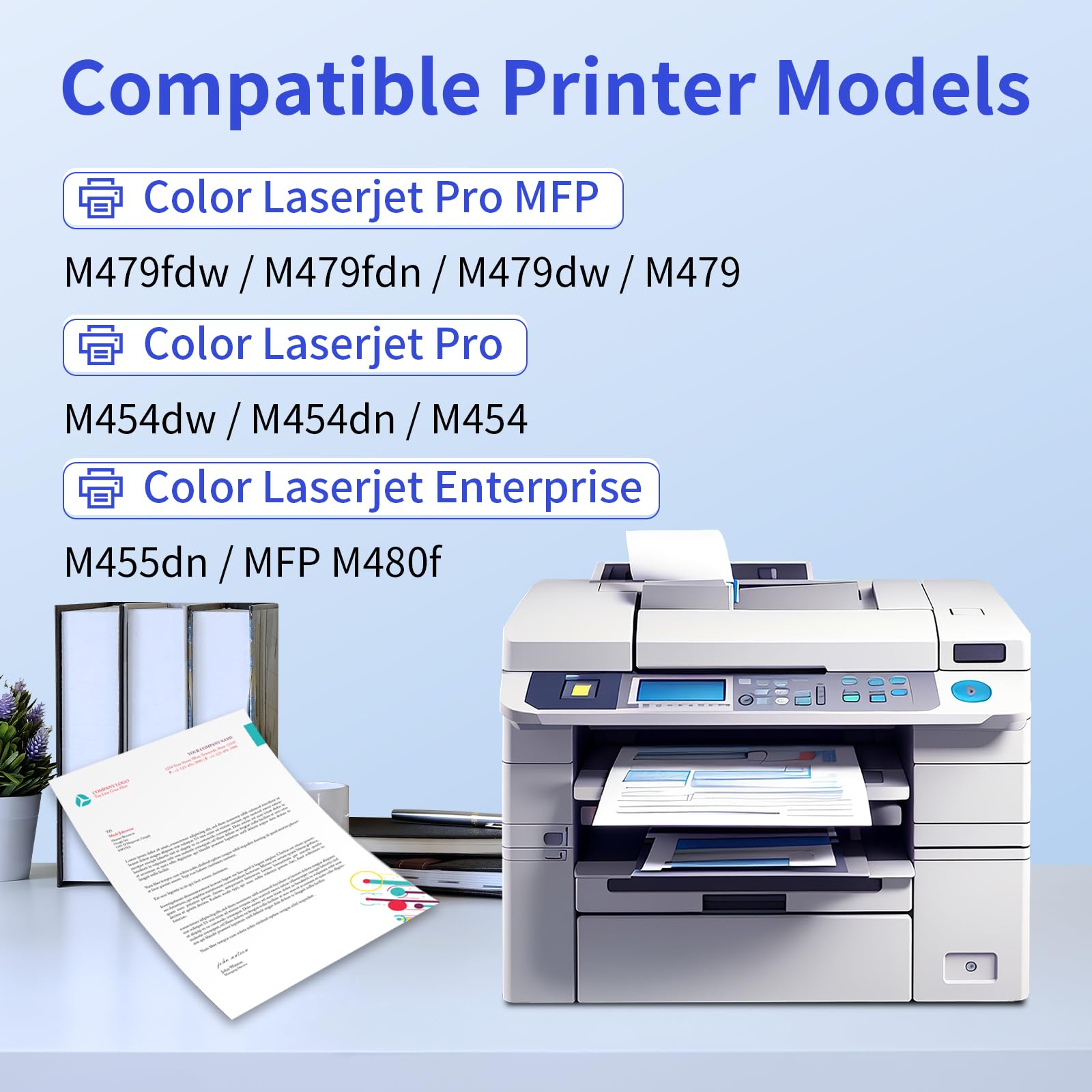
For Color LaserJet Pro M454dn M454dw MFP M479dn M479fdw M479fdn M479dw
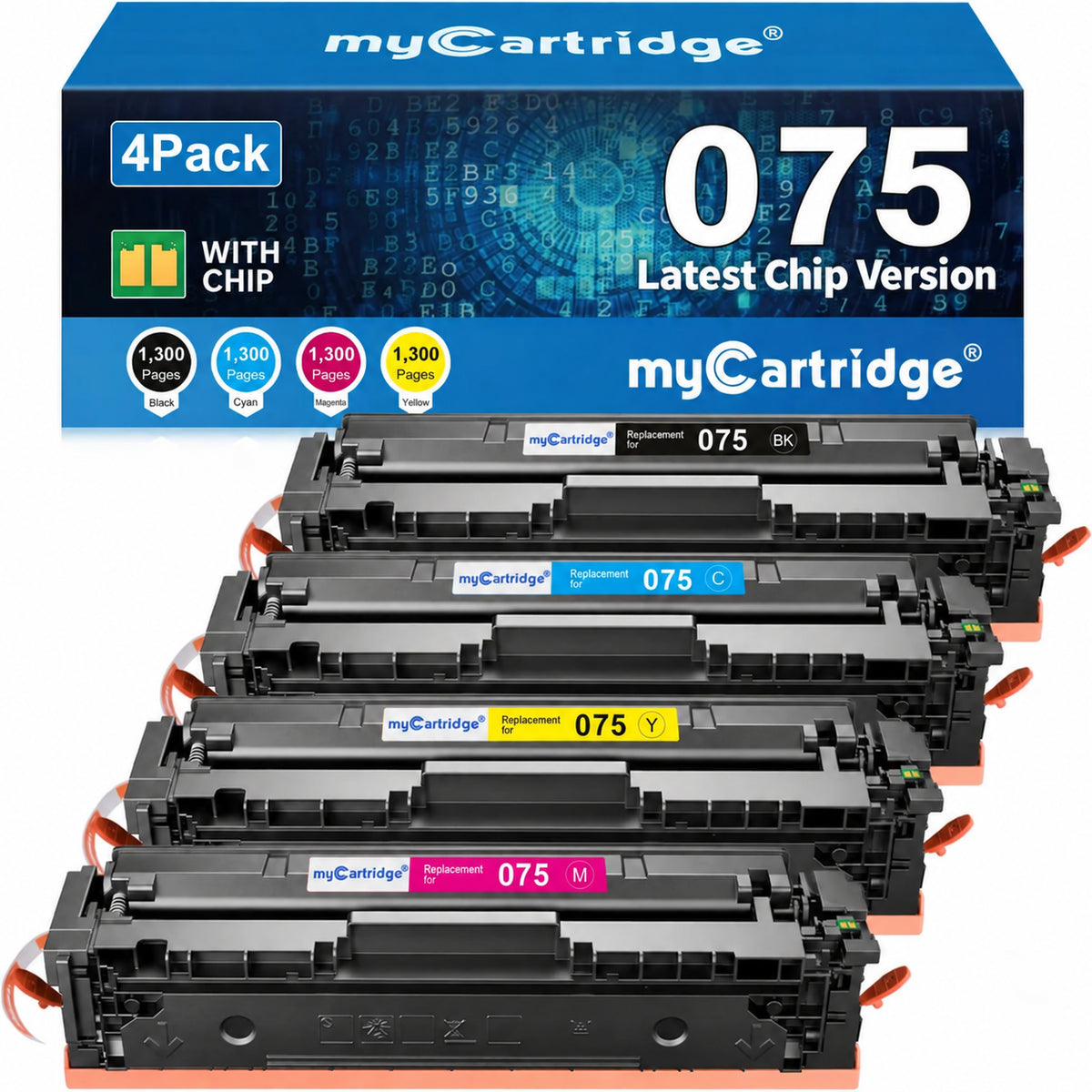
For Canon Color imageCLASS MF665Cdw, MF663Cdw, MF662Cdw, LBP647Cdw, LBP646Cdw
For HP Color LaserJet Pro M283cdw · High-Yield · Latest Chip Version


For OfficeJet Pro 8020 8025 8028 8035 OfficeJet 8010 8015 8018 8022
For Standard Yield · Lower Upfront Cost
For HP Color LaserJet Pro M454dw · High-Yield · Latest Chip Version
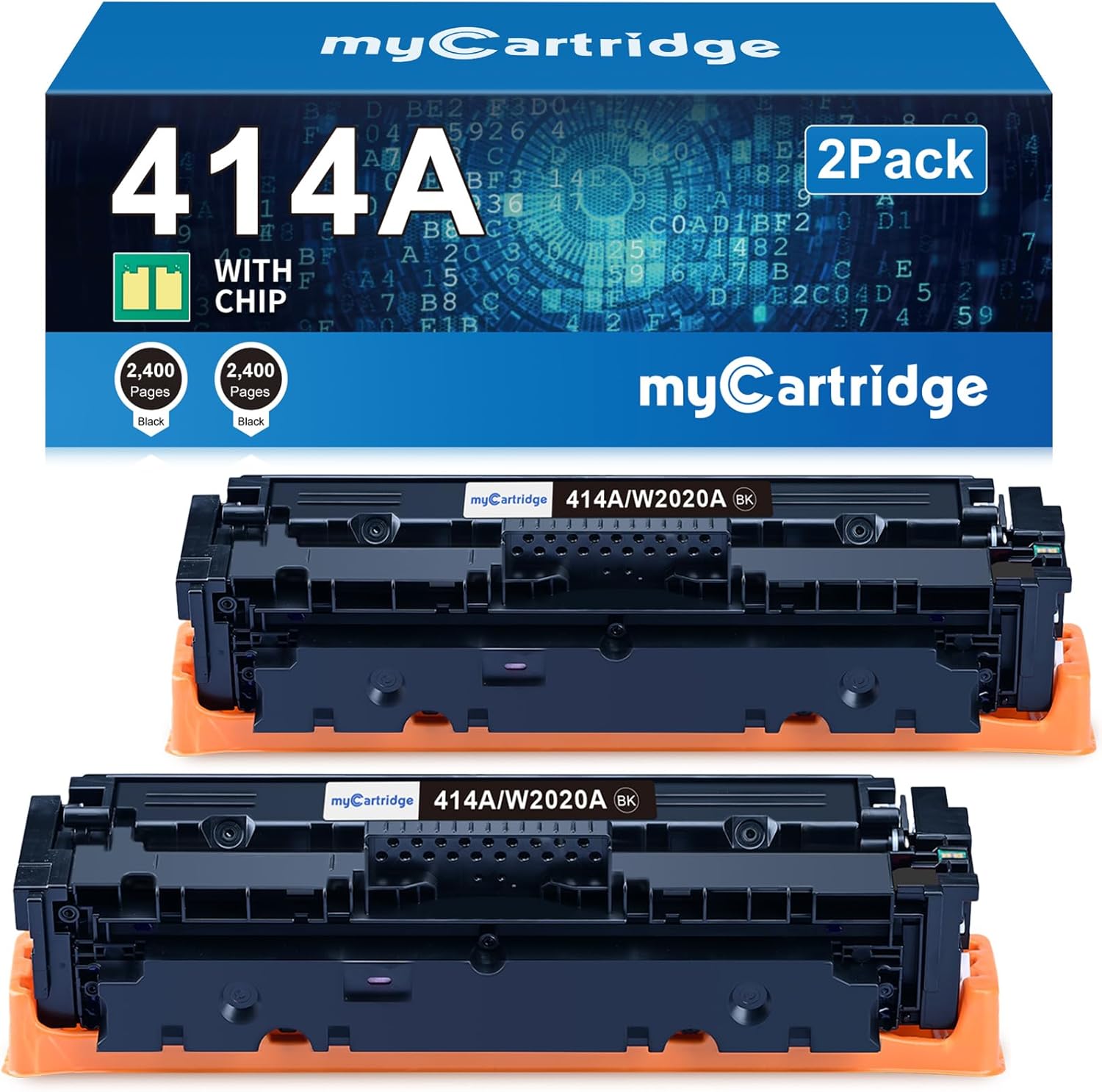
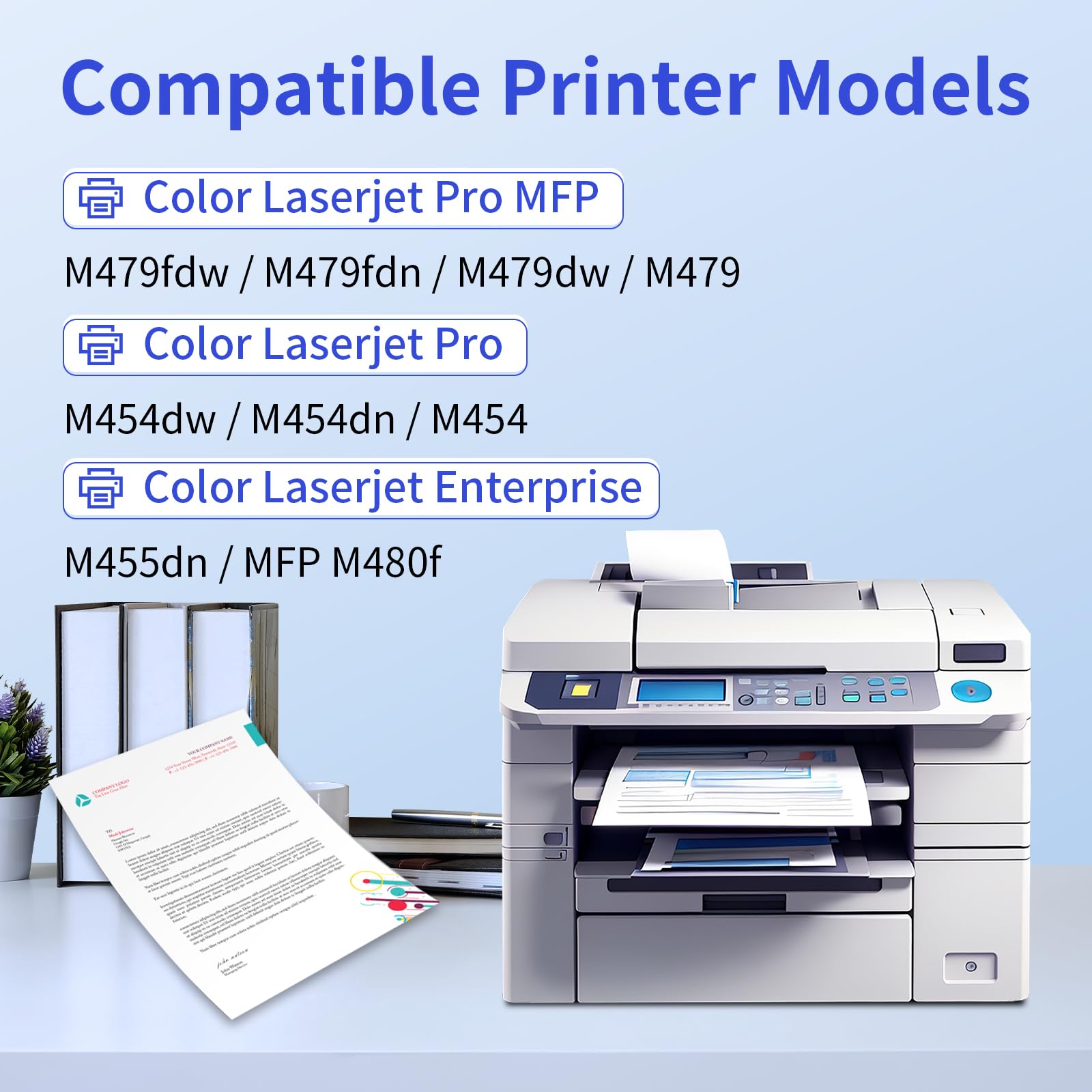
For Color LaserJet Pro M454dn M454dw MFP M479dn M479fdw M479fdn M479dw


For imageCLASS D1620 imageCLASS D1650
For the best printing experience, we recommend:
- Reading the installation instructions carefully before use.
- Keeping the original packaging and order information.
- Disabling automatic firmware updates on your printer.
- Avoiding repeated removal and reinsertion of cartridges, which may damage chip contacts.
Most compatibility warnings can be resolved through simple troubleshooting or a chip upgrade. If you experience any issues, please contact customer support immediately — we are here to help.
Common Issues & Troubleshooting for Compatible Cartridges
1. Cartridge Not Recognized or Incompatible Cartridge
Common error messages:
- “Cartridge Not Recognized”
- “Supply Problem”
- “Incompatible Cartridge”
- “Used or Counterfeit Cartridge Detected”
Possible causes:
- The printer firmware was automatically updated (especially HP printers).
- The chip version is incompatible with the latest printer firmware.
- The chip is not properly connected or installed.
Solutions:
- Remove and reinstall the cartridge carefully.
- Power off the printer for 2–3 minutes, then restart it.
- Make sure all protective seals, tapes, and covers are completely removed.
- If prompted, press “OK,” “Continue,” or “Proceed” on the printer screen.
- Disable automatic firmware updates to avoid future compatibility issues.
2. Cartridge Stopped Working After Replacement
Possible cause:
Your printer may have recently installed a firmware update that blocks third-party compatible chips.
Solutions:
- Check whether automatic firmware updates are enabled.
- Disable firmware auto-updates to prevent future issues.
- Contact customer support to confirm whether an updated chip version is required.
3. Streaks, Spots, or Toner Leakage on Printed Pages
Possible causes:
- Toner powder is unevenly distributed.
- Minor vibration during shipping.
- Residual toner or debris inside the printer.
Solutions:
- Gently shake the toner cartridge horizontally 5–6 times.
- Run the printer’s built-in cleaning function.
- Check whether all protective strips have been removed.
- Clean any loose toner inside the printer and reinstall the cartridge.
4. Print Quality Difference from OEM Cartridges
Explanation:
Compatible cartridges provide excellent value for everyday printing. However, slight differences in text sharpness or color accuracy may occur compared to original OEM cartridges, especially for photo or high-precision printing.
Solutions:
- Select “High Quality” print mode in printer settings.
- Run printer calibration or color adjustment.
- Use the correct paper type settings.
- Print regularly to prevent ink drying.
5. Missing, Faded, or Drying Out Colors
Possible causes:
- The cartridge has not been used for a long period.
- Printheads are partially clogged.
- Storage conditions are too hot or dry.
Solutions:
- Run the printer’s printhead cleaning function 1–2 times.
- Print a test page to check color performance.
- Print at least once per week to maintain ink flow.
- Store unused cartridges in a sealed, cool environment away from sunlight.
6. Printer Still Shows an Error After Installation
Possible causes:
- Protective covers or sealing tape were not fully removed.
- Dirty or poor chip contact.
- Incorrect installation procedure.
Solutions:
- Verify that all protective materials have been completely removed.
- Gently clean the chip contacts with a dry, lint-free cloth.
- Reinstall the cartridge until it clicks securely into place.
- Press “Continue,” “OK,” or “Proceed” if compatibility warnings appear.
7. Actual Page Yield Lower Than Expected
Explanation:
Page yield estimates are based on industry-standard testing at approximately 5% page coverage. Actual yield may vary depending on:
- Full-page color printing.
- Photo printing.
- Frequent printhead cleaning.
- Heavy graphics or dense text printing.
As a result, different printing habits can significantly affect cartridge lifespan.
8. Toner Residue Inside the Package
Explanation:
Minor toner residue may occasionally occur due to vibration during shipping. This is uncommon and usually does not affect normal printing performance.
Solutions:
- Wipe away any loose toner with a tissue or dry cloth.
- Gently shake the toner cartridge before installation.
- Continue normal installation and printing.