
Brother Compatible Toner Cartridges
Our compatible Brother toner cartridges deliver the same reliable performance and print quality as genuine cartridges, while helping you save on printing costs.
Our Brother toner cartridge replacements are also among our best-selling products.
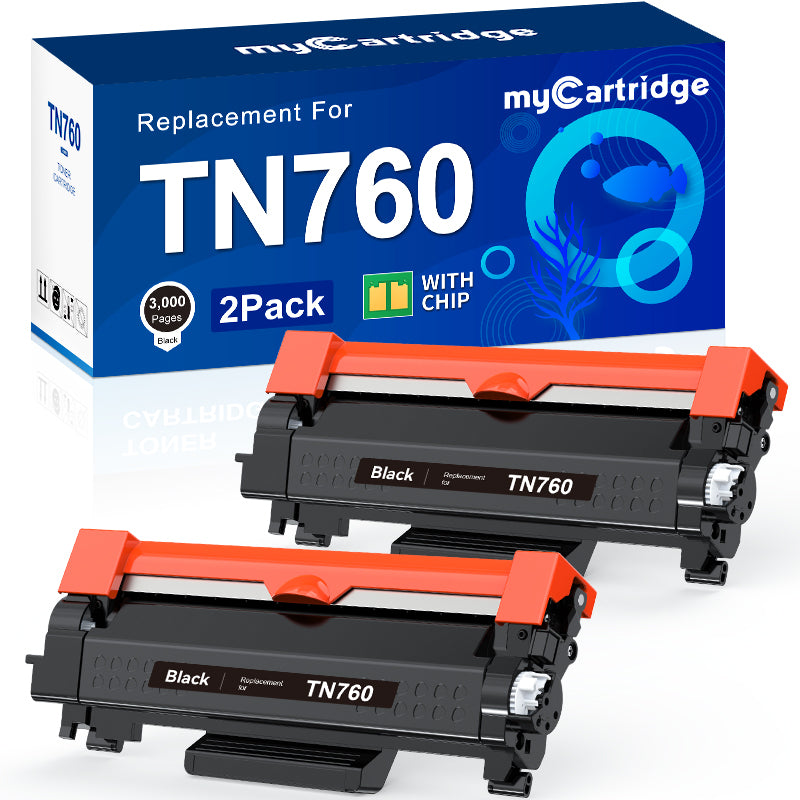
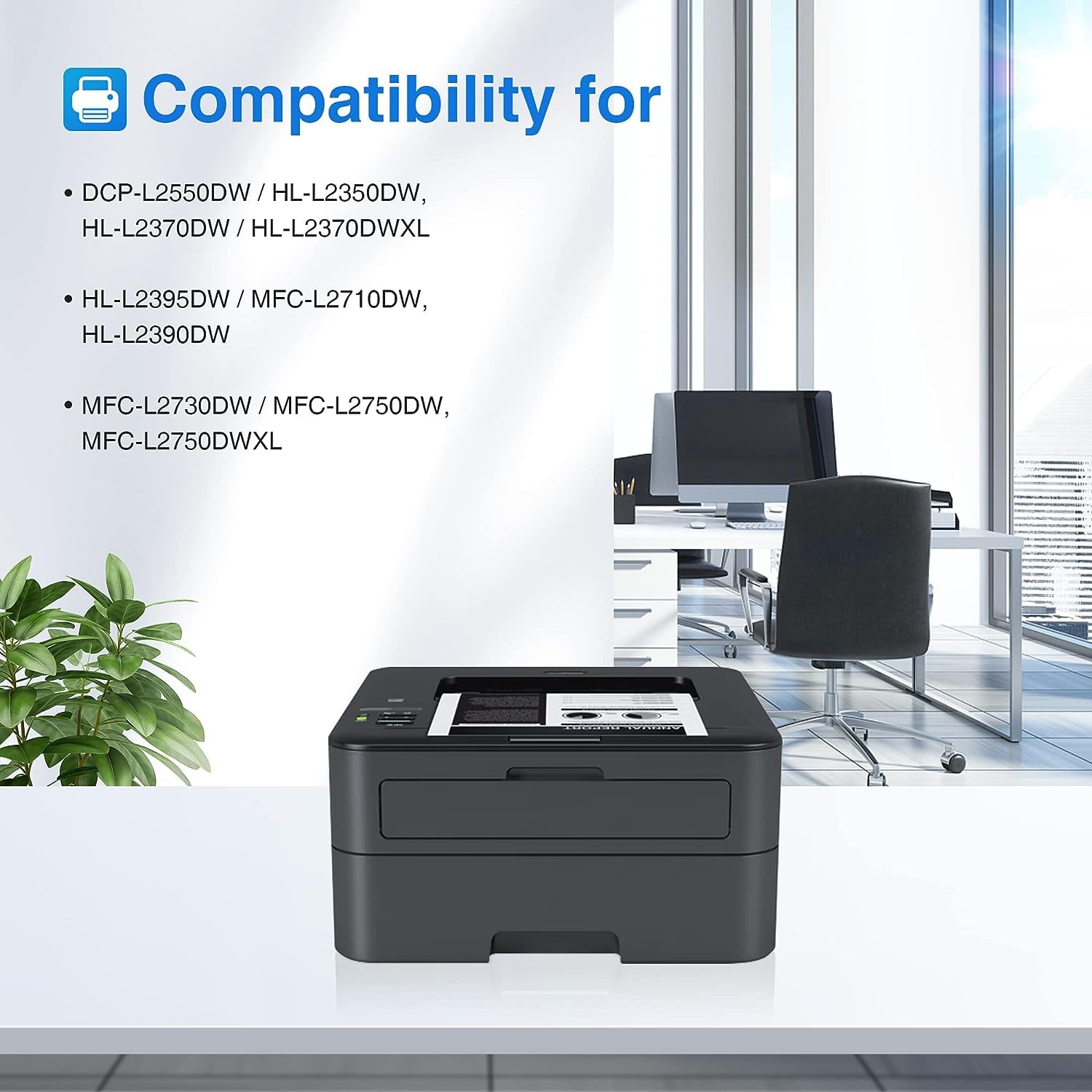
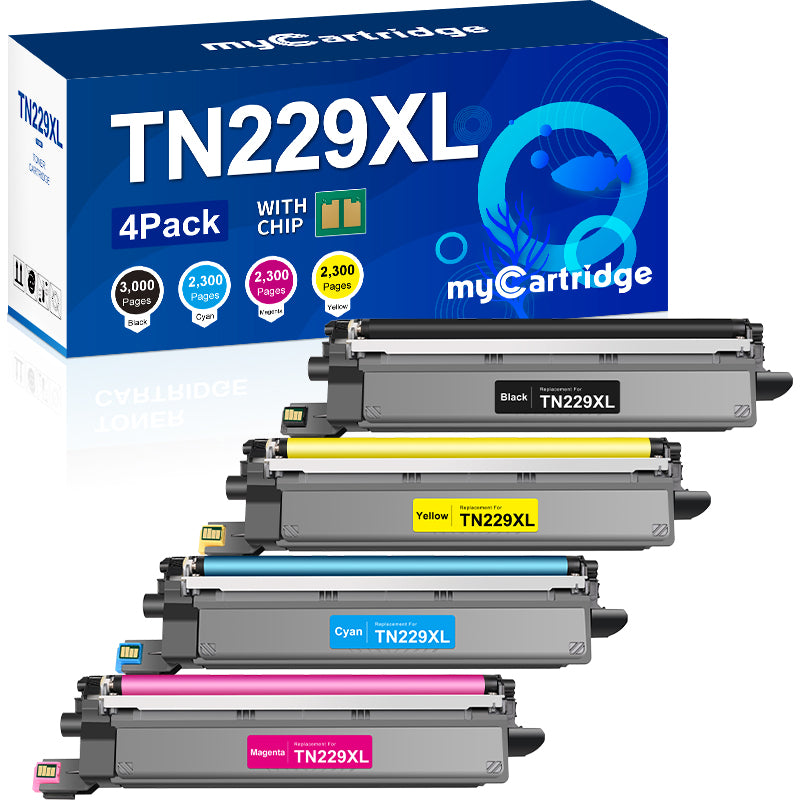
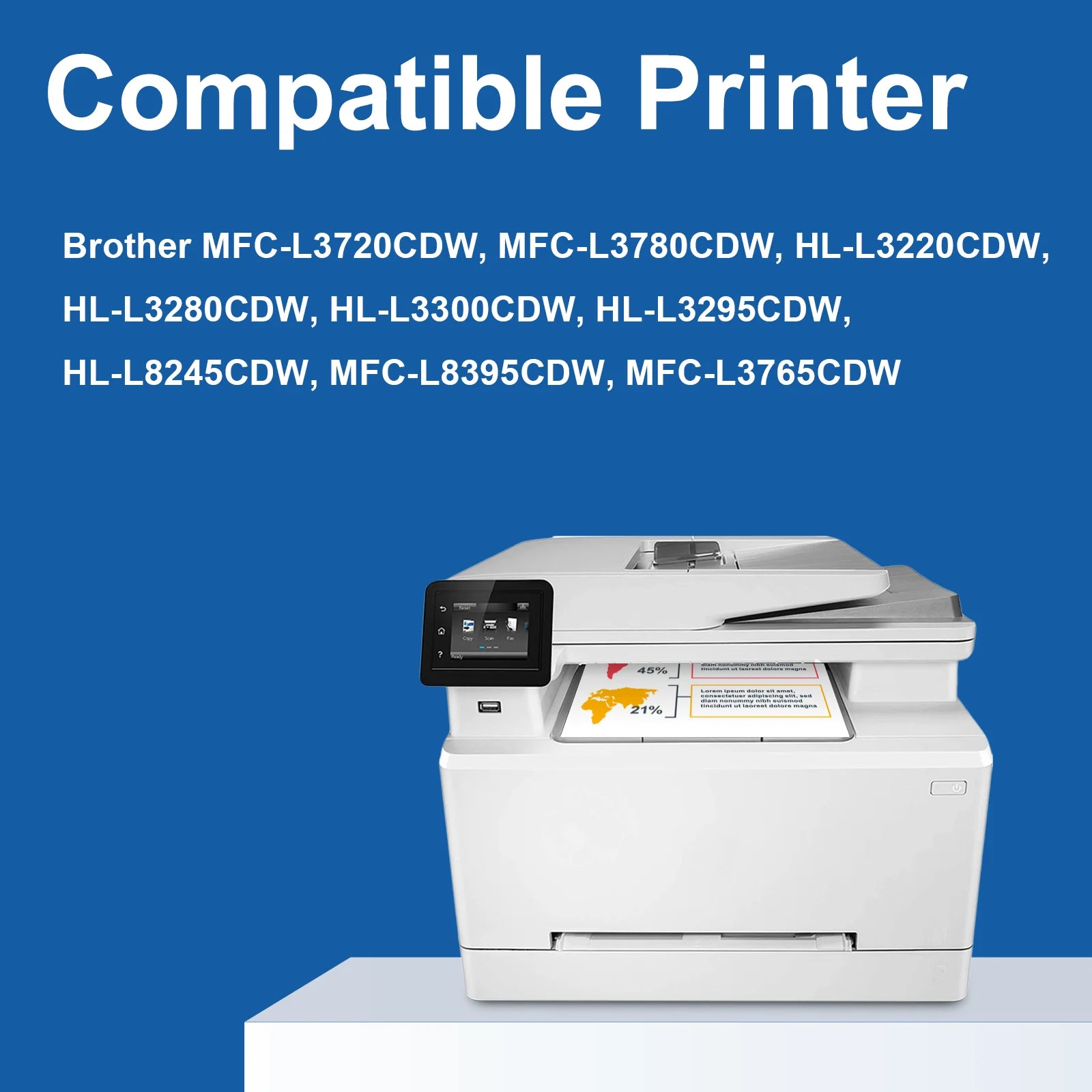
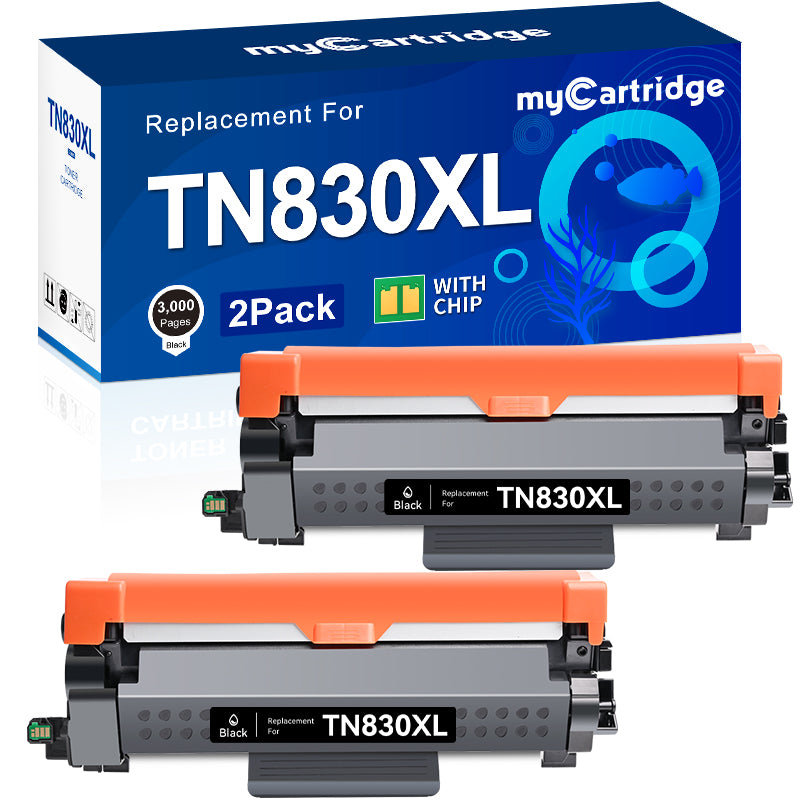
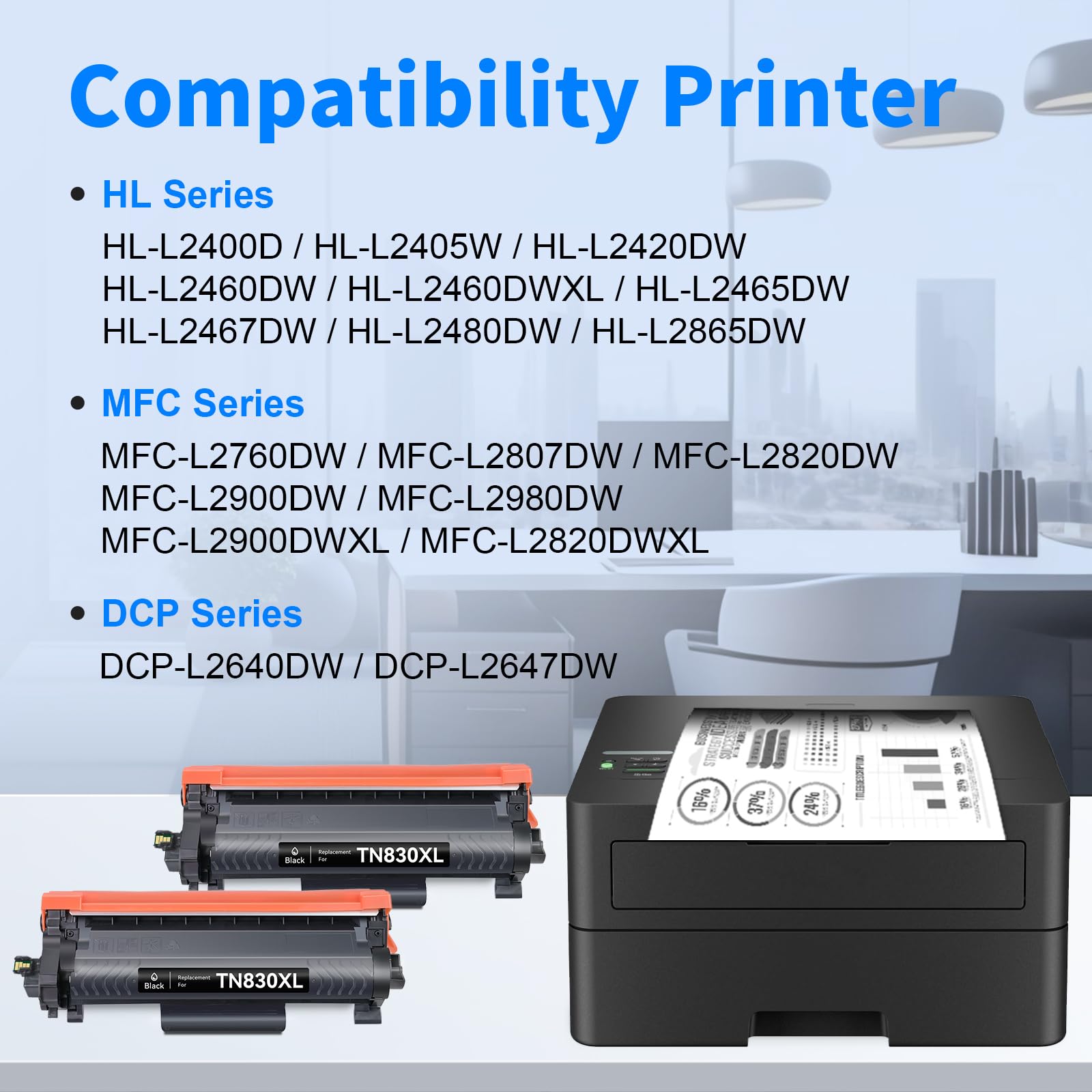
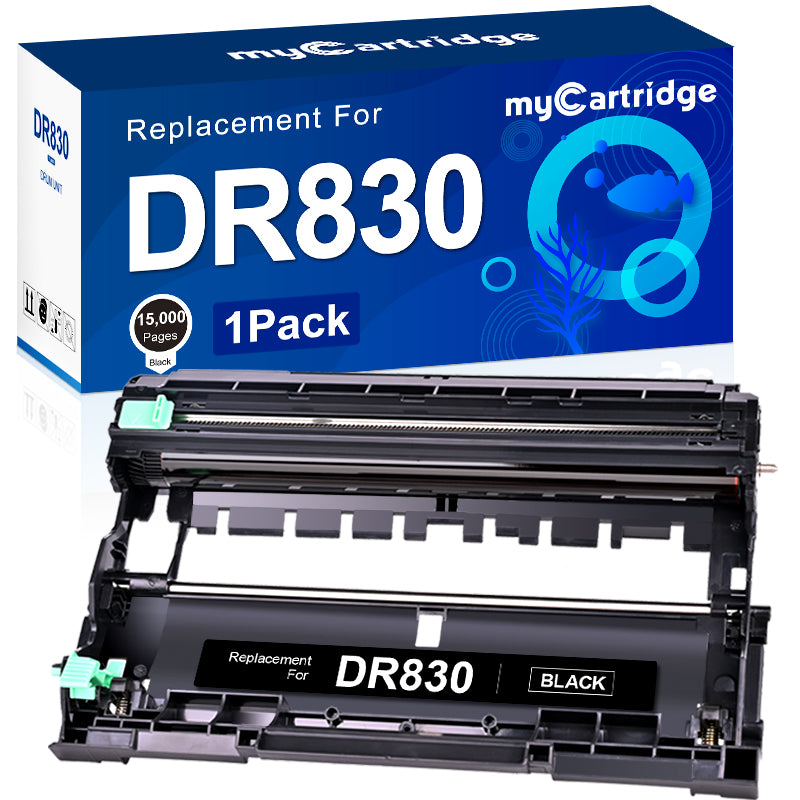
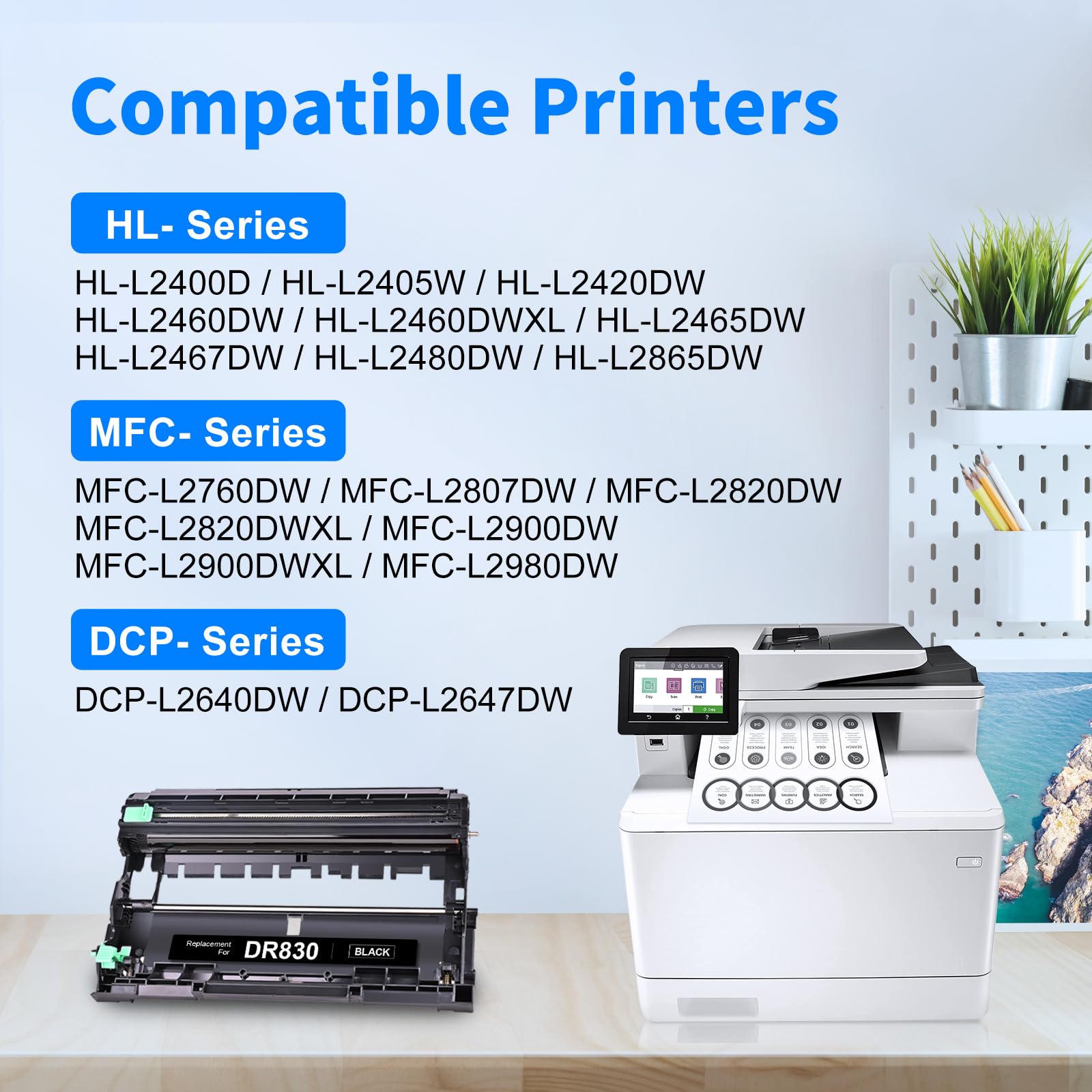
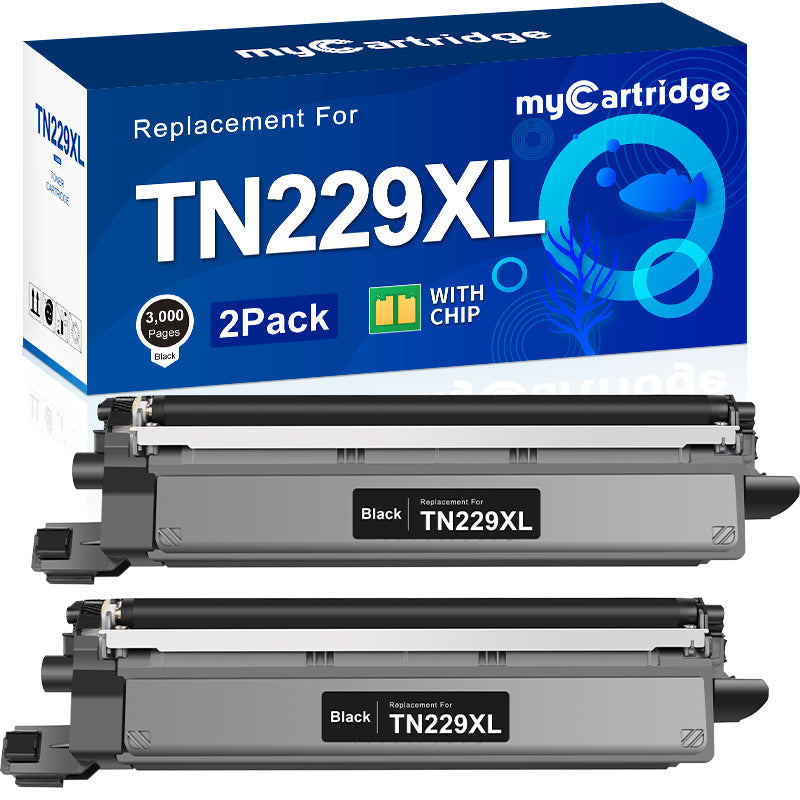
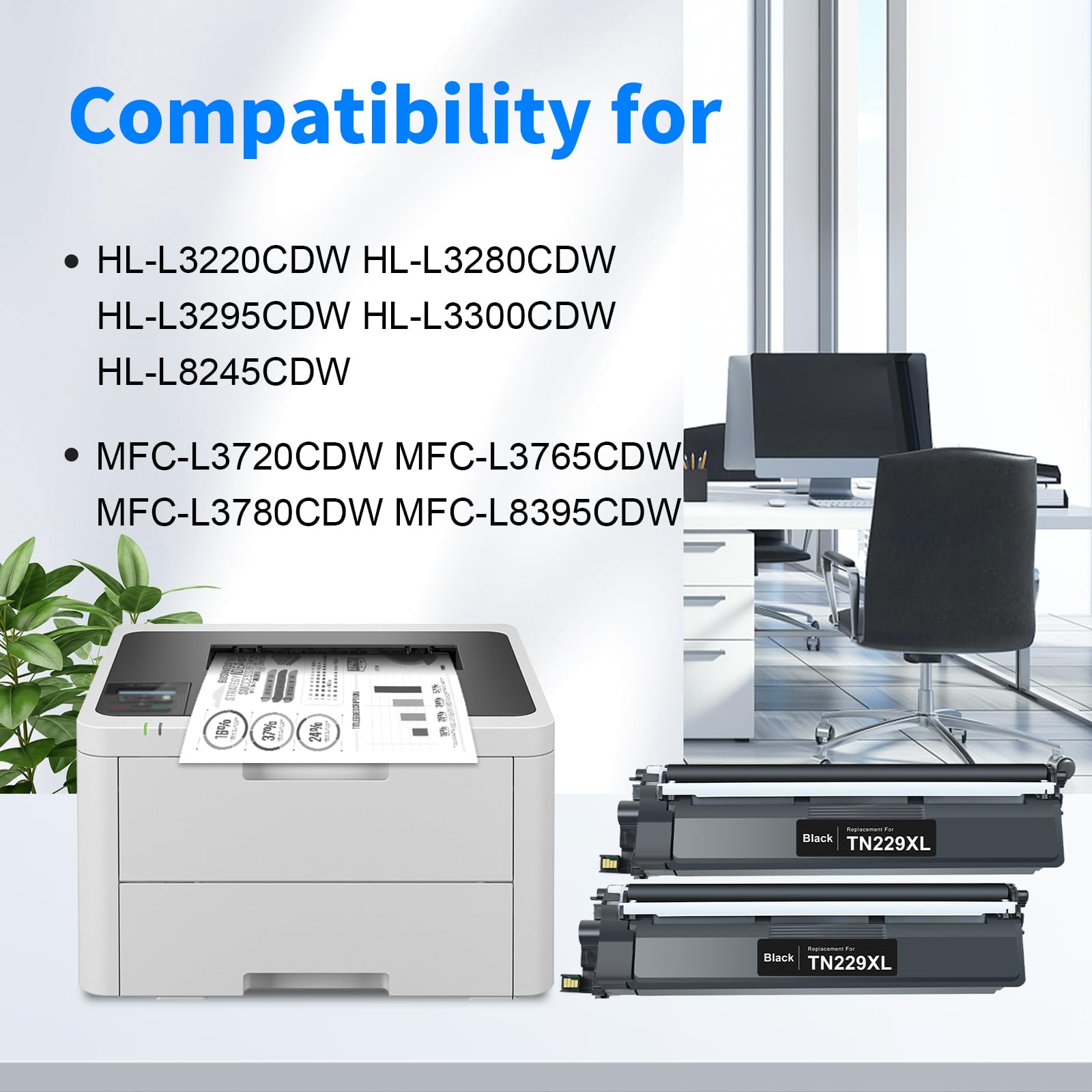
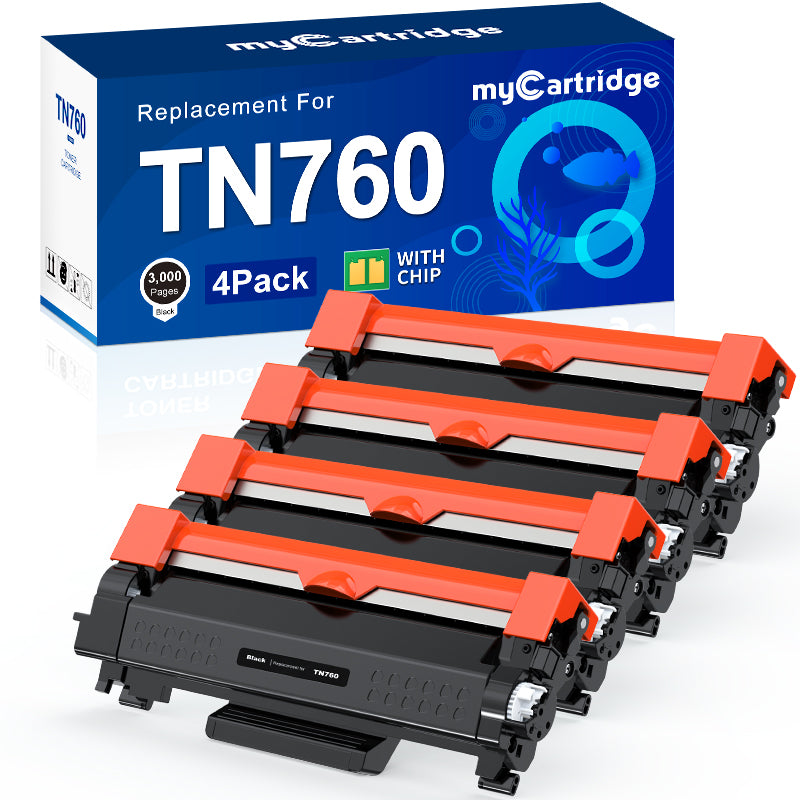
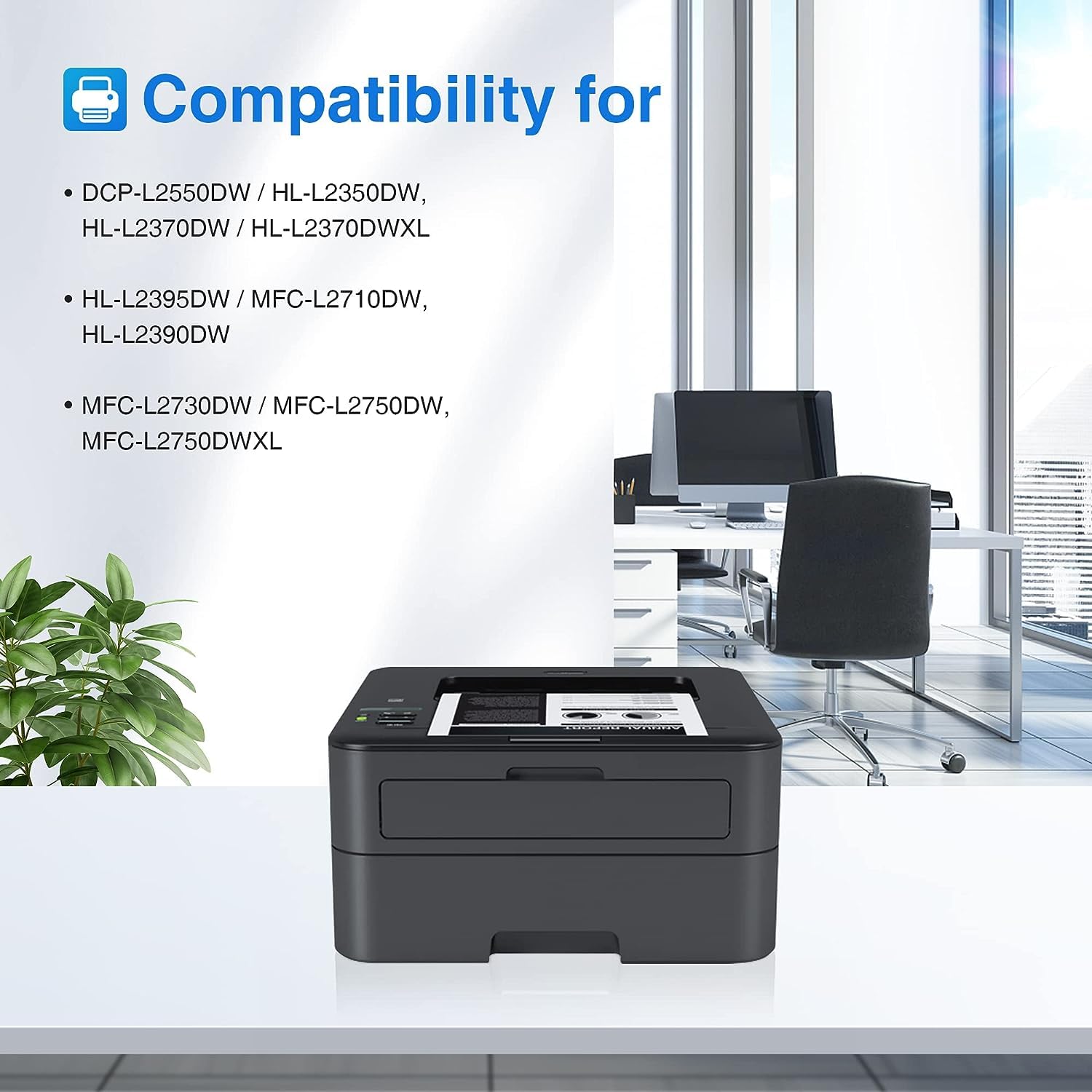
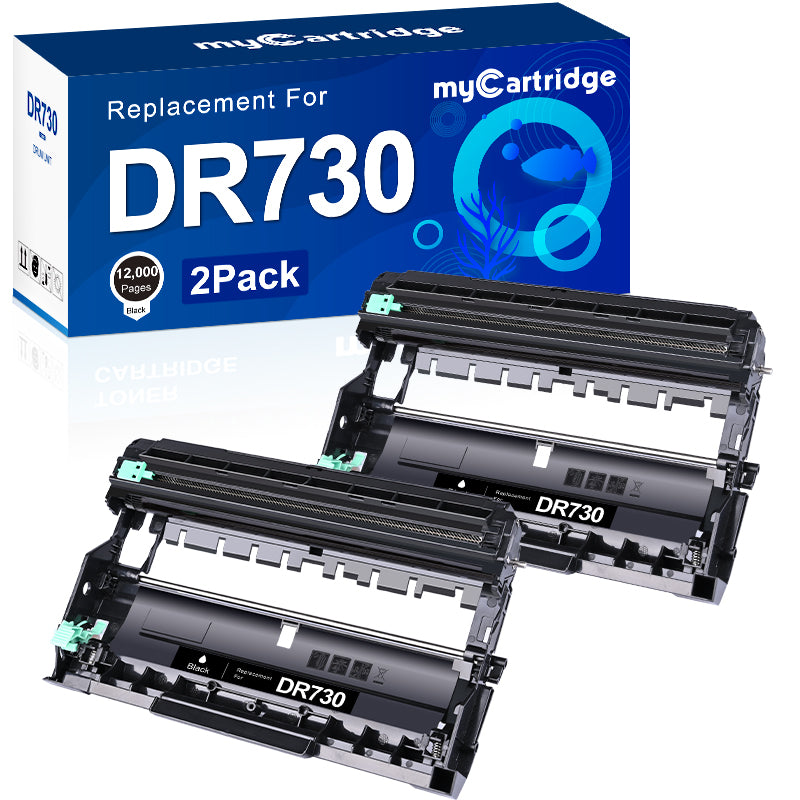
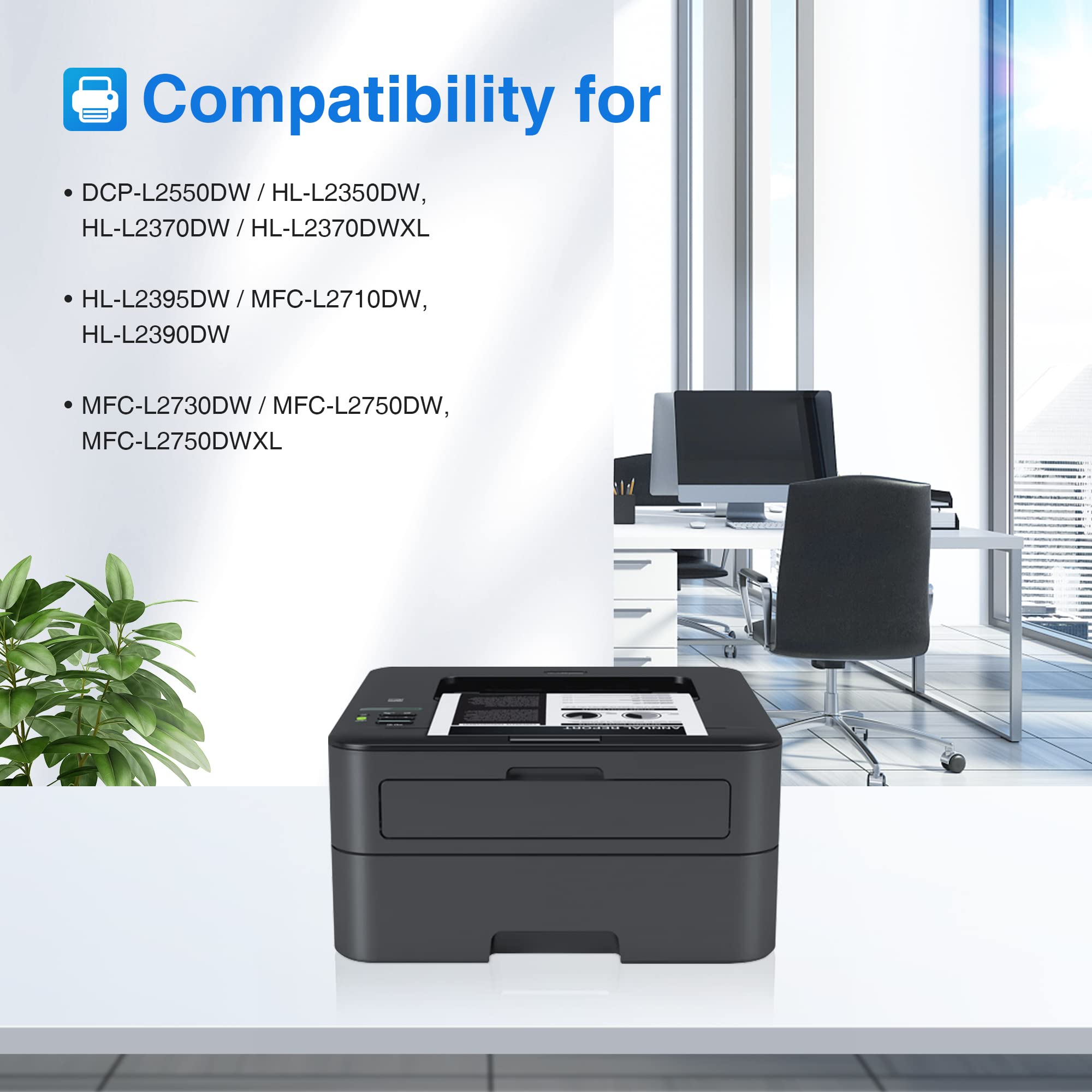
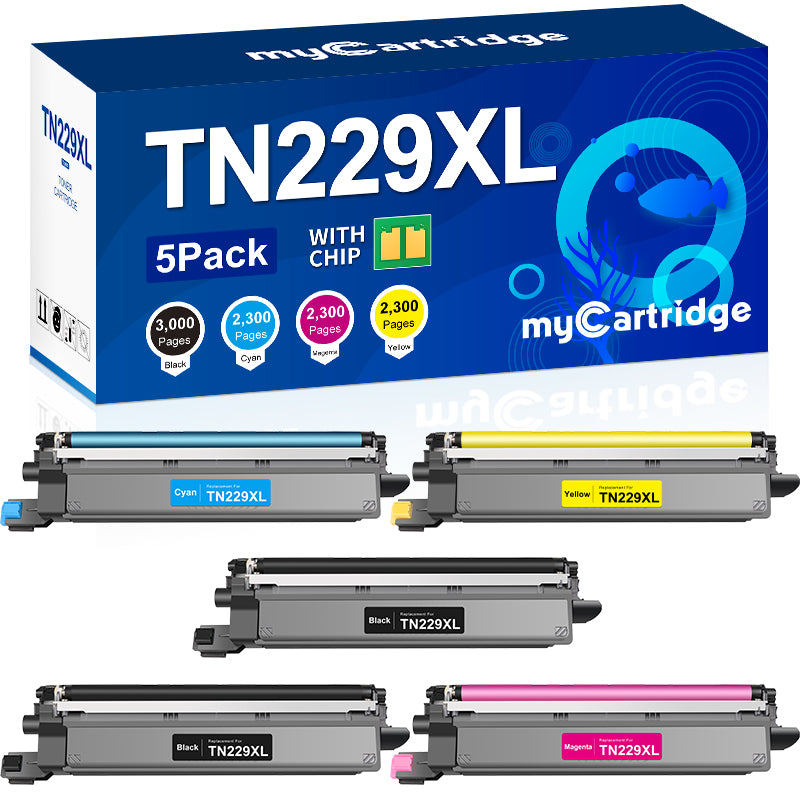
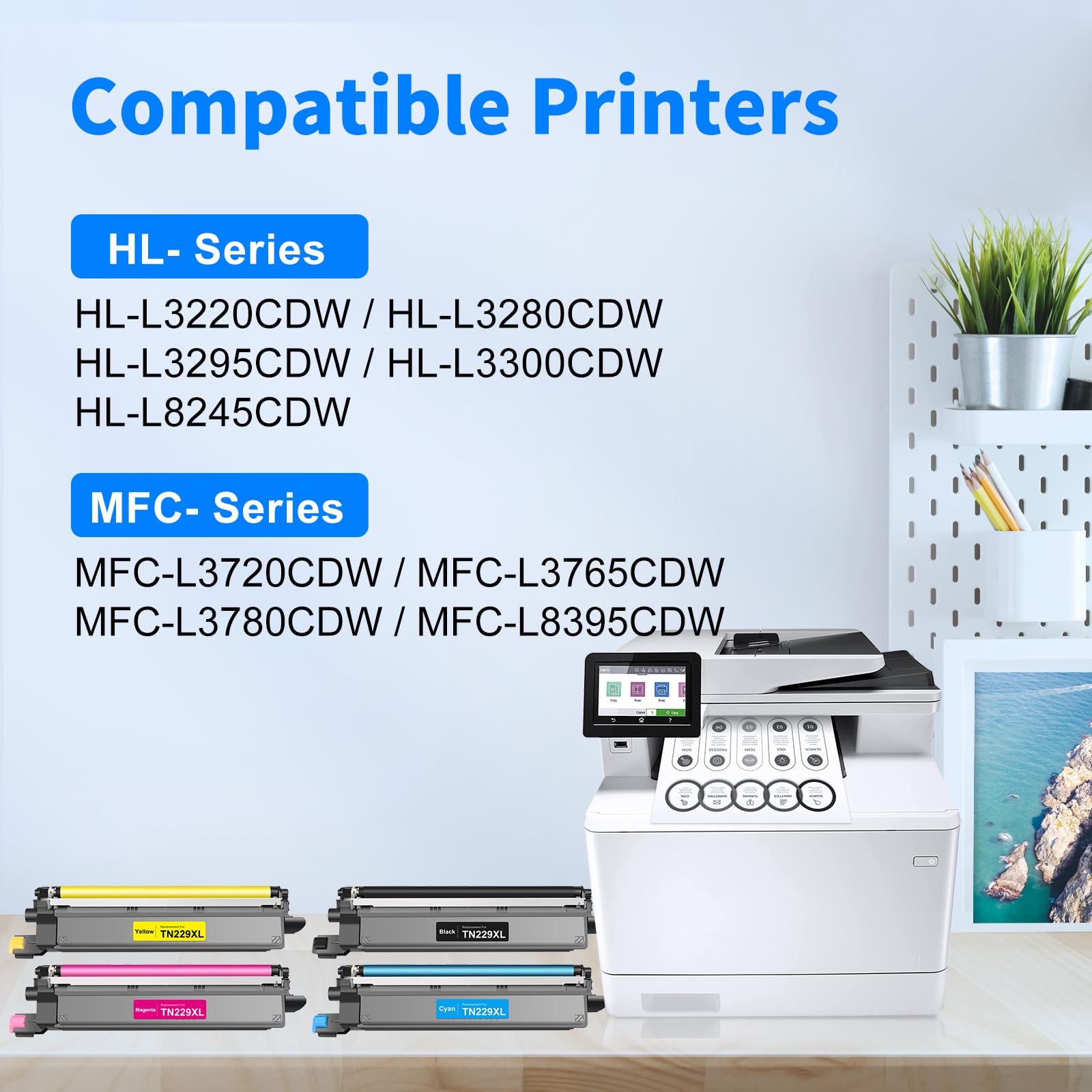
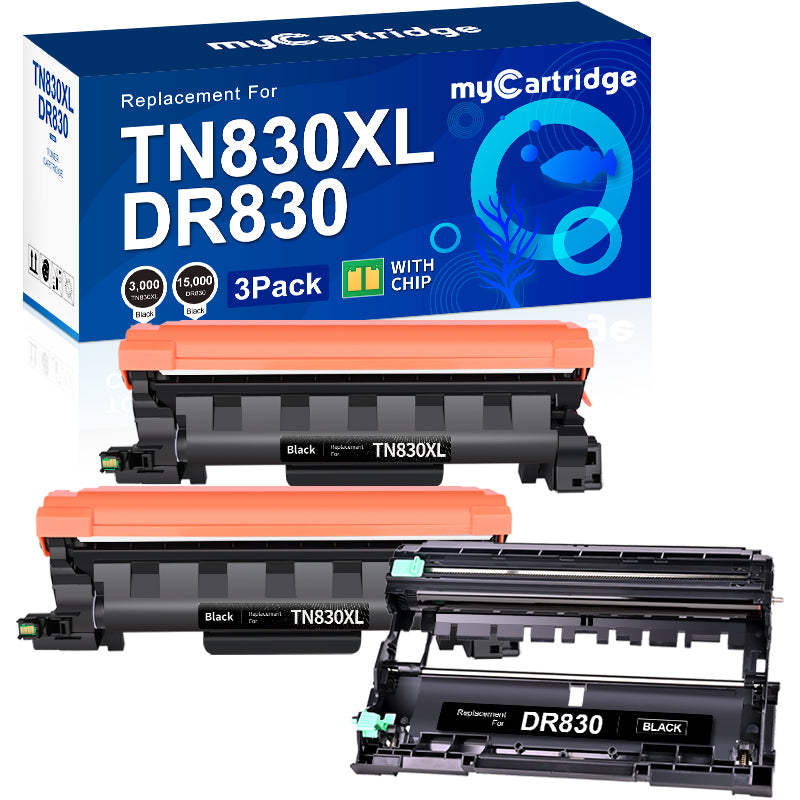
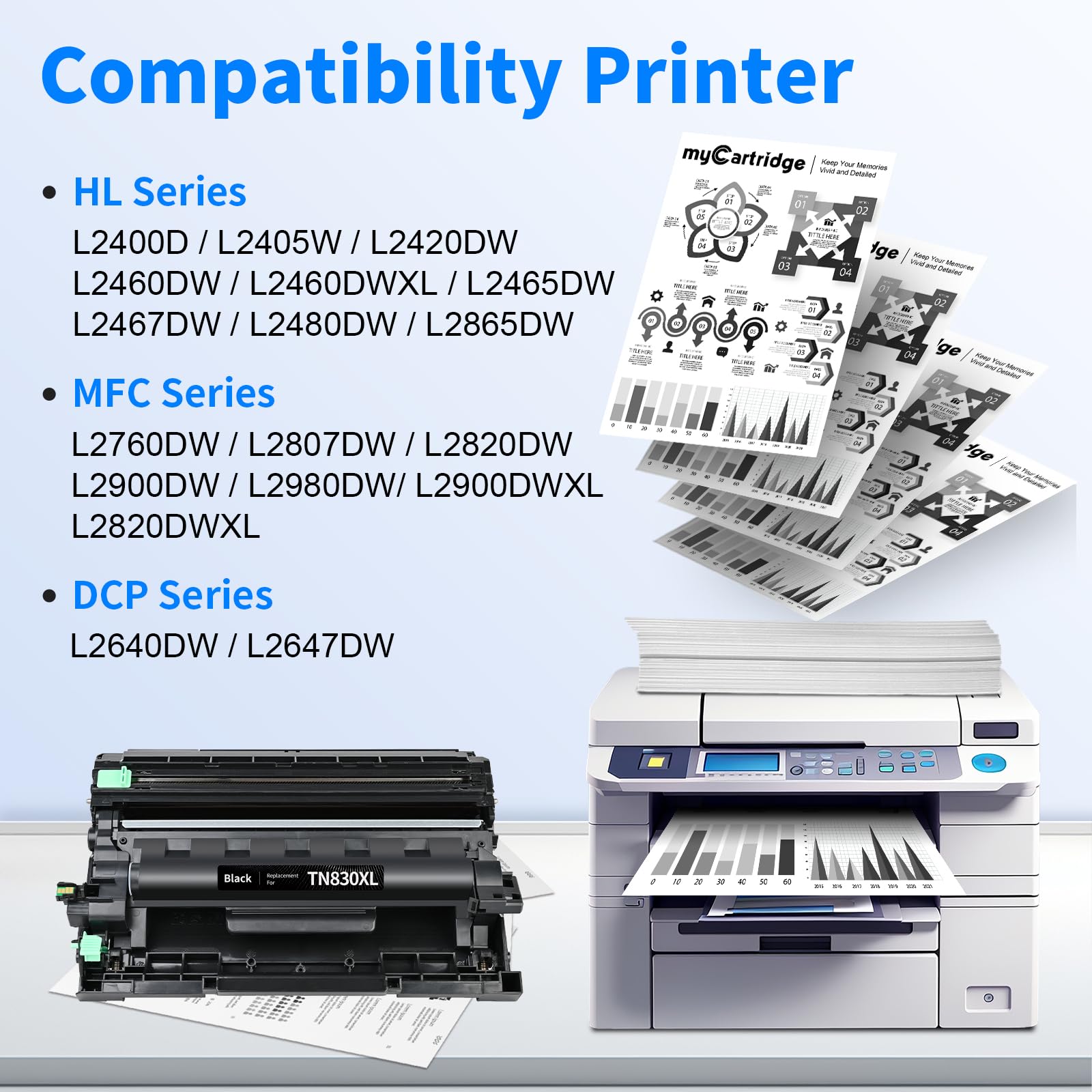
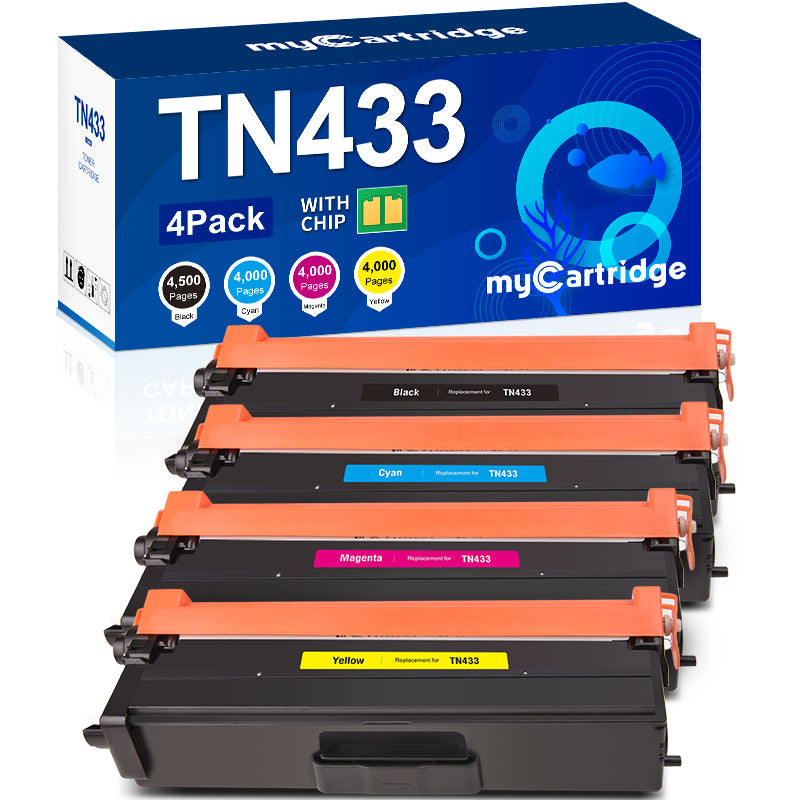
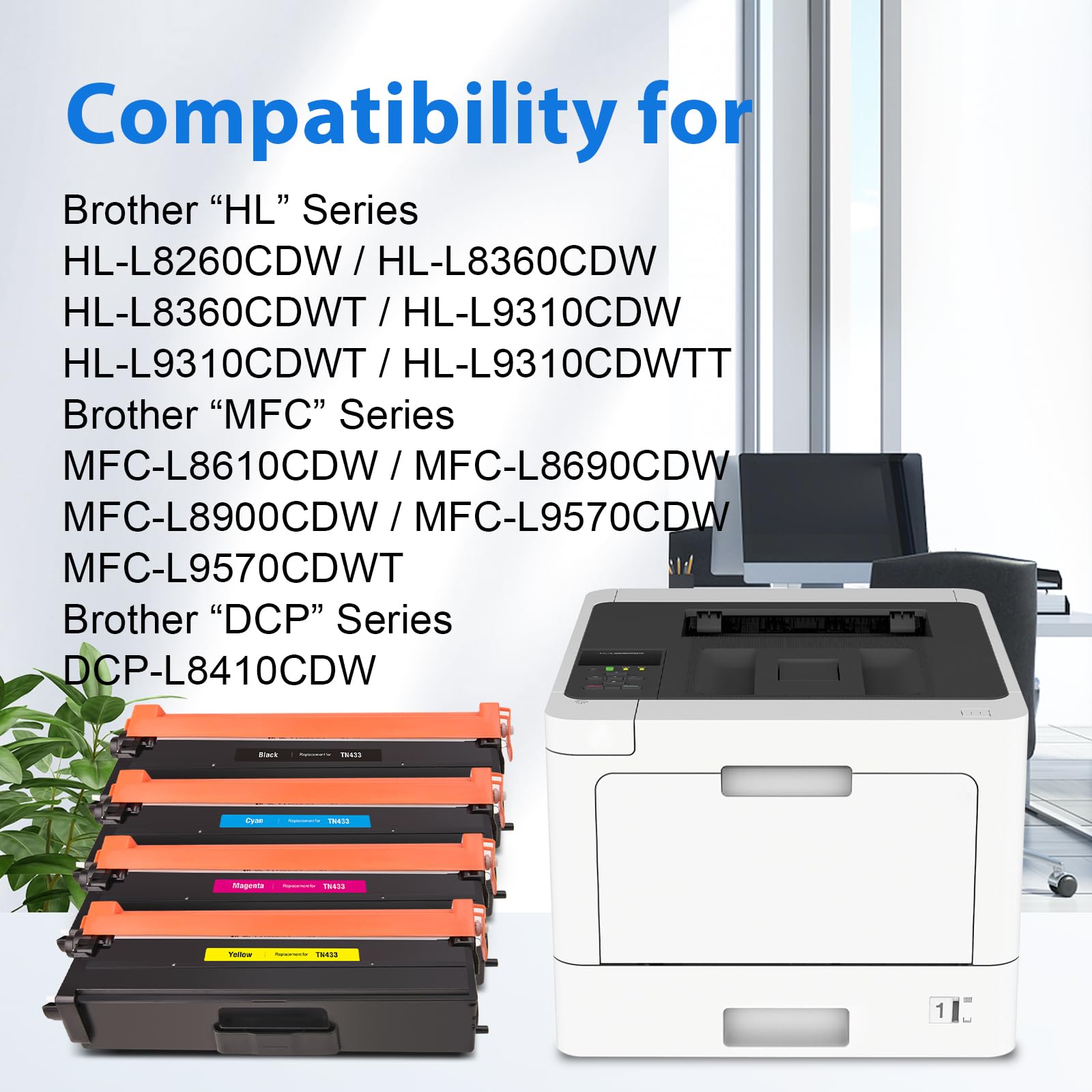
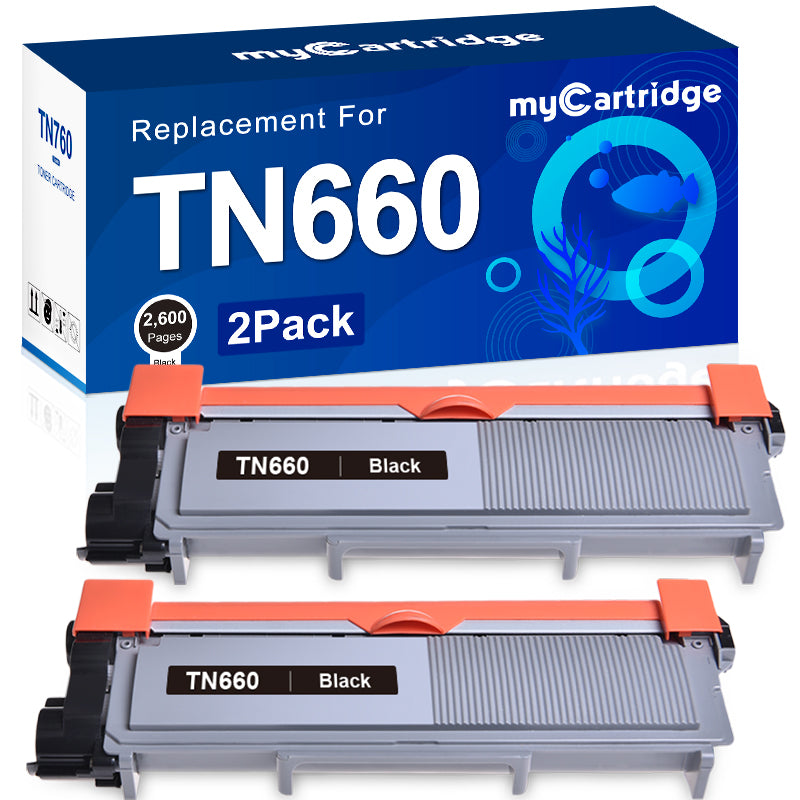
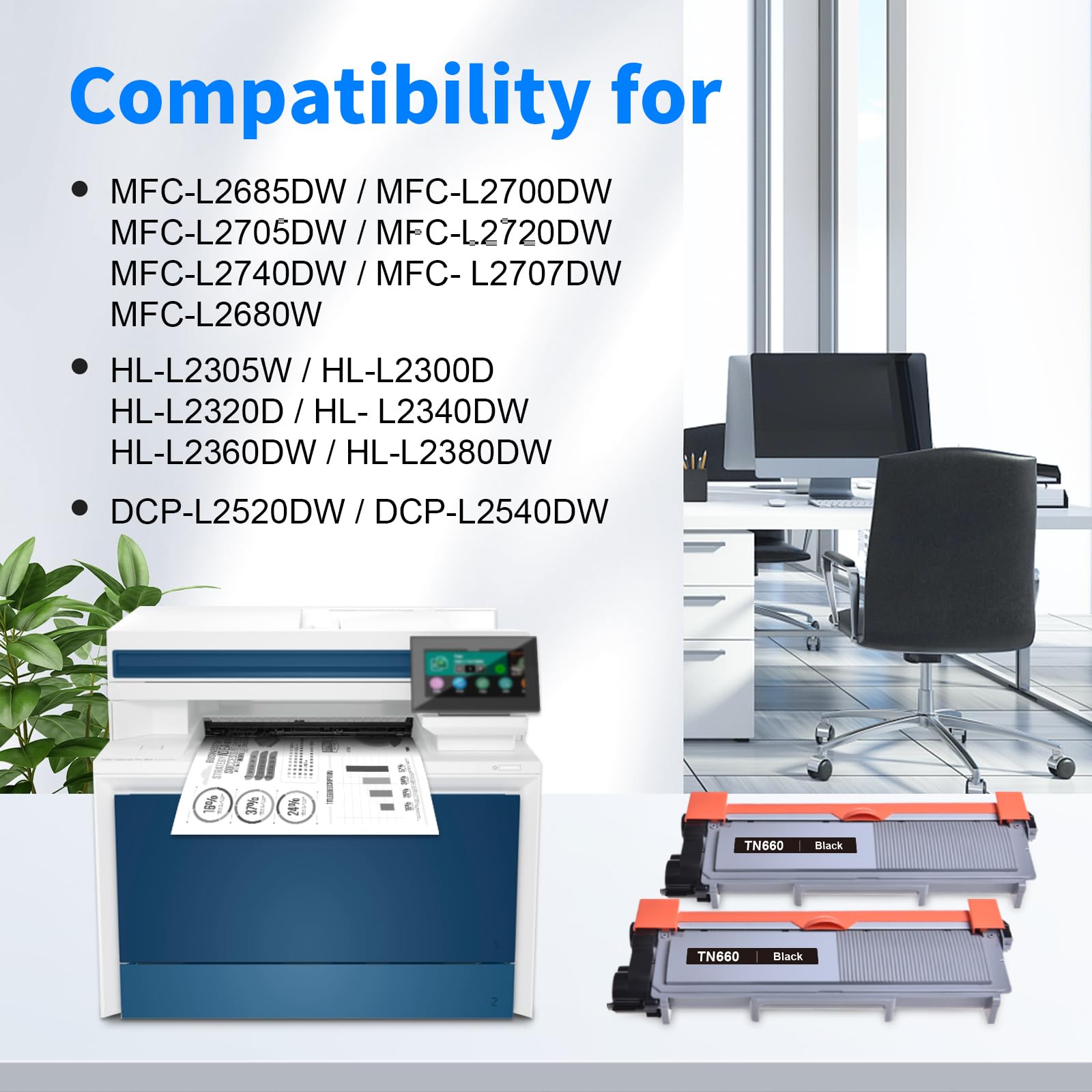
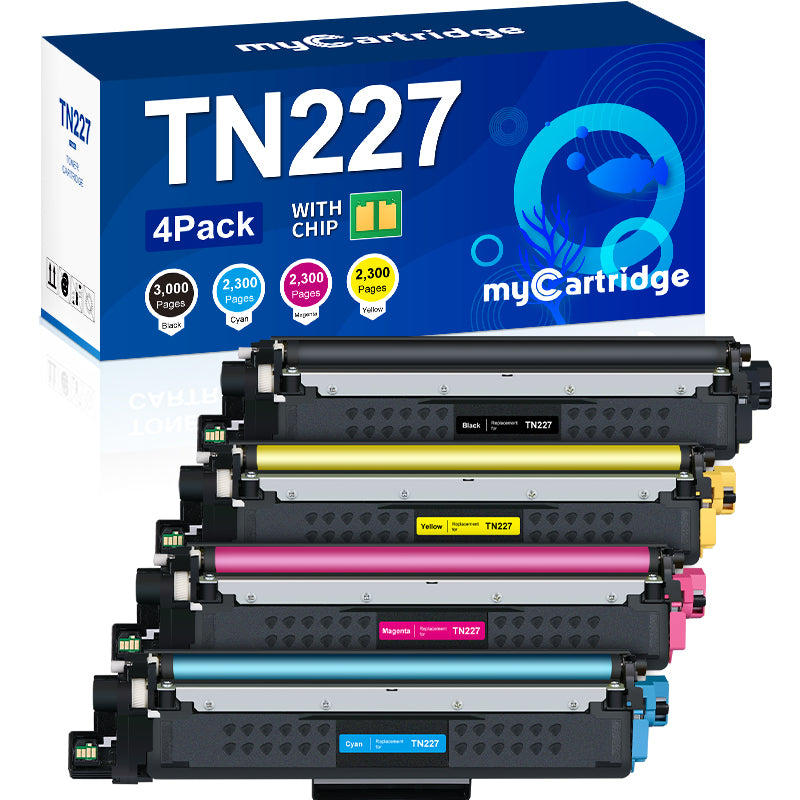
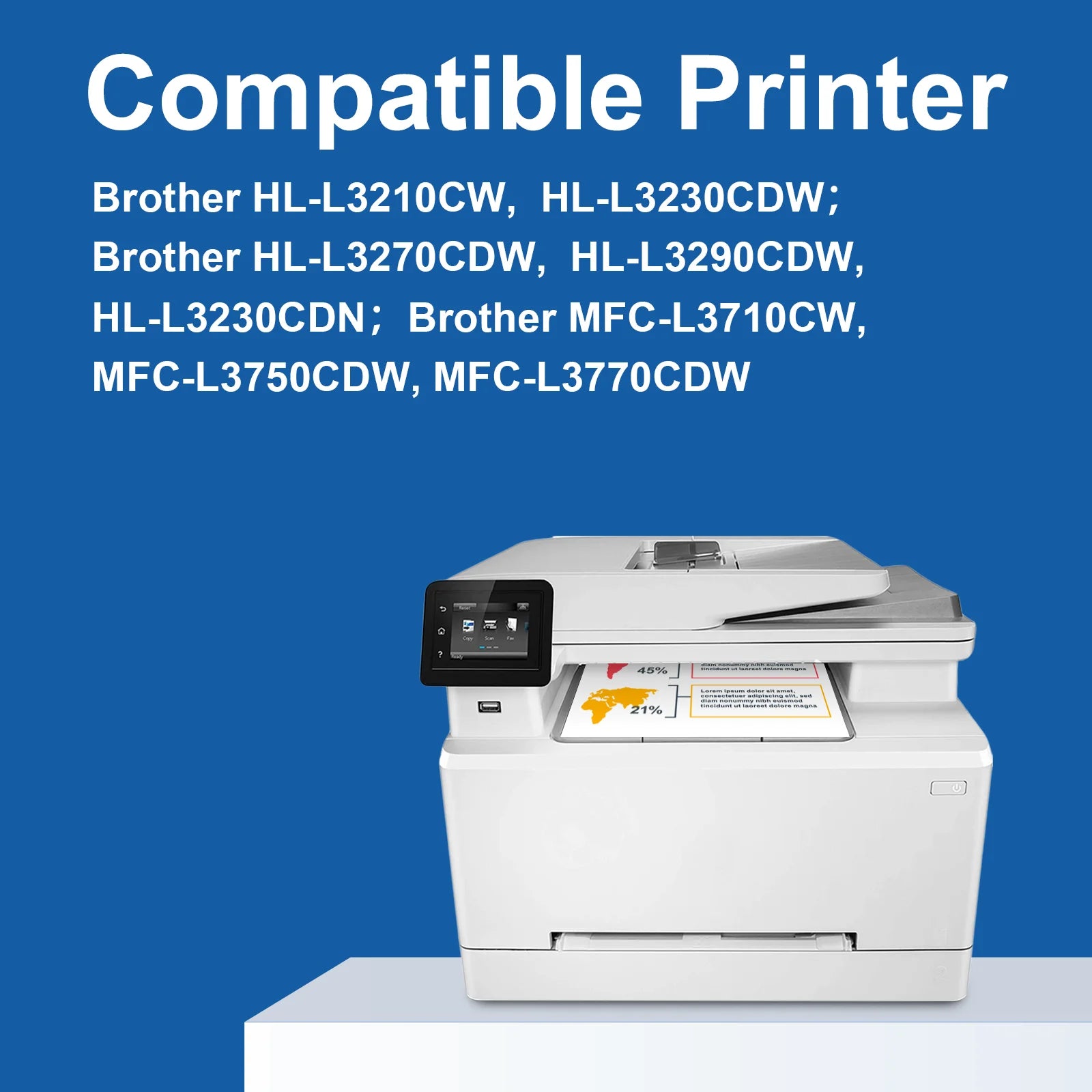
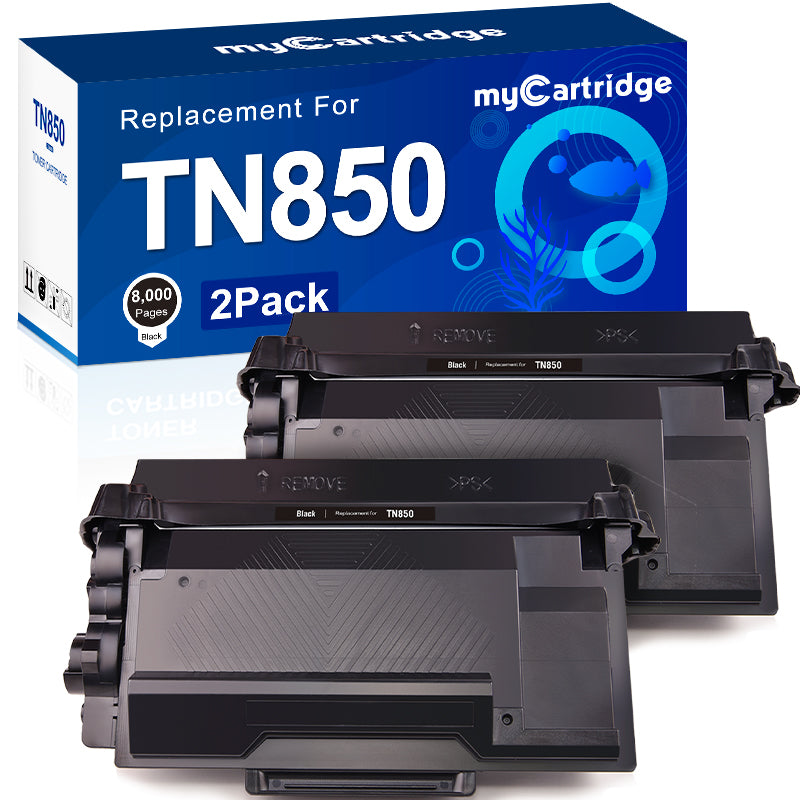
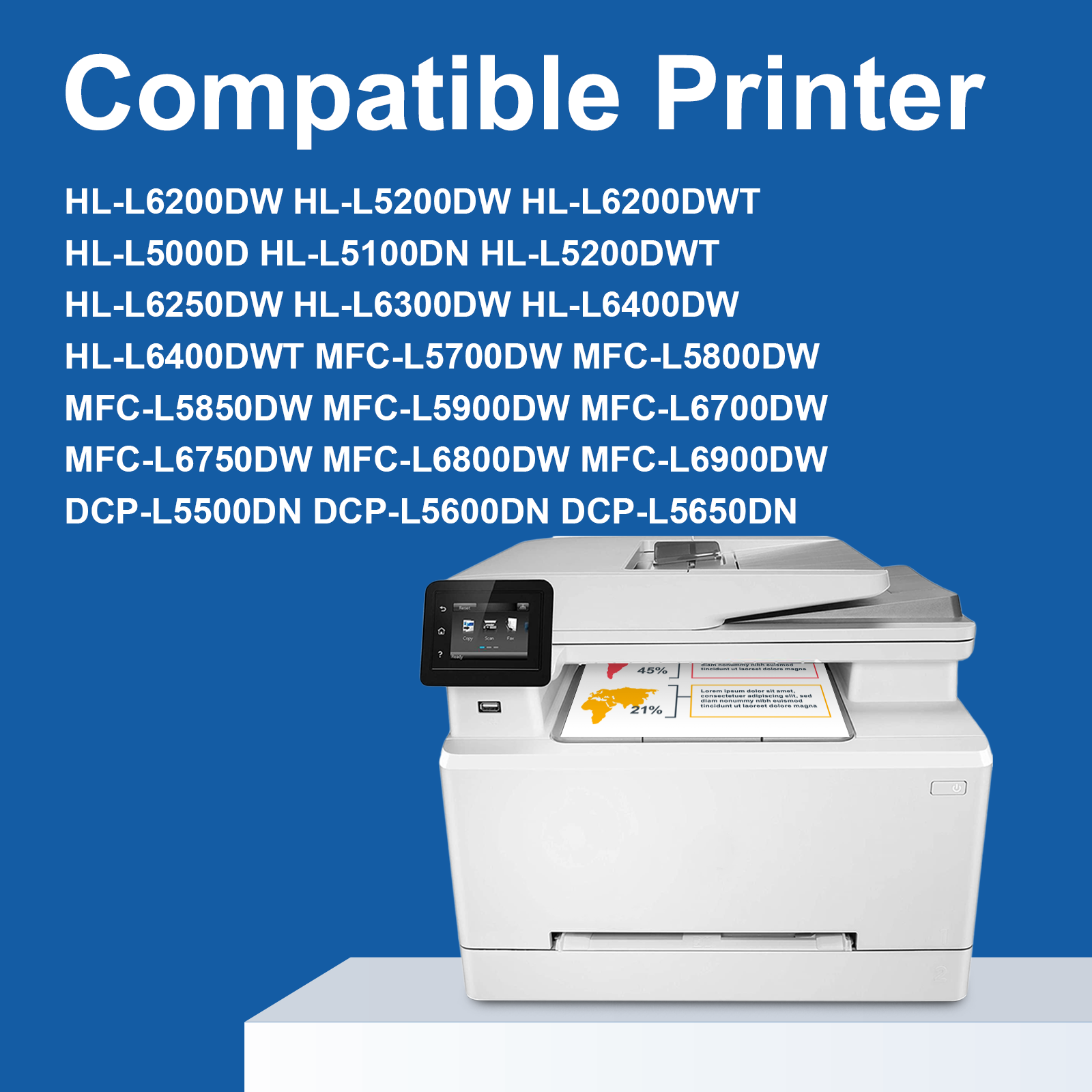
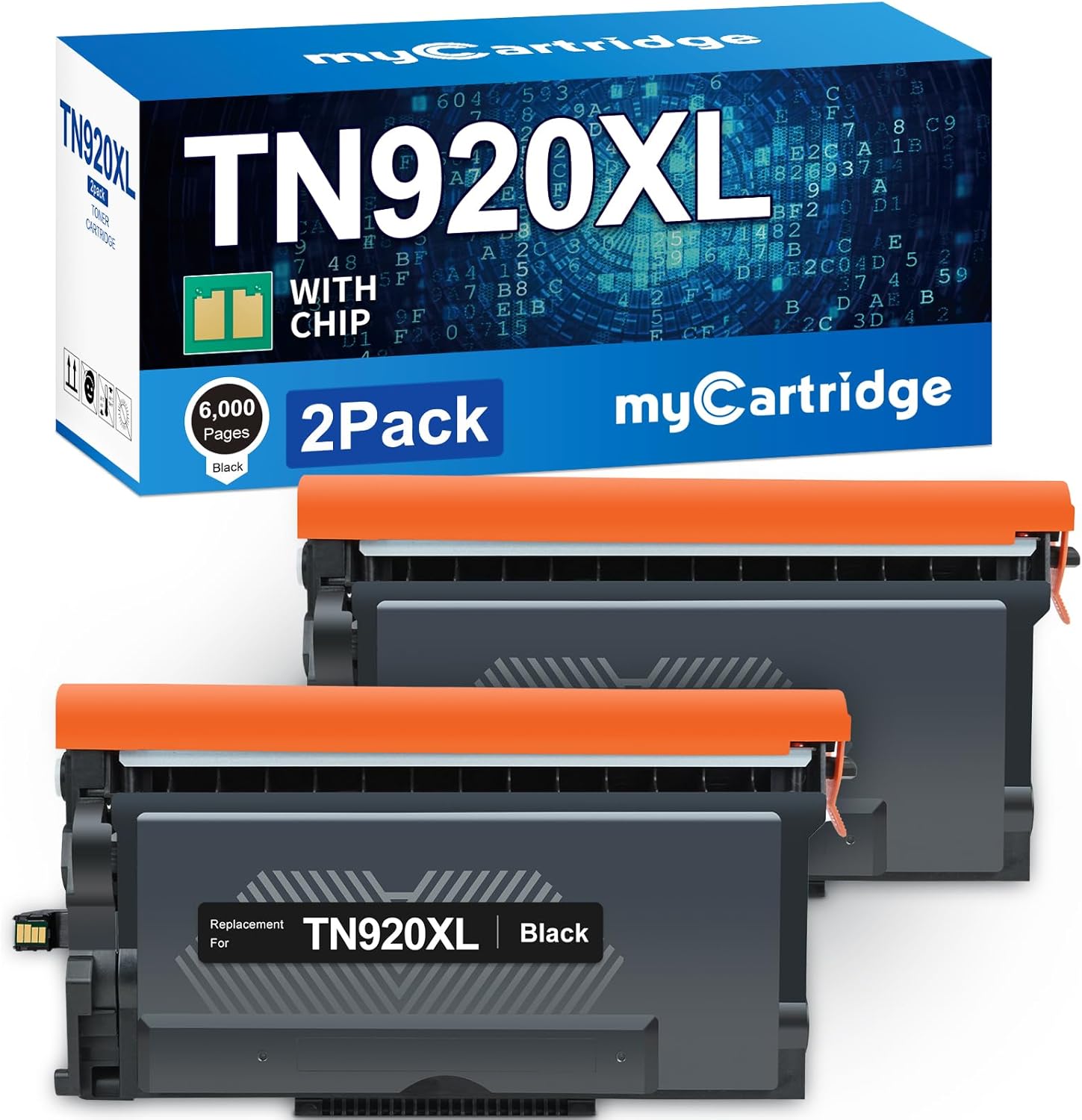
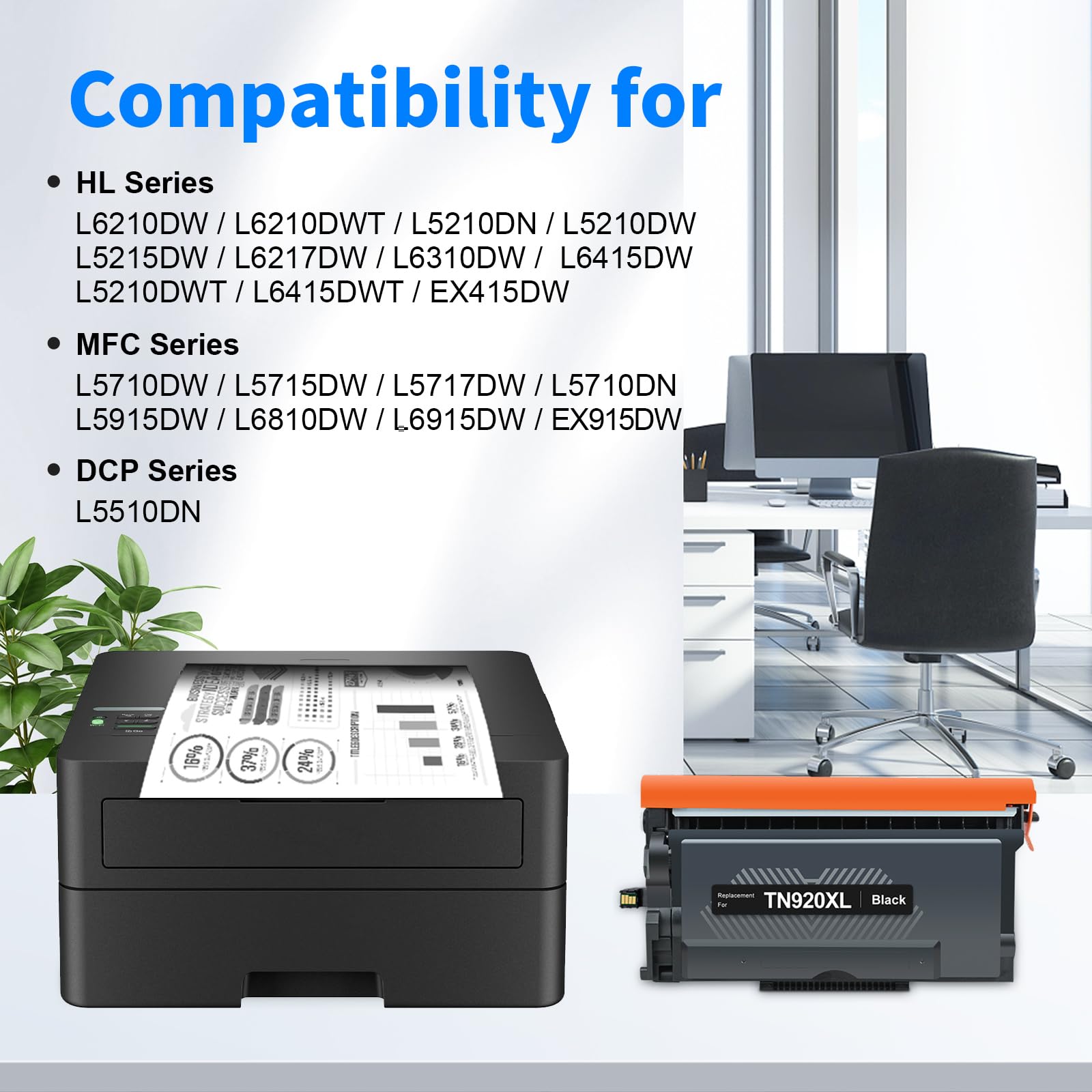
We offer a wide range of compatible toner cartridges covering Brother HL, DCP, MFC and Intellifax printer series. Our featured products, such as, Brother TN227, Brother TN229, Brother TN229XL, Brother TN760, Brother TN830, Brother TN830XL, Brother MFC-L2710DW toner, Brother HL-L3220CDW toner, Brother HL-L3280CDW toner, Brother MFC-L3780CDW toner, replacements, have won the favor of many Brother printer users with their reliable performance and favorable price. With the same compatibility and print quality as genuine cartridges, our replacement toners are the perfect choice to help you save on printing costs.
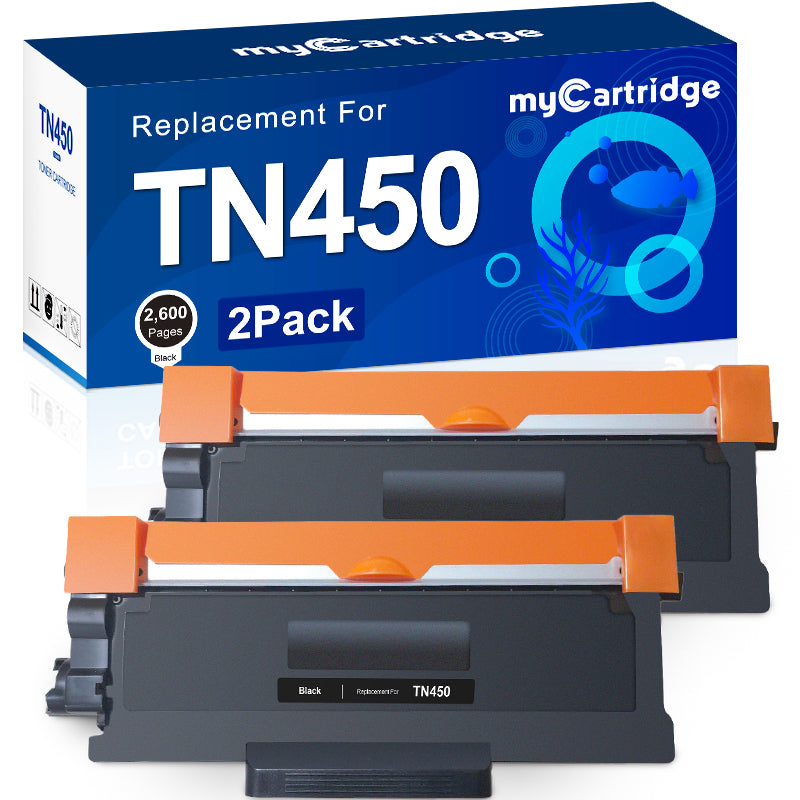
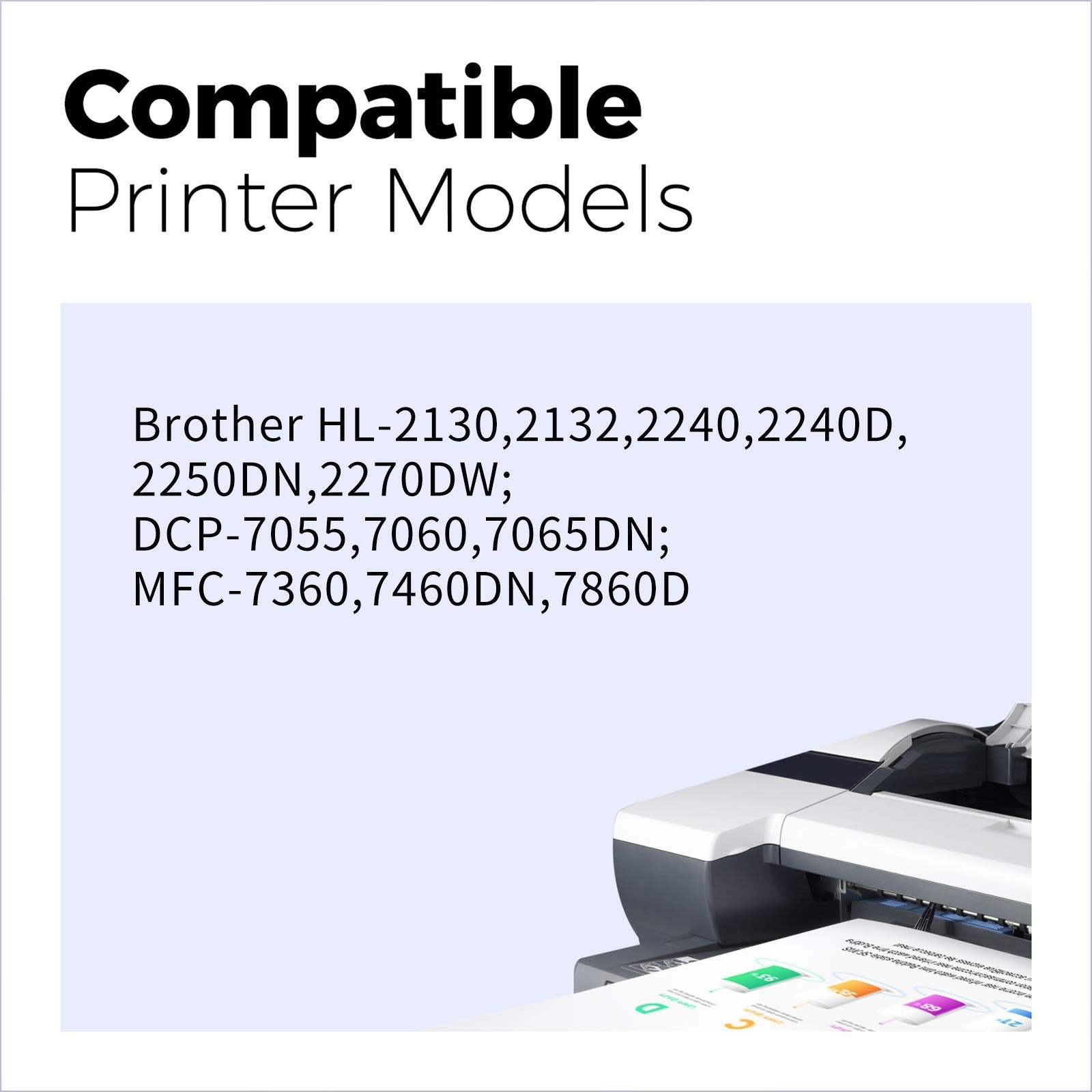
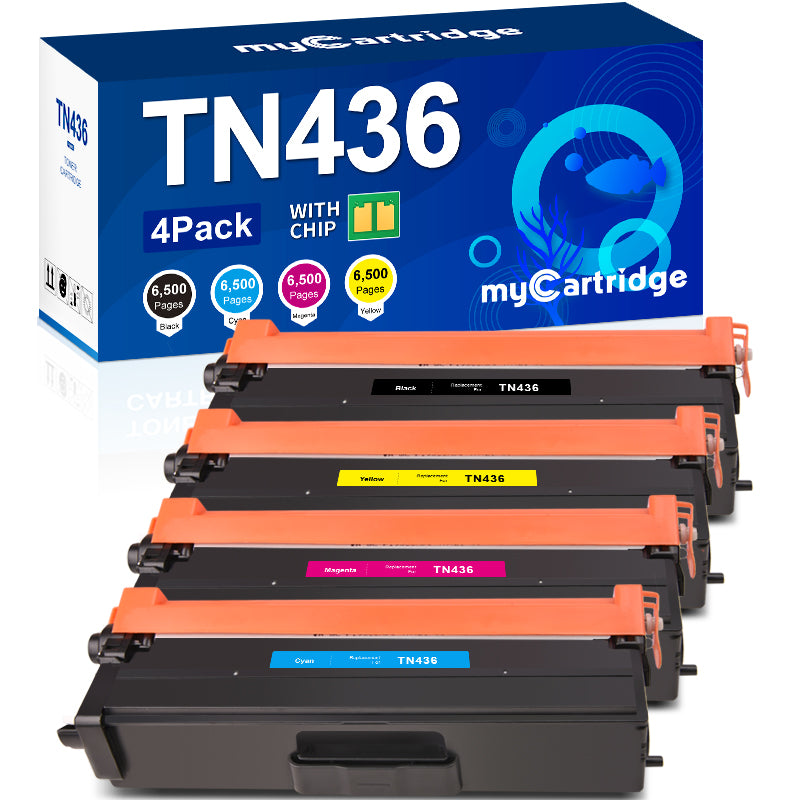
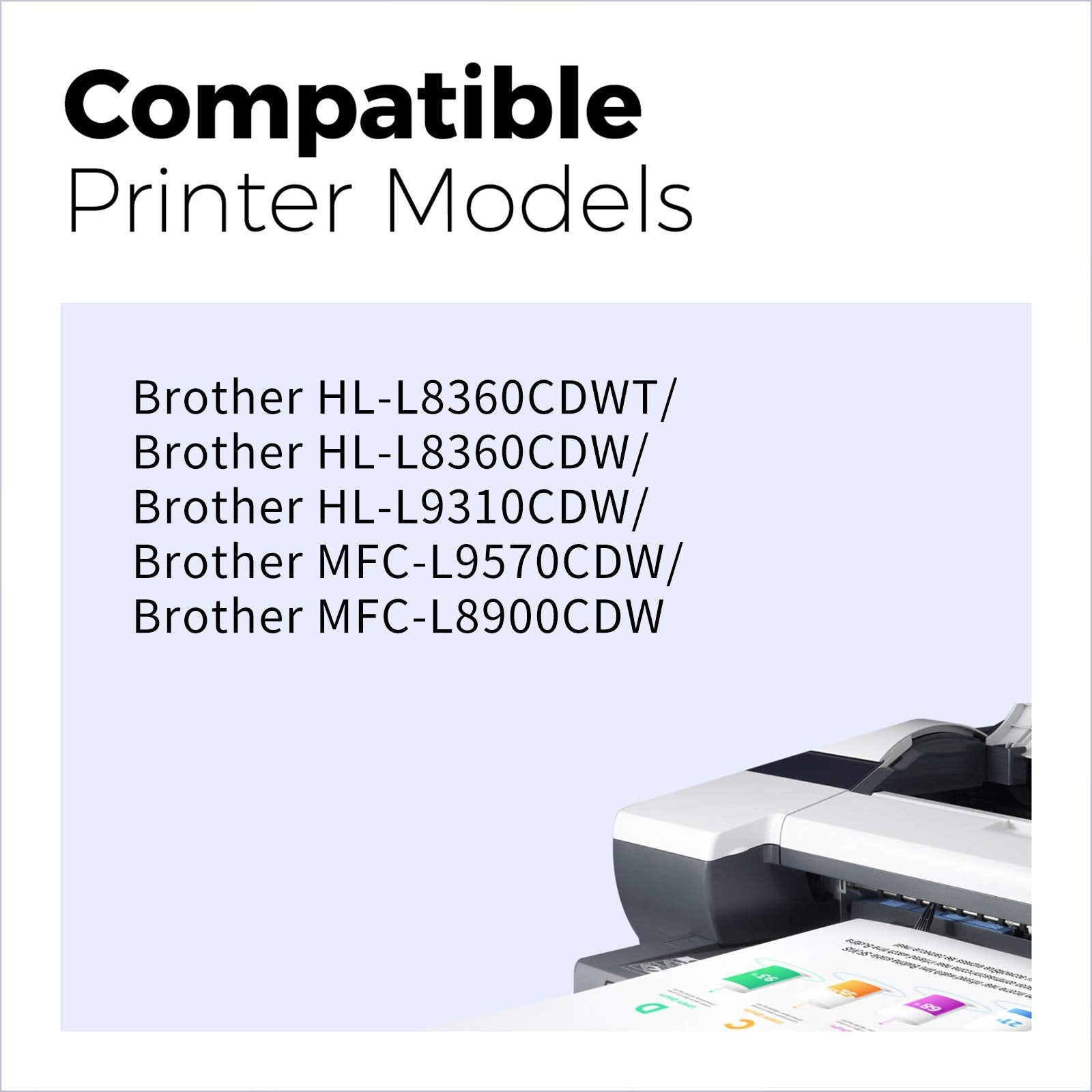
More About Brother Toner Cartridge
How to connect Brother printer to wifi?
- 1. Open Printer Cover: Open the front cover of your Brother printer.
- 2. Remove Drum Unit and Toner Cartridge Assembly: Pull out the drum unit and toner cartridge assembly together.
- 3. Release Toner Cartridge: Press the release lever to remove the toner cartridge from the drum unit.
- 4. Insert New Toner Cartridge: Shake the new toner cartridge gently, then insert it into the drum unit until it clicks into place.
- 5. Reinstall Drum and Toner Assembly: Put the drum unit and toner cartridge assembly back into the printer.
- 6. Close Printer Cover: Close the front cover of the printer.
How to replace toner in Brother printer?
- 1. Open Printer Cover: Open the front cover of your Brother printer.
- 2. Remove Drum Unit and Toner Cartridge Assembly: Pull out the drum unit and toner cartridge assembly together.
- 3. Release Toner Cartridge: Press the release lever to remove the toner cartridge from the drum unit.
- 4. Insert New Toner Cartridge: Shake the new toner cartridge gently, then insert it into the drum unit until it clicks into place.
- 5. Reinstall Drum and Toner Assembly: Put the drum unit and toner cartridge assembly back into the printer.
- 6. Close Printer Cover: Close the front cover of the printer.
How to scan on Brother printer?
- 1. Place Document: Place the document on the scanner glass or in the automatic document feeder (ADF).
- 2. Connect: Ensure your computer is connected to the printer. Open Software: Use Brother’s scanning software on your computer.
- 3. Adjust Settings: Set scan type, resolution, and file format.
- 4. Scan: Click the scan button in the software.
- 5. Save: Save the file to the desired location.
Will using compatible cartridges void my Brother warranty?
No, under U.S. (Magnuson-Moss Warranty Act) and EU laws, warranties can't be voided solely for using third-party ink/toner.
Are compatible cartridges eco-friendly?
Yes! Remanufactured cartridges reduce plastic waste vs. OEM.