






Payment & Security
Your payment information is processed securely. We do not store credit card details nor have access to your credit card information.
Description
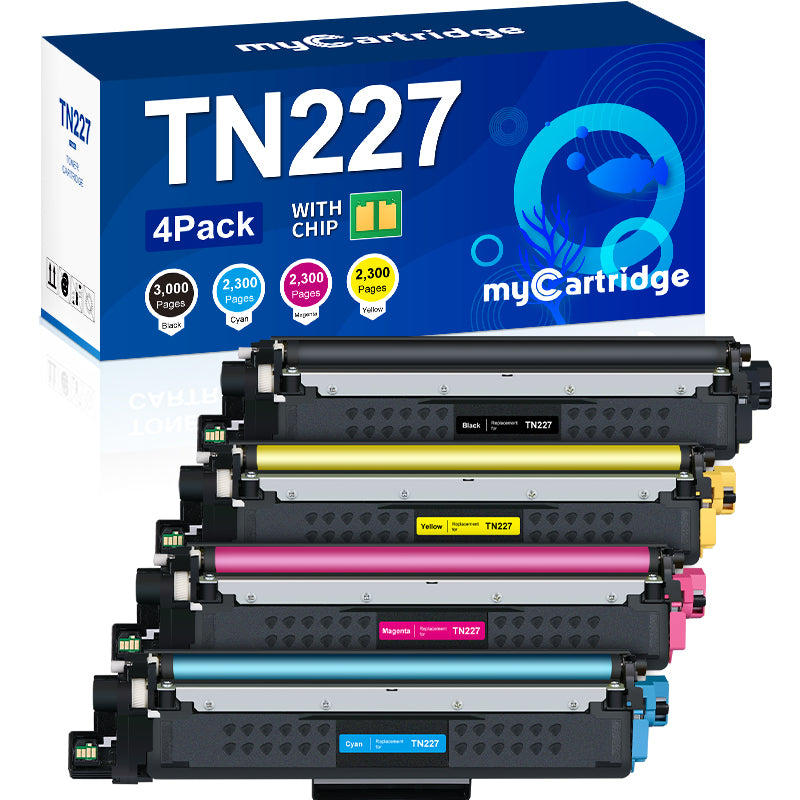
myCartridge Compatible Brother TN229XL Toner Cartridges 4-Pack (Black, Cyan, Magenta, Yellow)
- 5-Pack Bundle (2 Black + Cyan/Magenta/Yellow ) - Best Value!
- 2-Pack Black Only - Perfect for text-heavy printing.
This 4-pack covers all four colors for Brother HL-L3000 and MFC-L3000 series color laser printers. Each high-yield TN229XL cartridge includes an integrated chip for seamless printer recognition, backed by myCartridge lifetime warranty.
Extra 20% off automatically applied at checkout no code needed.
What is in the Box
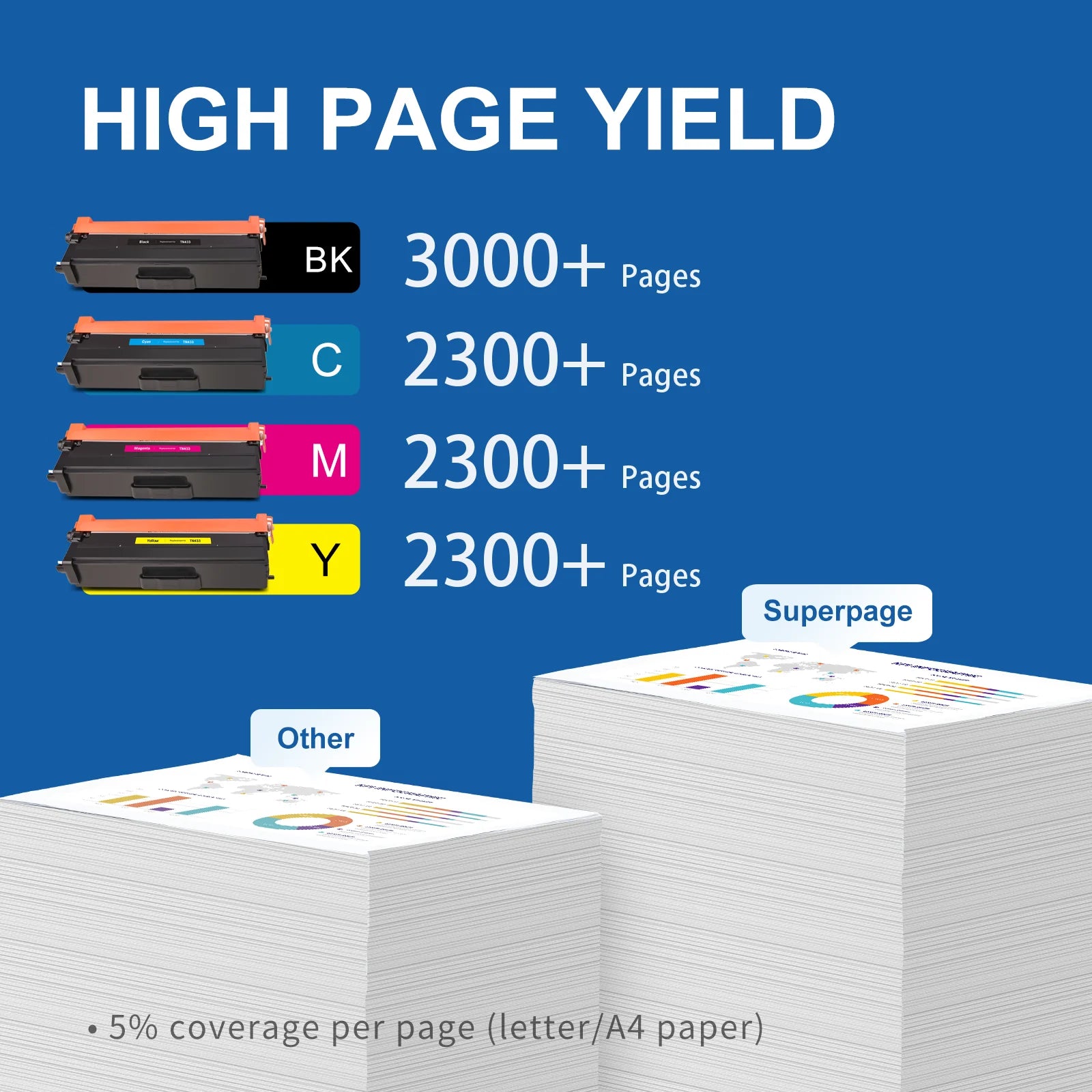
| Cartridge | OEM Number | Color | Page Yield |
|---|---|---|---|
| 1 x TN229XL Black | TN-229XLBK | Black | 3000 pages |
| 1 x TN229XL Cyan | TN-229XLC | Cyan | 2300 pages |
| 1 x TN229XL Magenta | TN-229XLM | Magenta | 2300 pages |
| 1 x TN229XL Yellow | TN-229XLY | Yellow | 2300 pages |
Page yield measured at 5% coverage per ISO testing standards.

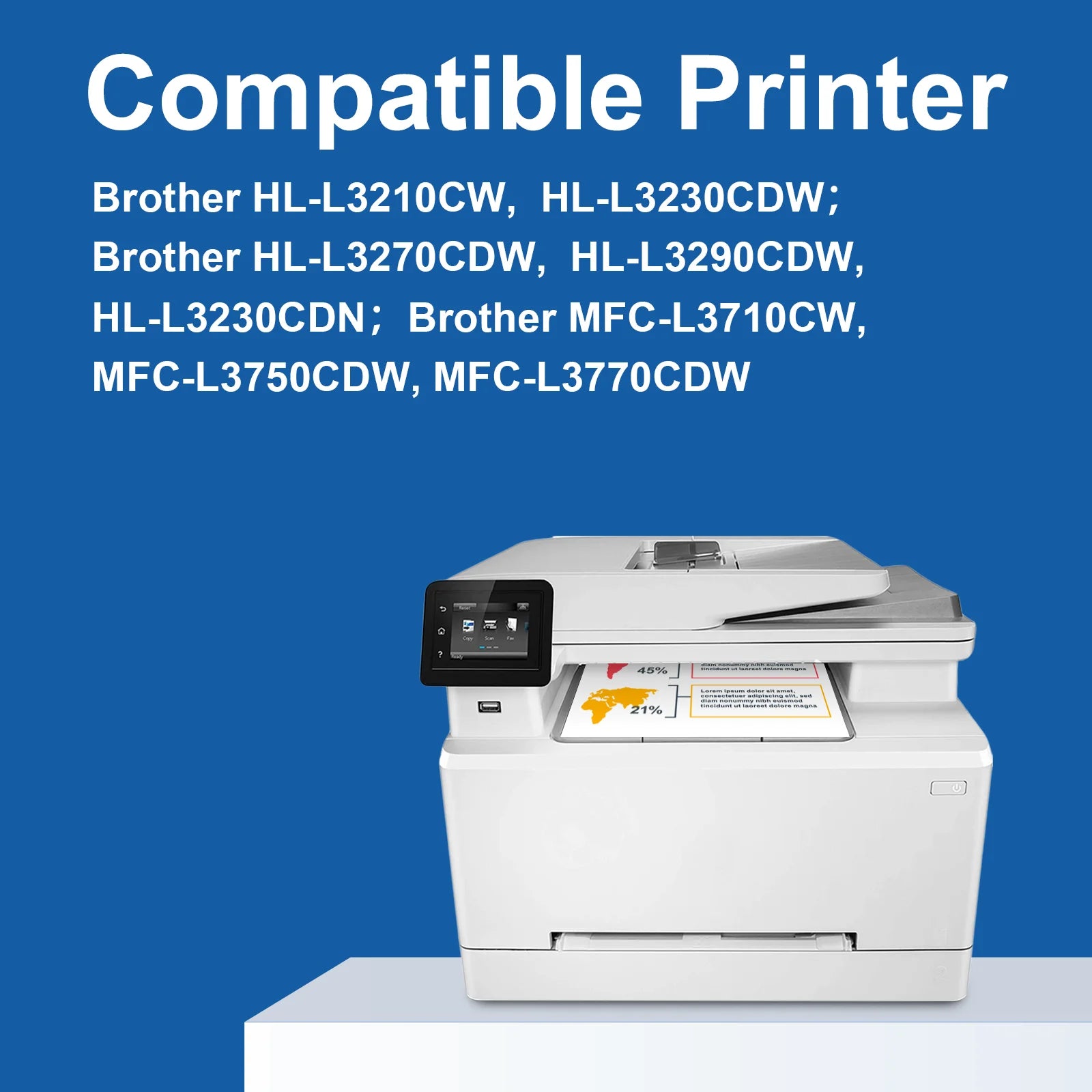
Compatible Brother Printers
| Series | Models |
|---|---|
| Brother HL |
HL-L3220CDW HL-L3280CDW HL-L3295CDW HL-L3300CDW HL-L8245CDW
|
| Brother MFC |
MFC-L3720CDW MFC-L3765CDW MFC-L3780CDW MFC-L8395CDW
|
Tip: Please confirm your exact printer model before ordering. The TN229XL is specific to the Brother HL-L3000 and MFC-L3000 series. It is not interchangeable with TN227 or TN223.
Brother TN229 vs TN229XL: Which Should You Buy
| Feature | TN229 (Standard ) | TN229XL (High Yield) |
|---|---|---|
| Black Yield | 1000 pages | 3000 pages |
| Color Yield | 1200 pages | 2300 pages |
| Best For | Occasional use | Regular printing |
The TN229XL yields 3 times more black pages and nearly 2 times more color pages than the standard TN229.
About the Drum Unit
The TN229XL is a toner cartridge only. It does not include a drum unit. Your Brother printer uses a separate drum unit that stays in place when you replace the toner. Typically, you will replace the drum unit every 3-4 toner cartridges to maintain optimal print quality.
How to Install Brother TN229XL Toner Cartridges
- Open the front cover of your Brother color laser printer.
- Pull the drum unit and toner cartridge assembly straight out.
- Press the release lever and slide the old toner cartridge out.
- Remove the new cartridge and shake it gently 5-6 times.
- Remove the orange protective cap.
- Slide the new cartridge into the drum unit until it clicks.
- Reinsert the assembly and close the cover.
Frequently Asked Questions
Does this pack include all four colors Yes, one each of Black, Cyan, Magenta, and Yellow.
What if I run out of Black toner faster Since black is used most often, we recommend our 5-Pack (includes 2 Black ) or our 2-Pack Black Only to keep your printer running longer.
What is the difference between TN229 and TN229XL TN229XL is high-yield, printing 3 times more black pages than standard.
Will this void my warranty No. Using compatible cartridges does not void your printer warranty under the Magnuson-Moss Act.
myCartridge is an independent supplier. Brother and TN229XL are trademarks of Brother Industries Ltd., used for compatibility reference only.
Related products


For MFC-L2710DW MFC-L2750DW HL-L2370DW HL-L2395DW DCP-L2550DW


For HL-L3280CDW HL-L3295CDW MFC-L3780CDW MFC-L3720CDW


For HL-L2460DW HL-L2480DW MFC-L2820DW DCP-L2640DW


For HL-L2460DW HL-L2480DW MFC-L2820DW MFC-L2900DW DCP-L2640DW


For MFC-L2710DW MFC-L2750DW HL-L2370DW HL-L2395DW DCP-L2550DW
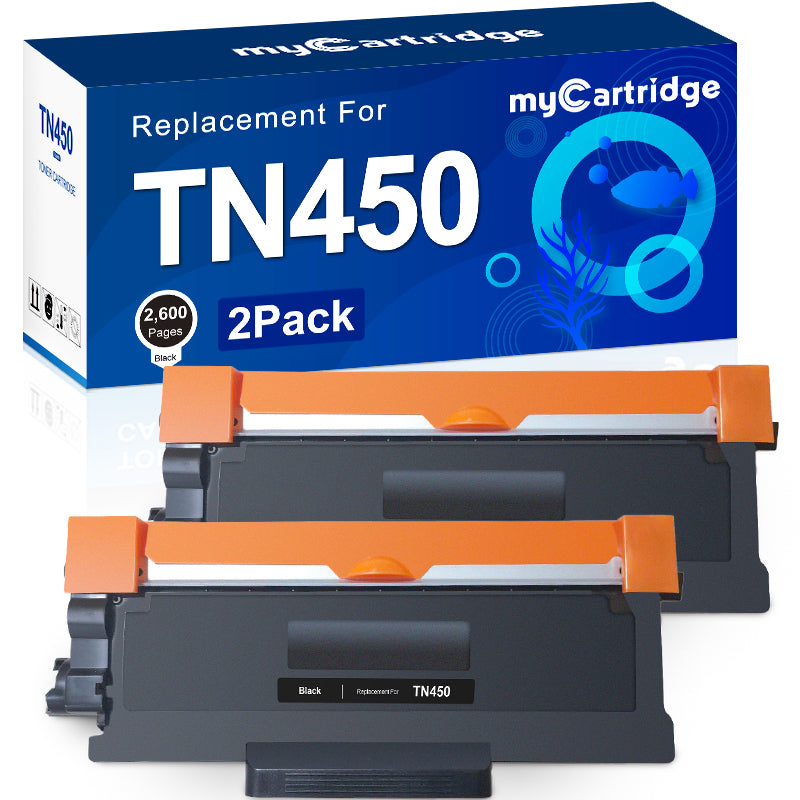
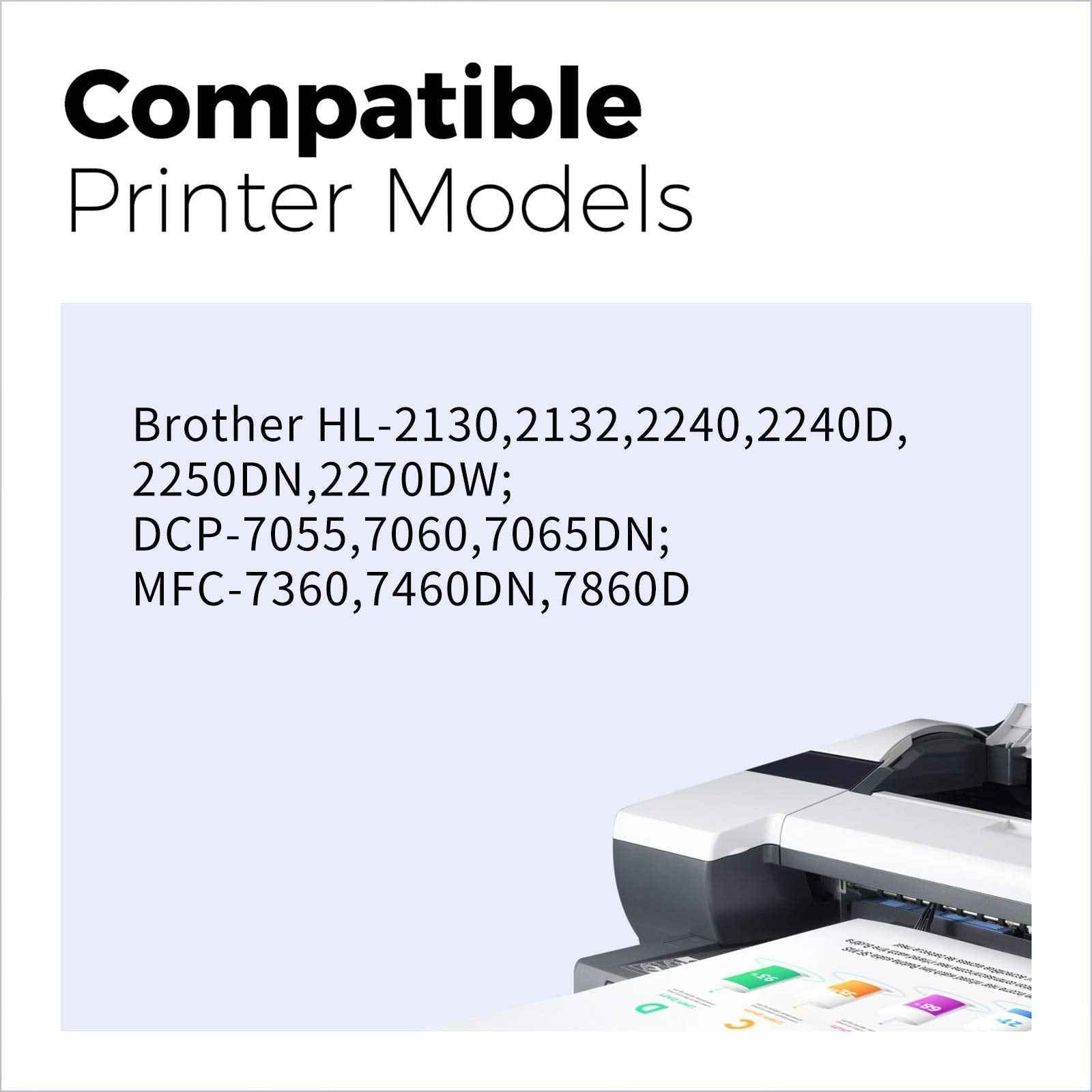
For HL-2270DW HL-2280DW MFC-7860DW DCP-7065D Intellifax 2840
For HL-L3210CW HL-L3230CDW MFC-L3710CW MFC-L3750CDW MFC-L3770CDW · High Yield


For HL-L2400D HL-L2405W HL-L2460DW MFC-L2760DW MFC-L2820DW DCP-L2640DW