



Payment & Security
Your payment information is processed securely. We do not store credit card details nor have access to your credit card information.
Description
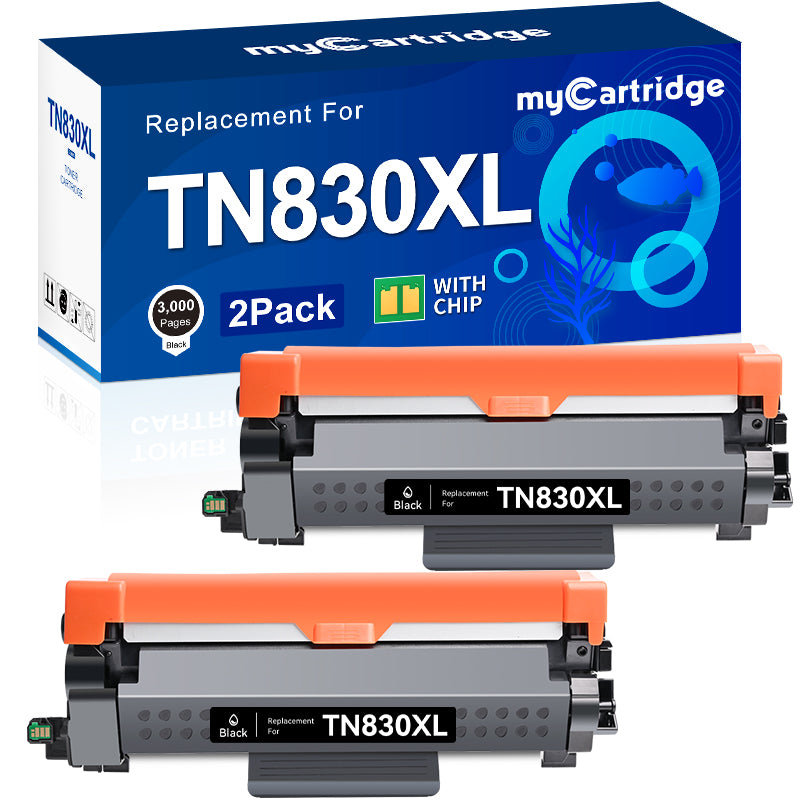
myCartridge Compatible Brother TN830XL Toner Cartridges — High Yield Black 2-Pack
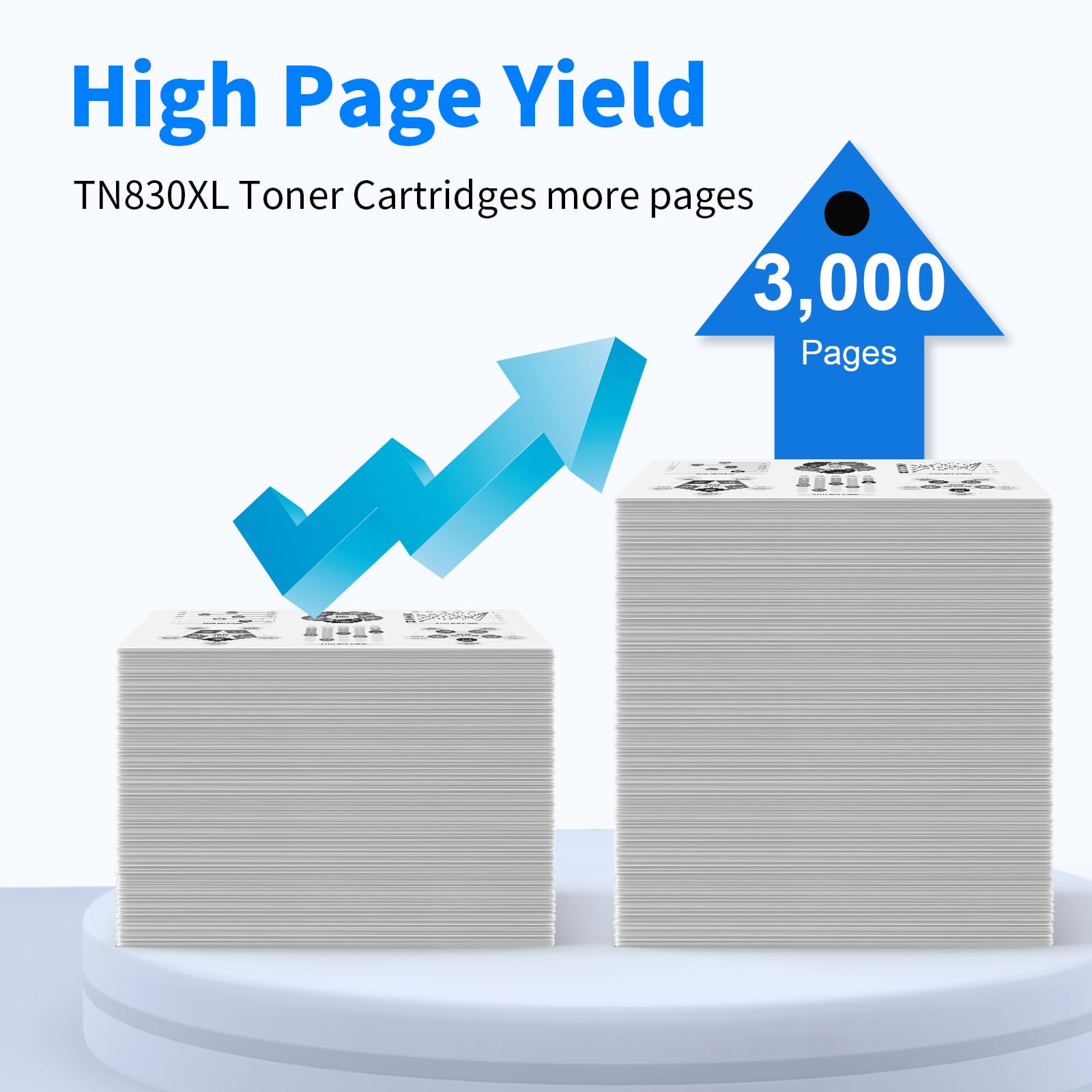
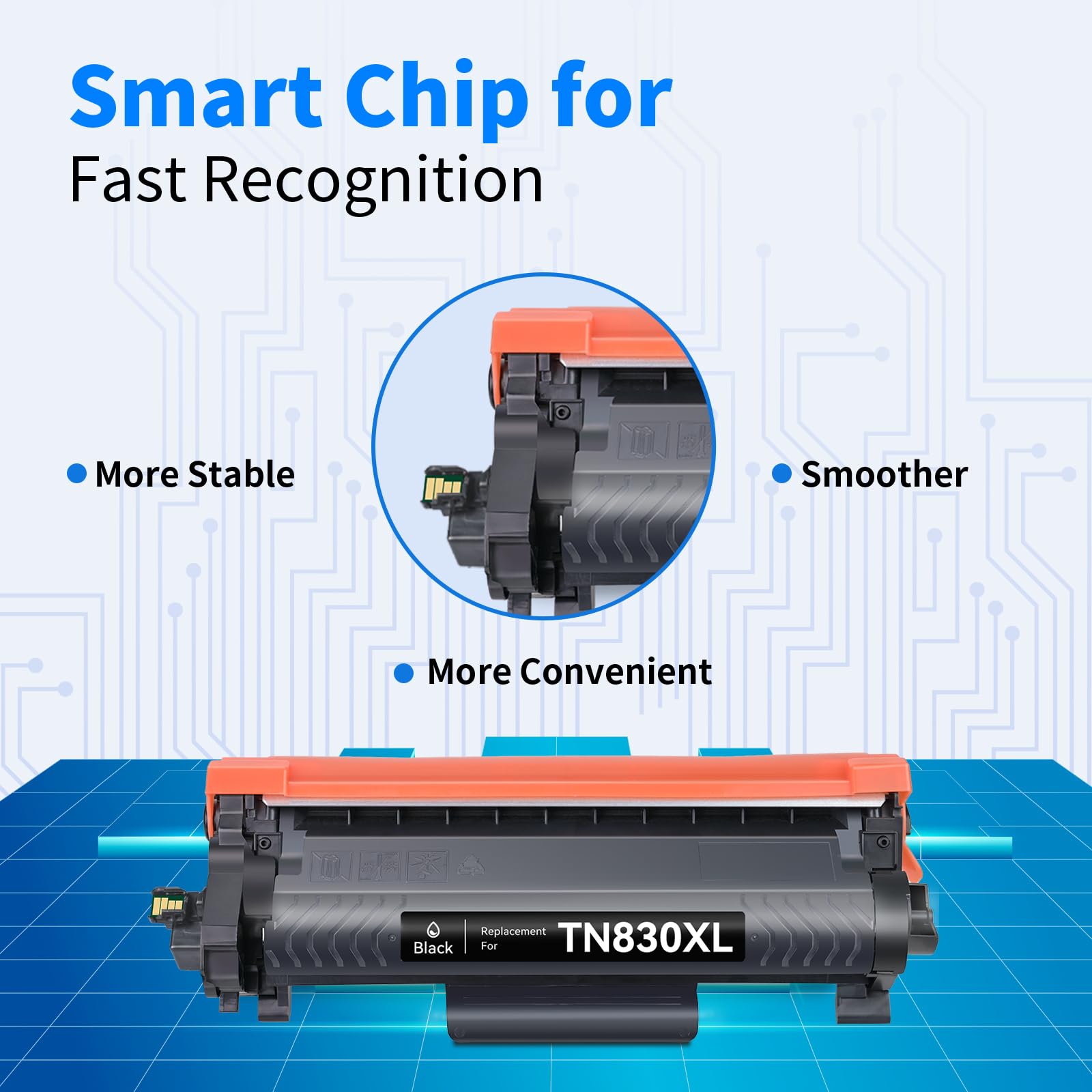
This 2-pack of compatible Brother TN830XL black toner cartridges delivers up to 3,000 pages each for Brother HL, DCP, and MFC series laser printers — a combined yield of approximately 6,000 pages at a fraction of the OEM price. Each cartridge includes an integrated chip for accurate toner level tracking, backed by myCartridge's lifetime warranty.
Extra 20% off automatically applied at checkout — no code needed.
What's in the Box
| Cartridge | OEM Number | Color | Page Yield | Total (2-Pack) |
|---|---|---|---|---|
| 2 × TN830XL | TN-830XL | Black | ~3,000 pages each | ~6,000 pages |
Page yield measured at 5% coverage per ISO testing standards.
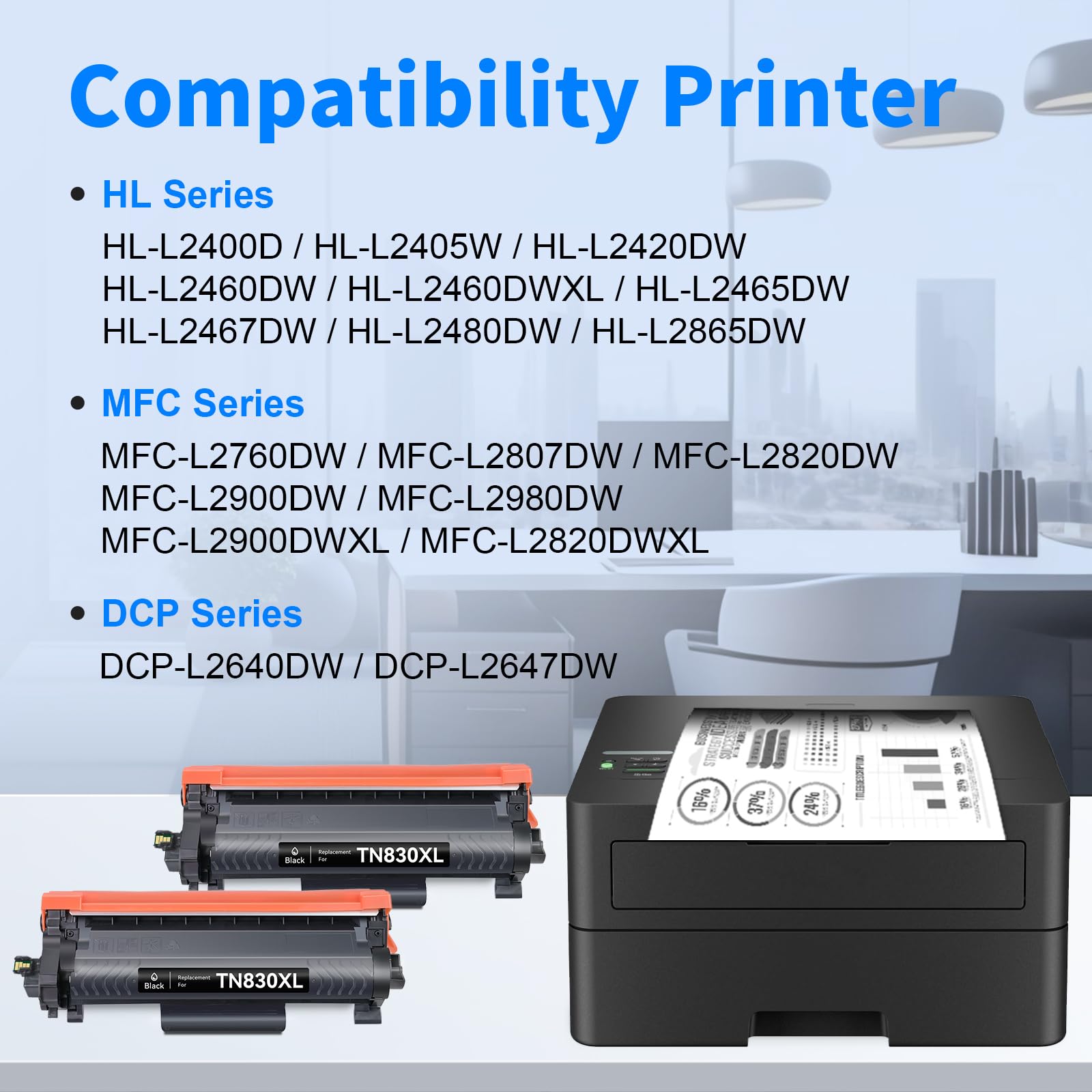
Compatible Brother Printers
| Series | Models |
|---|---|
| Brother DCP | DCP-L2640DW · DCP-L2647DW |
| Brother HL | HL-L2400D · HL-L2405W · HL-L2420DW · HL-L2460DW · HL-L2460DWXL · HL-L2465DW · HL-L2467DW · HL-L2480DW · HL-L2865DW |
| Brother MFC | MFC-L2760DW · MFC-L2807DW · MFC-L2820DW · MFC-L2820DWXL · MFC-L2900DW · MFC-L2900DWXL · MFC-L2980DW |
Tip: Check the label inside your Brother printer's front cover to confirm it requires TN830XL before ordering. The TN830XL is the high-yield version — if your printer uses the standard TN830, that cartridge fits the same printers but yields fewer pages.
Brother TN830 vs TN830XL: What's the Difference?
| TN830 (Standard) | TN830XL (High Yield) | |
|---|---|---|
| Page Yield | ~1,200 pages | ~3,000 pages |
| Compatible Printers | Same | Same |
| Best For | Occasional light printing | Regular home or office use |
| Cost Per Page | Higher | Lower |
The TN830XL holds 2.5× more toner than the standard TN830 and fits the same printers. For anyone printing regularly, the XL delivers a significantly lower cost per page.
About the Drum Unit
The TN830XL is a toner cartridge only — it does not include a drum unit. Brother laser printers use separate toner cartridges and drum units. When you replace the toner, keep your existing drum unit in place. Typically, you'll replace the drum unit after every 3–4 toner cartridges to maintain optimal print quality.
How to Install Brother TN830XL Toner Cartridge
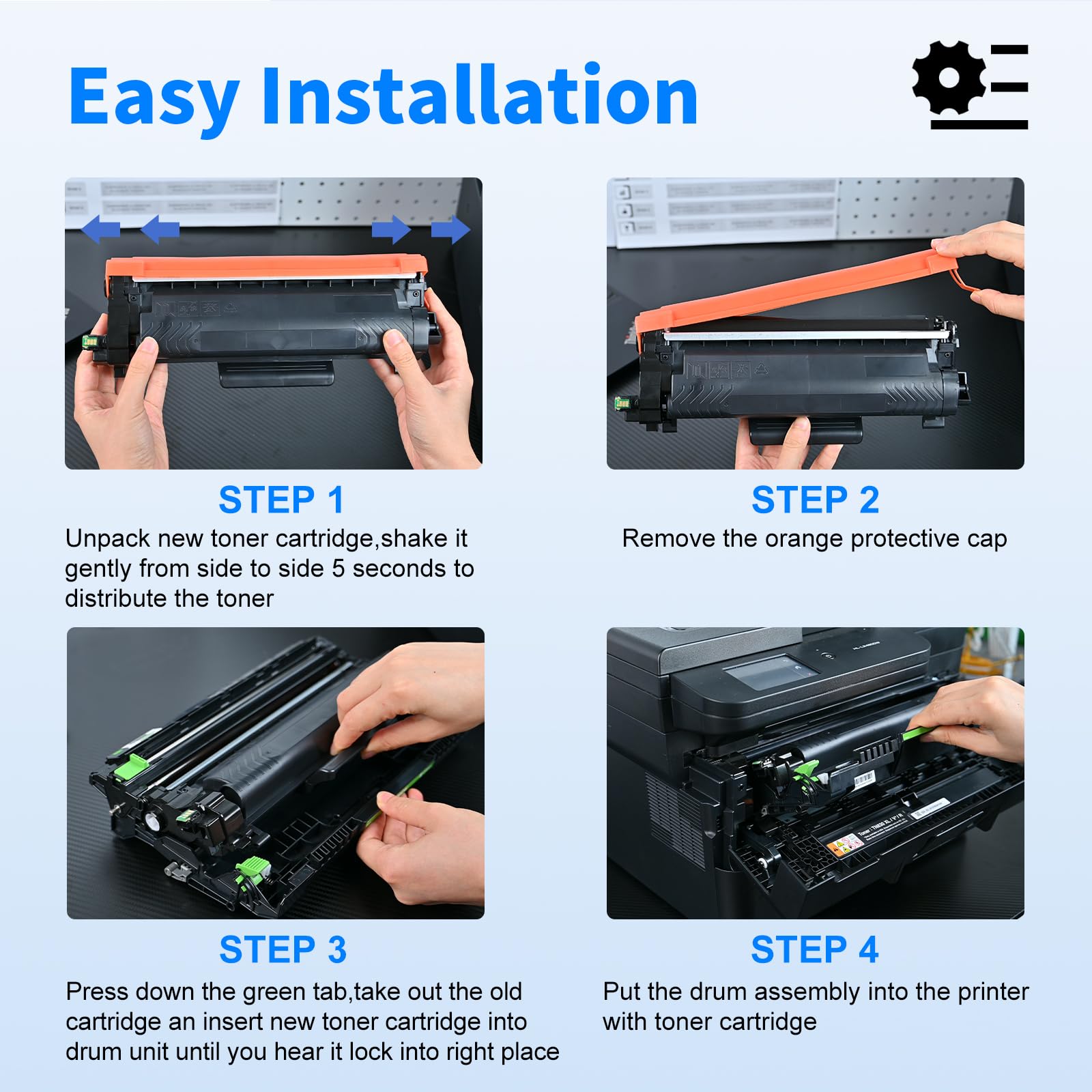
- Open the front cover of your Brother laser printer
- Pull the toner cartridge and drum unit assembly straight out
- Press the green lock lever and slide the old toner cartridge out of the drum unit
- Remove the new TN830XL cartridge from its packaging and shake it gently 5–6 times side to side to evenly distribute the toner
- Remove the orange protective seal completely
- Slide the new cartridge firmly into the drum unit until it clicks
- Reinsert the drum and toner assembly back into the printer
- Close the front cover
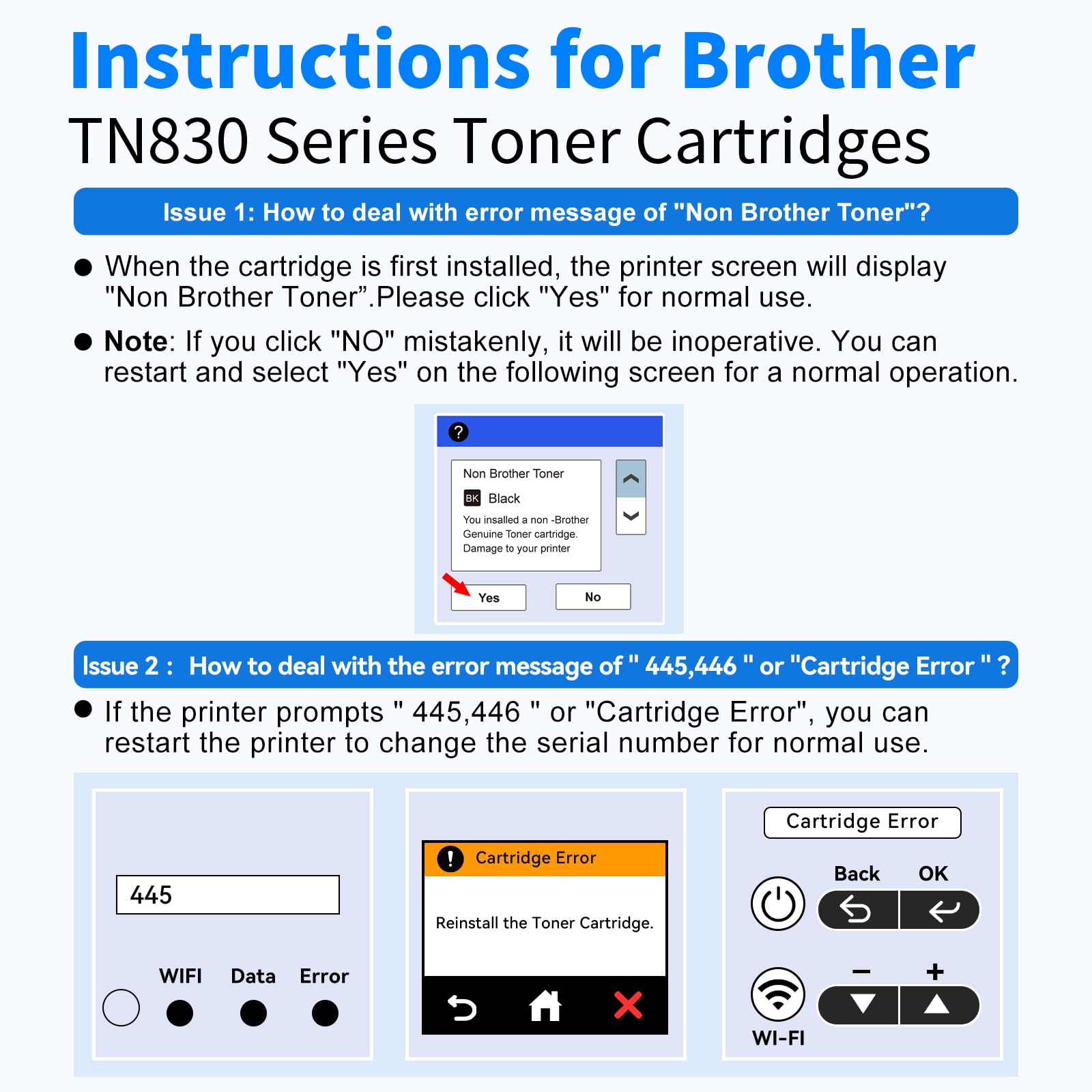
If your printer displays "Non-Brother Toner": Press Yes or OK to continue. This is a standard notification — your cartridge is compatible and will perform normally.
If your printer displays a cartridge error: Power the printer off completely, wait 30 seconds, and power it back on. This resolves most chip recognition issues on first installation.
Do not touch the drum roller. Fingerprints can cause print defects.
Frequently Asked Questions
Does this pack include two cartridges? Yes. This listing contains two TN830XL compatible black toner cartridges, each individually packaged.
What is the difference between TN830 and TN830XL? The TN830 yields approximately 1,200 pages; the TN830XL yields approximately 3,000 pages. Both fit the same printers. The XL delivers a lower cost per page for regular printing.
Does this include a drum unit? No. The TN830XL is a toner cartridge only. Your existing drum unit stays in the printer — only the toner cartridge needs to be replaced.
My printer shows "Non-Brother Toner." What should I do? Press Yes or OK to proceed. This is a standard Brother alert when a compatible cartridge is installed. It does not affect print quality.
My printer shows a cartridge error after installation. What should I do? Power the printer off completely, wait 30 seconds, and power it back on. If the error persists, remove the cartridge, ensure all protective tape has been fully removed, reinsert firmly, and restart again. Contact myCartridge support if the issue continues — all cartridges are covered by our lifetime warranty.
Will using a compatible toner cartridge void my Brother printer warranty? No. Under the Magnuson-Moss Warranty Act, Brother cannot void your printer warranty solely because you used a compatible toner cartridge.
How long can I store the second unused cartridge? Store the sealed cartridge in a cool, dry place away from direct sunlight. For best results, install within 24 months of purchase.
myCartridge is an independent supplier of compatible printer cartridges. Brother, TN830XL, TN-830XL, and related model names are trademarks of Brother Industries Ltd., referenced here for compatibility purposes only.