




Payment & Security
Your payment information is processed securely. We do not store credit card details nor have access to your credit card information.
Description
myCartridge Compatible Brother DR830 Drum Unit 1-Pack
This compatible Brother DR830 drum unit replaces the OEM DR-830 for Brother HL, DCP, and MFC series laser printers. Each drum unit yields up to 15,000 pages and is designed to work with TN830XL toner cartridges. Backed by myCartridge's lifetime warranty.
Extra 20% off automatically applied at checkout no code needed.
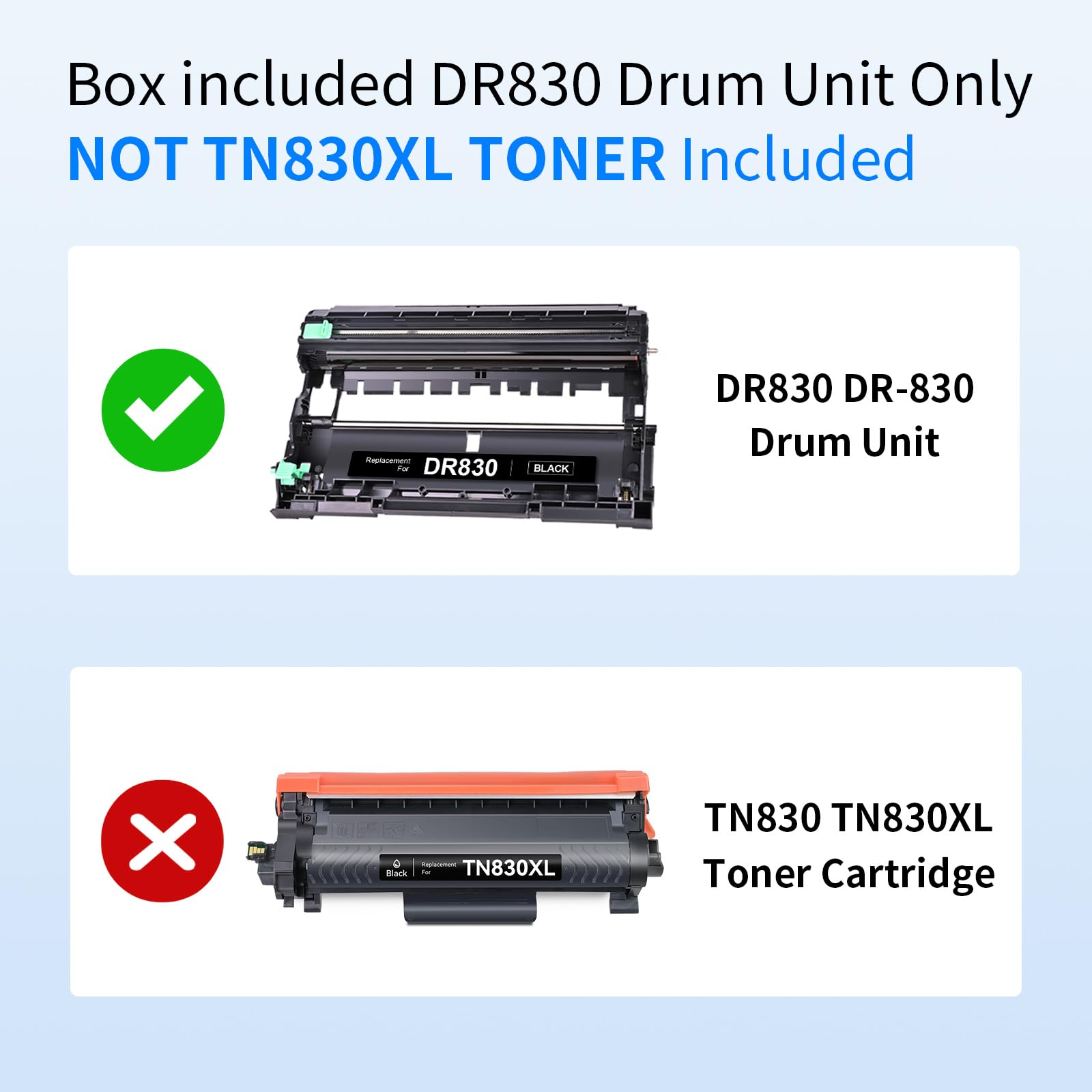
Important: This listing contains the drum unit only no toner cartridge is included. The drum unit and toner cartridge are separate components. If you also need toner, see our Brother TN830XL 2-Pack.
What's in the Box
| Item | OEM Number | Page Yield |
|---|---|---|
| 1 × DR830 Drum Unit | DR-830 | ~15,000 pages |
Page yield measured at 5% coverage per ISO testing standards.
Compatible Brother Printers
| Series | Models |
|---|---|
| Brother DCP | DCP-L2640DW DCP-L2647DW |
| Brother HL | HL-L2400D HL-L2405W HL-L2420DW HL-L2460DW HL-L2460DWXL HL-L2465DW HL-L2467DW HL-L2480DW HL-L2865DW |
| Brother MFC | MFC-L2760DW MFC-L2807DW MFC-L2820DW MFC-L2820DWXL MFC-L2900DW MFC-L2900DWXL MFC-L2980DW |
Drum Unit vs Toner Cartridge: What's the Difference
Brother laser printers use two separate consumable components that are replaced at different intervals:
| Component | Function | Replacement Frequency |
|---|---|---|
| Toner Cartridge (TN830XL) | Contains the toner powder that creates the printed image | Every ~3,000 pages |
| Drum Unit (DR830) | Transfers toner from the cartridge onto the paper | Every ~15,000 pages (approx. every 3–4 toner cartridges) |
When you see "Replace Toner" replace the TN830XL toner cartridge. When you see "Replace Drum" or "Drum End Soon" replace the DR830 drum unit.
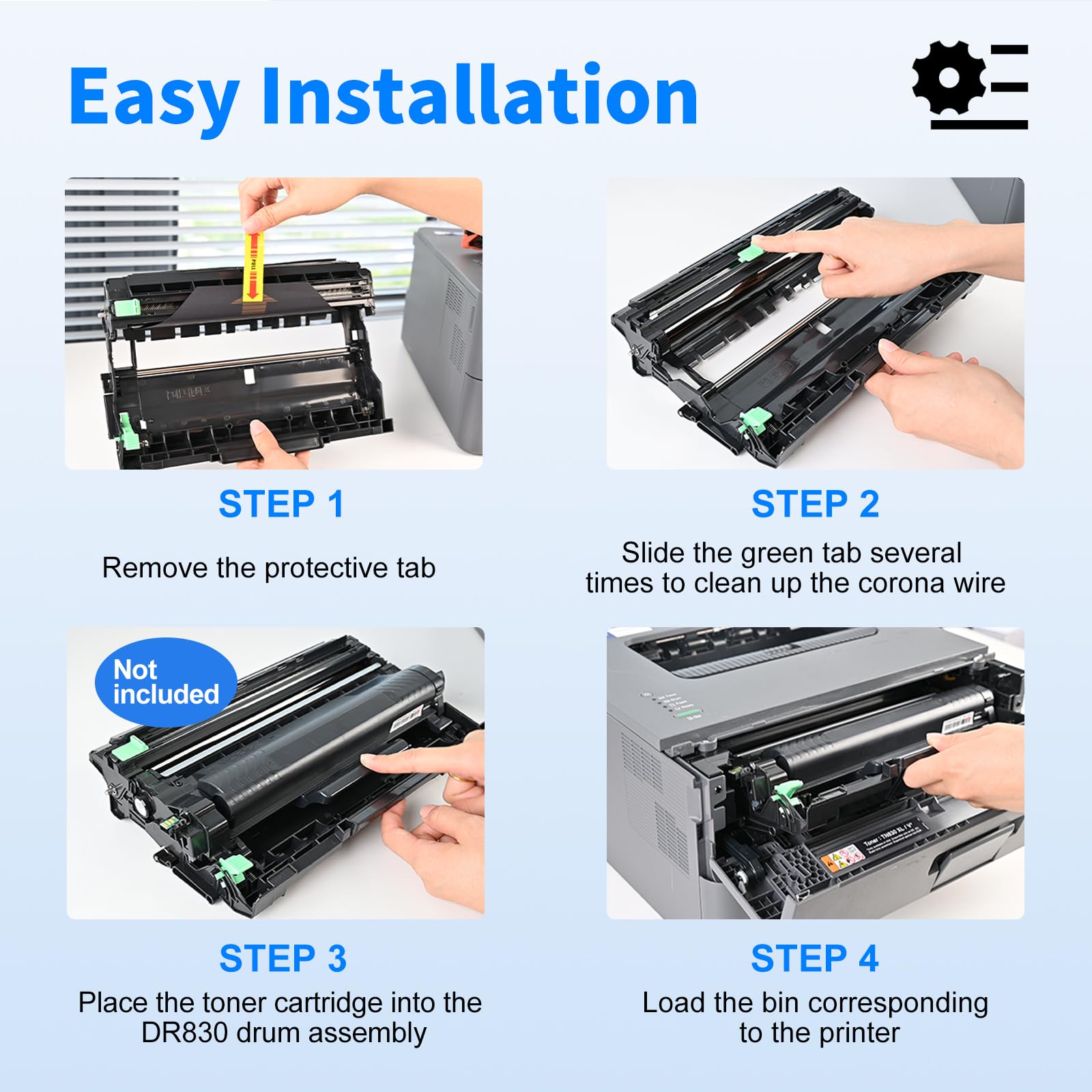
How to Install Brother DR830 Drum Unit
- Open the front cover of your Brother laser printer
- Pull the existing drum unit and toner cartridge assembly straight out
- Press the green release button and separate the toner cartridge from the old drum unit
- Insert your toner cartridge into the new DR830 drum unit until it clicks
- Remove the orange protective cover from the drum unit
- Do not touch the green drum surface fingerprints cause permanent print defects
- Slide the new drum and toner assembly back into the printer until it locks
- Close the front cover
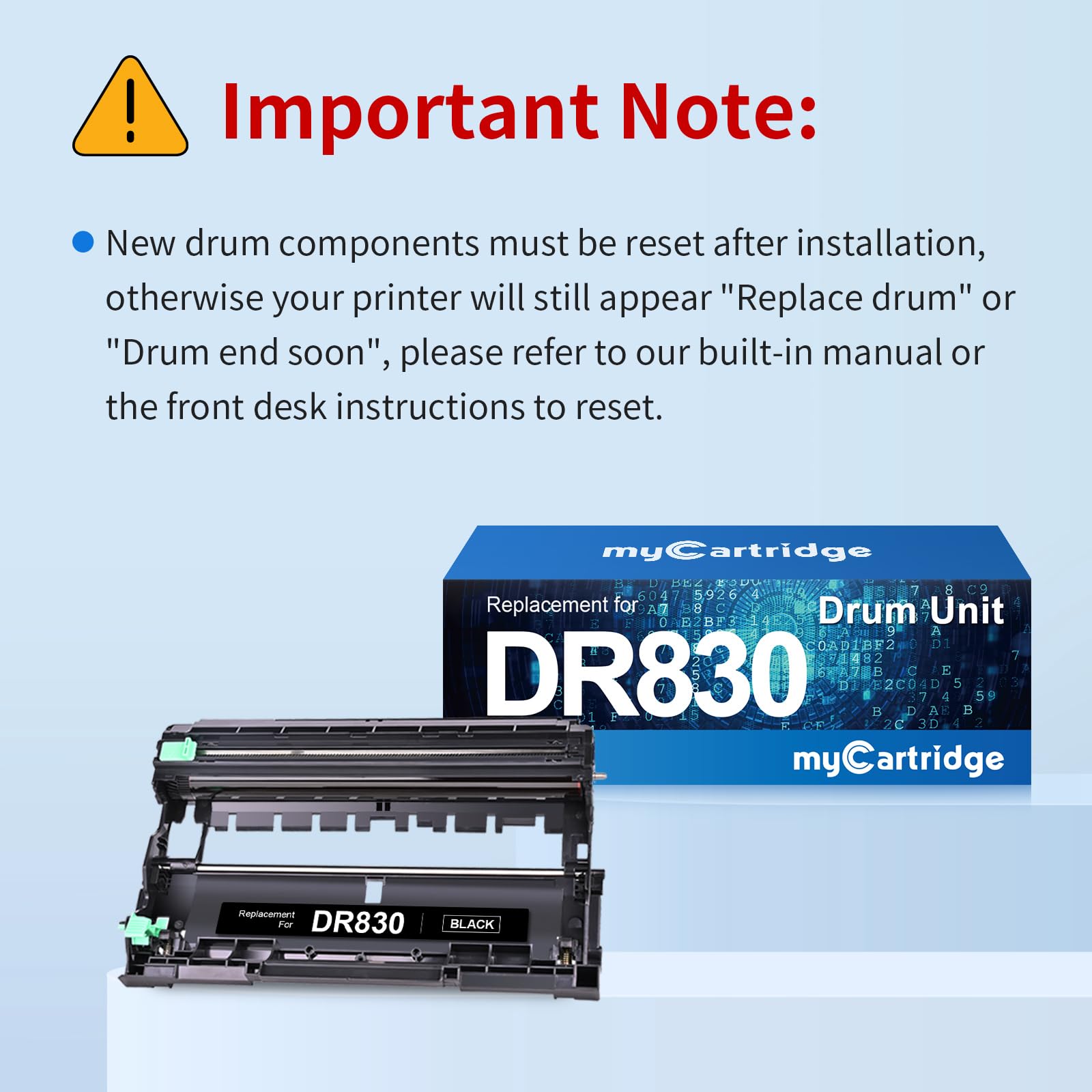
Important: Reset the Drum Counter After Installation
After installing a new drum unit, your printer will still display "Replace Drum" or "Drum End Soon" until you reset the drum counter. This is normal the printer cannot detect a new drum automatically.
Reset steps (most Brother HL/DCP/MFC models):
- Open the front cover with the printer powered on
- Press and hold the OK button for several seconds until the display shows "Drum" or a reset option
- Press the ↖ (Up) button to confirm the reset
- Close the front cover the drum counter is now reset
Note: Reset steps vary slightly by model. If the above doesn't work, consult your printer's user manual or visit Brother's support site for your specific model's drum reset procedure.
Frequently Asked Questions
Does this include a toner cartridge No. This listing contains the DR830 drum unit only. The toner cartridge (TN830XL) is sold separately. See our TN830XL 2-Pack if you need toner as well.
How often should I replace the drum unit Approximately every 15,000 pages, or roughly every 3–4 toner cartridges, whichever comes first. Your printer will display "Drum End Soon" or "Replace Drum" when it's time.
My printer still shows "Replace Drum" after installing the new drum unit. What do I do You need to reset the drum counter. See the reset steps above the printer cannot automatically detect a new drum and requires a manual counter reset. This is normal behavior on all Brother laser printers.
Is the DR830 compatible with TN830XL toner cartridges Yes. The DR830 drum unit is designed to work with TN830XL and TN830 toner cartridges. The drum and toner are separate components that work together.
Will using a compatible drum unit void my Brother printer warranty No. Under the Magnuson-Moss Warranty Act, Brother cannot void your printer warranty solely because you used a compatible drum unit.
How long can I store an unused drum unit Store the sealed drum unit in its original packaging in a cool, dry place away from direct sunlight. Do not expose the drum to light for extended periods before installation.
myCartridge is an independent supplier of compatible printer consumables. Brother, DR830, DR-830, and related model names are trademarks of Brother Industries Ltd., referenced here for compatibility purposes only.
Related products


For MFC-L2710DW MFC-L2750DW HL-L2370DW HL-L2395DW DCP-L2550DW


For HL-L3280CDW HL-L3295CDW MFC-L3780CDW MFC-L3720CDW


For HL-L2460DW HL-L2480DW MFC-L2820DW MFC-L2900DW DCP-L2640DW


For MFC-L2710DW MFC-L2750DW HL-L2370DW HL-L2395DW DCP-L2550DW
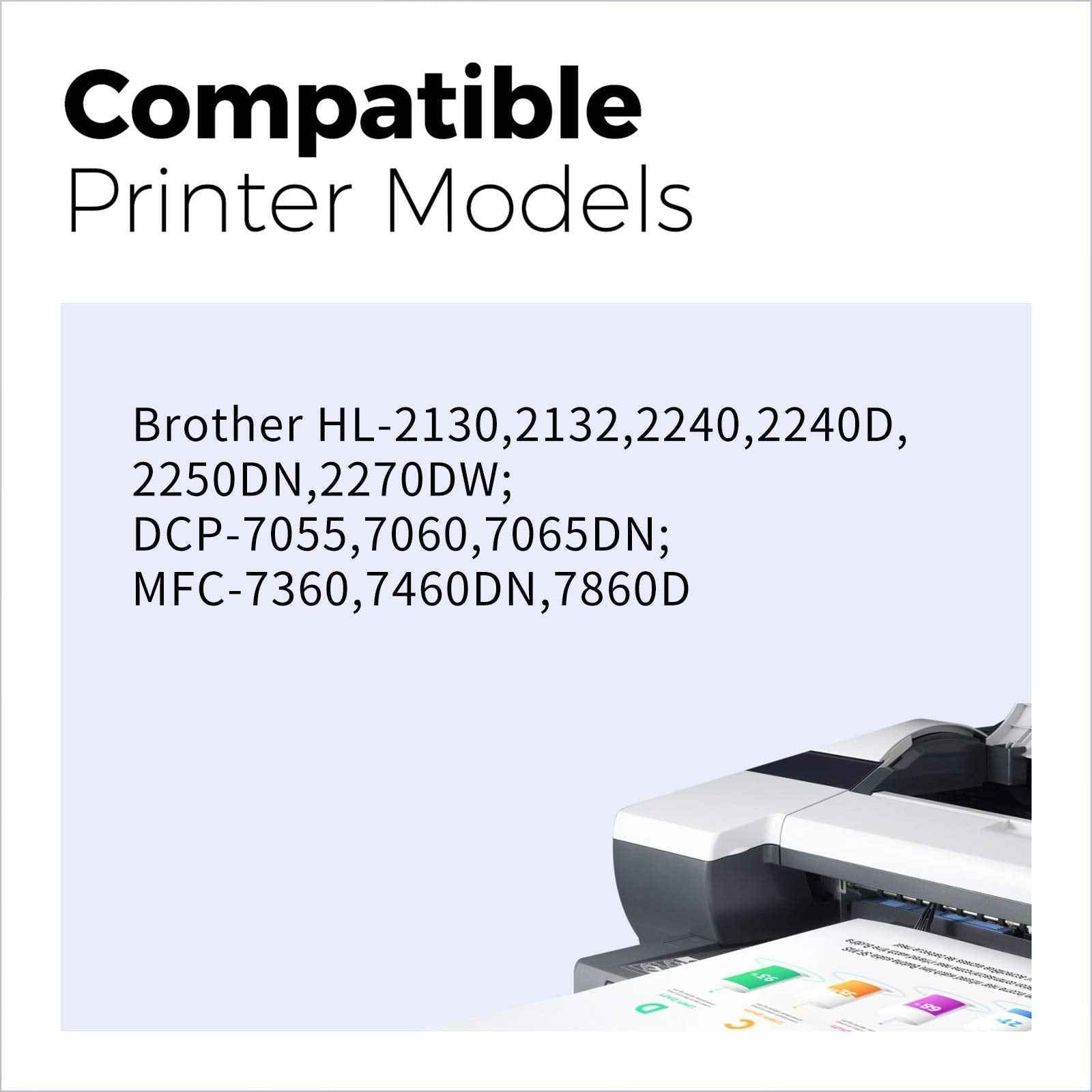
For HL-2270DW HL-2280DW MFC-7860DW DCP-7065D Intellifax 2840
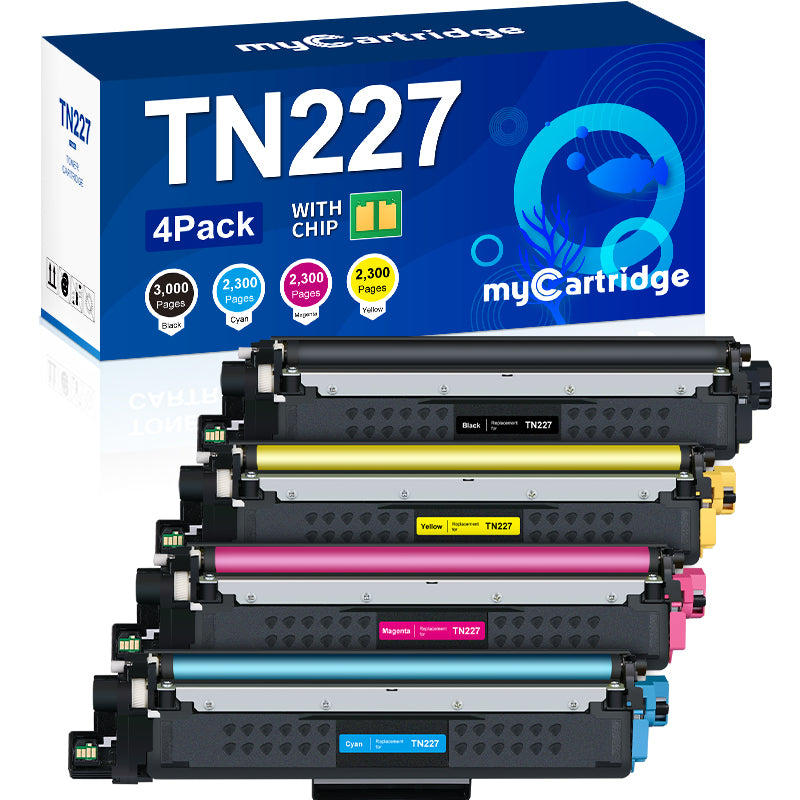
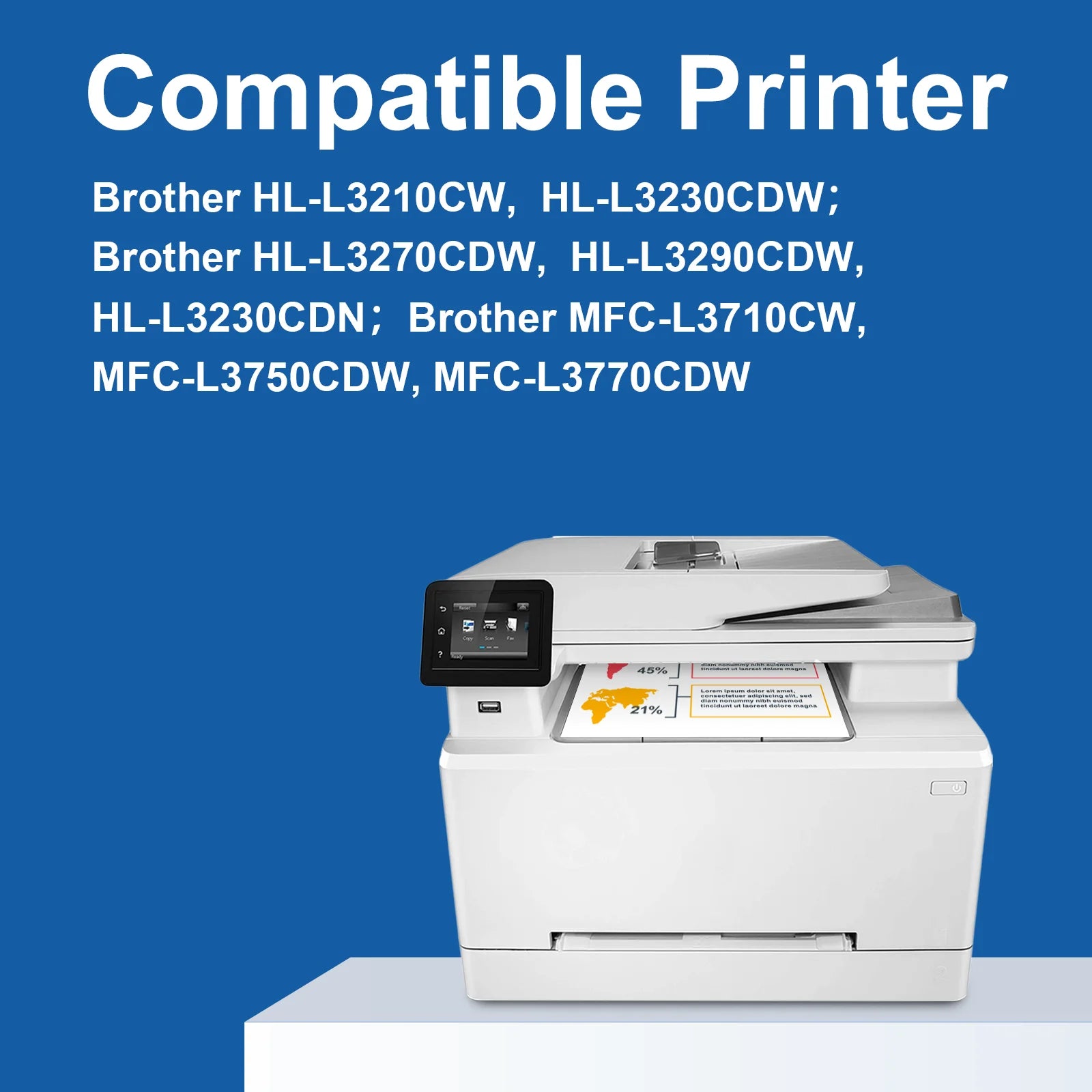
For HL-L3210CW HL-L3230CDN HL-L3230CDW HL-L3270CDW HL-L3290CDW MFC-L3710CW MFC-L3730CDN MFC-L3750CDW MFC-L3770CDW · High Yield


For HL-L2400D HL-L2405W HL-L2460DW MFC-L2760DW MFC-L2820DW DCP-L2640DW


For HL-L3220CDW HL-L3280CDW HL-L3295CDW HL-L3300CDW HL-L8245CDW MFC-L3720CDW MFC-L3760CDW MFC-L3780CDW MFC-L8395CDW · High Yield