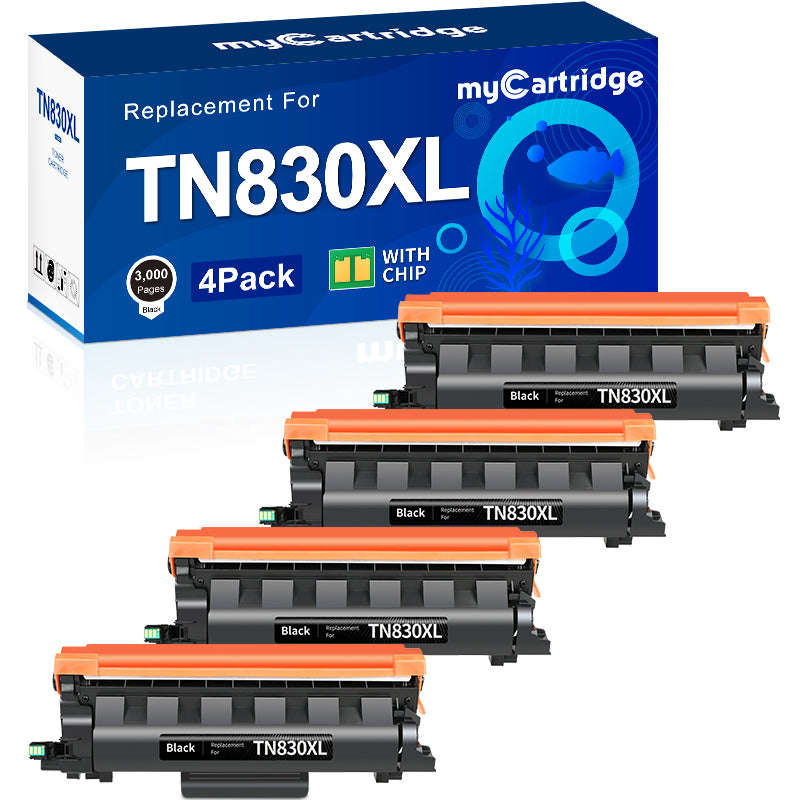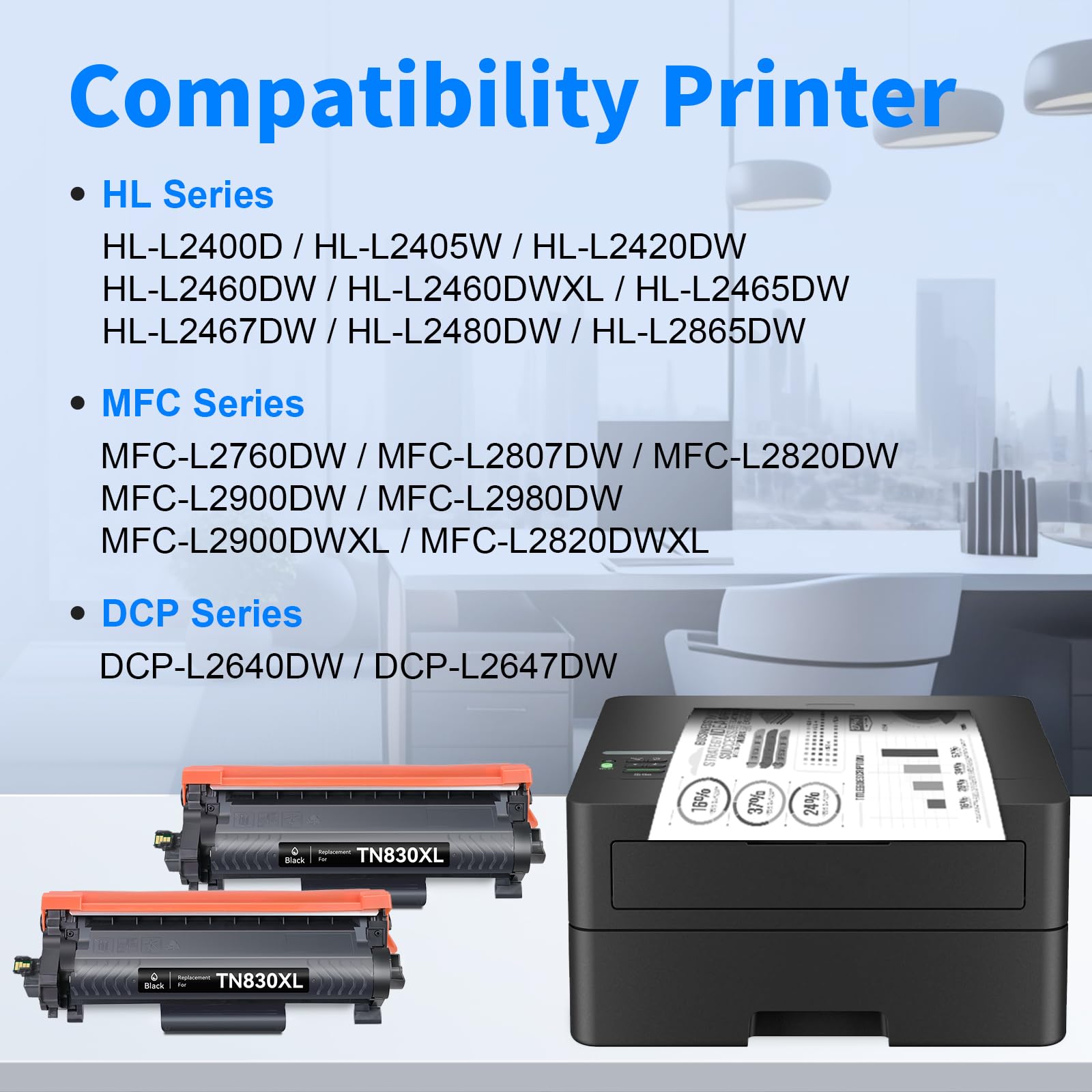
Black Friday Deal 2025: Why the TN830XL Is the Smartest Toner Pick of the Year
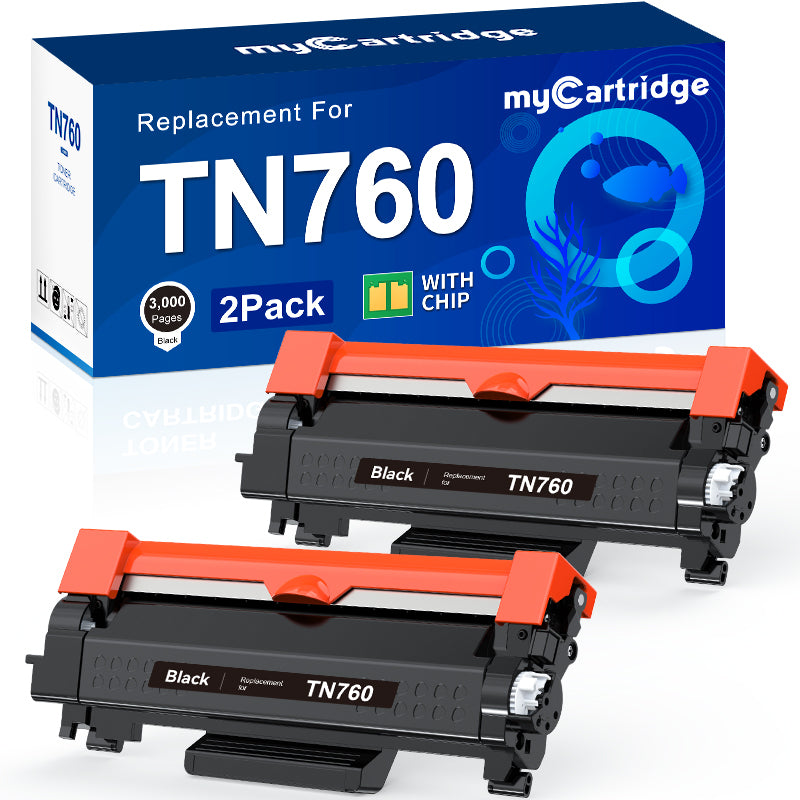
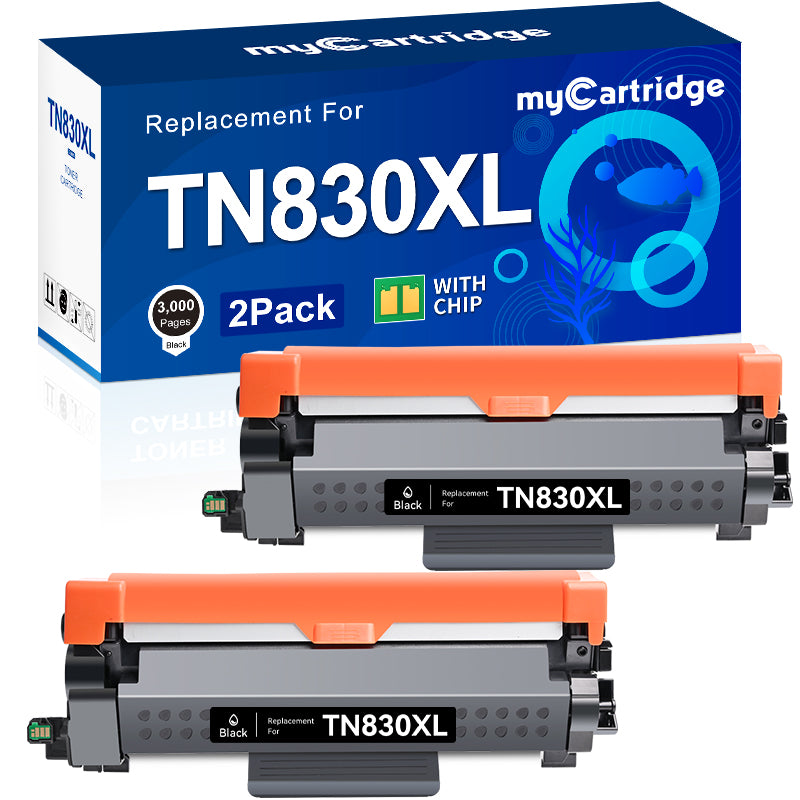
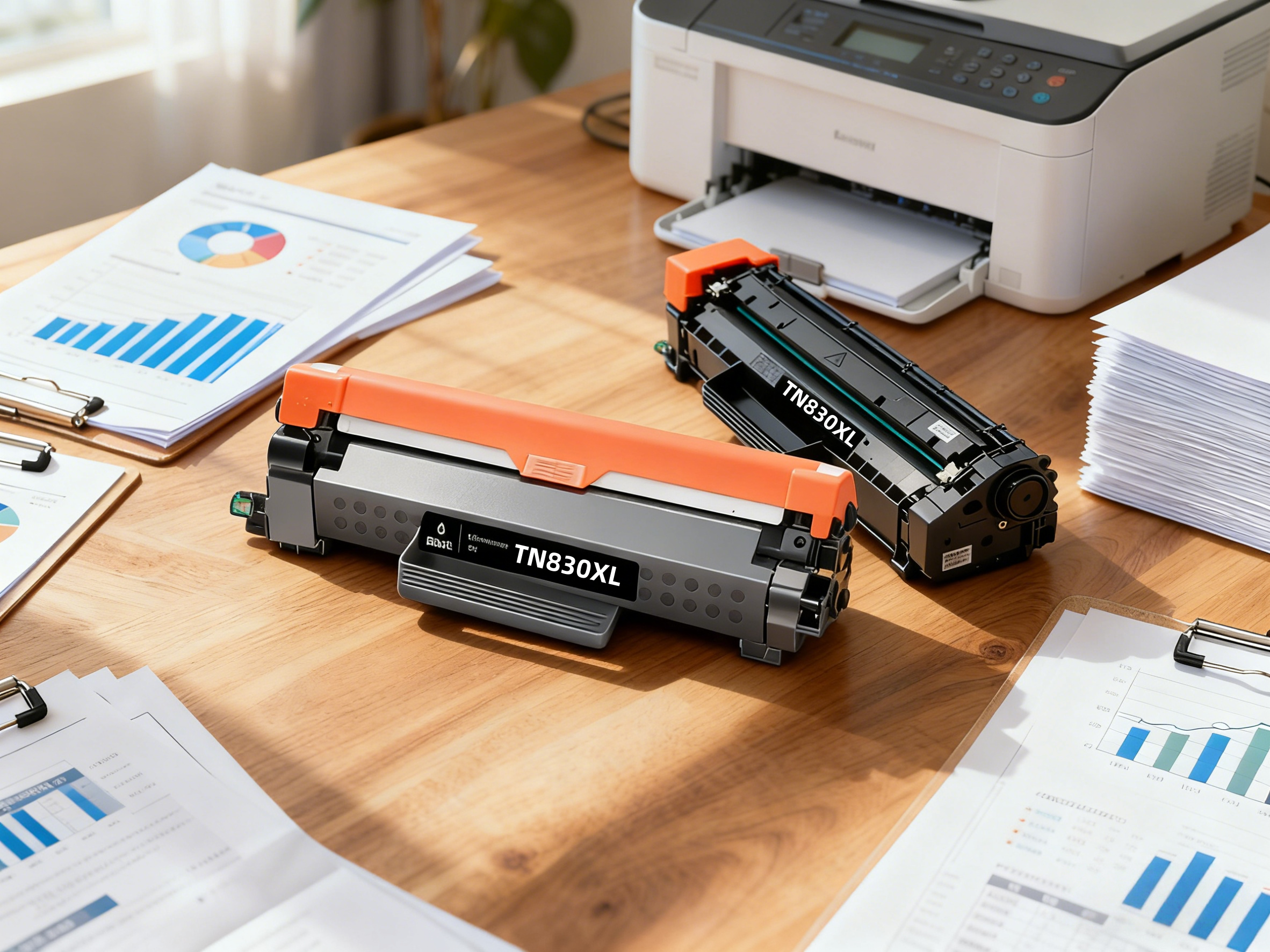
Quick Answer: The myCartridge Brother TN830XL compatible toner gives you high-yield printing, error-free performance, and 70%–80% savings compared with original toner. It’s the smartest Black Friday toner upgrade for home offices, students, and small businesses in 2025.
- High-yield TN830XL toner: print more pages, replace less often
- Designed for smooth, error-free compatibility with Brother printers
- Save about 70%–80% vs. original OEM toner
- Perfect for work-from-home, students, and small offices
- Limited-time Black Friday deal – best time to stock up
🛒 Shop TN830XL on myCartridge Official Store
Why Your Original Toner Is Quietly Robbing Your Budget
Original toner cartridges look harmless on the shelf, but every time you restock, your wallet feels it. High OEM prices add up fast over a year of regular printing. For students, home offices, and small businesses, that’s money that could be spent on growth, tools, or literally anything else.
This Black Friday, the myCartridge TN830XL compatible toner gives you a smarter option: the same reliable printing experience without the “luxury tax” on every cartridge.
Everything You Need to Know About myCartridge TN830XL
① Print More, Replace Less with XL High-Yield Capacity
If you’re tired of running out of toner halfway through a project, the TN830XL high-yield toner is the upgrade you’ve been waiting for. Its XL capacity lets you print significantly more pages before you even think about replacing it.
- Fewer last-minute toner orders
- Less downtime in the middle of important tasks
- Lower cost per page over time
Whether you’re printing assignments, invoices, or contracts, the TN830XL helps keep your workflow uninterrupted.
② Print Smoothly Without Annoying Errors
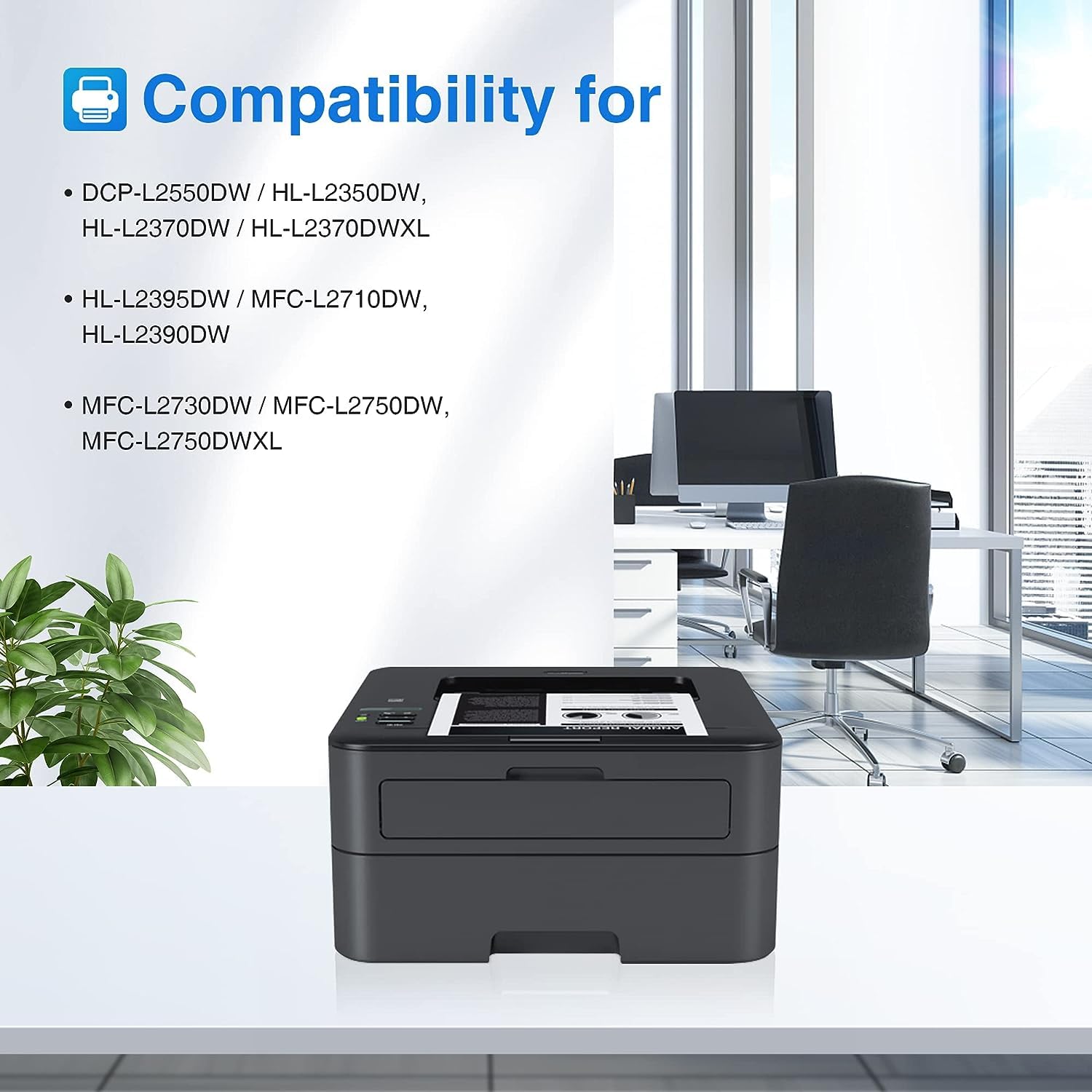
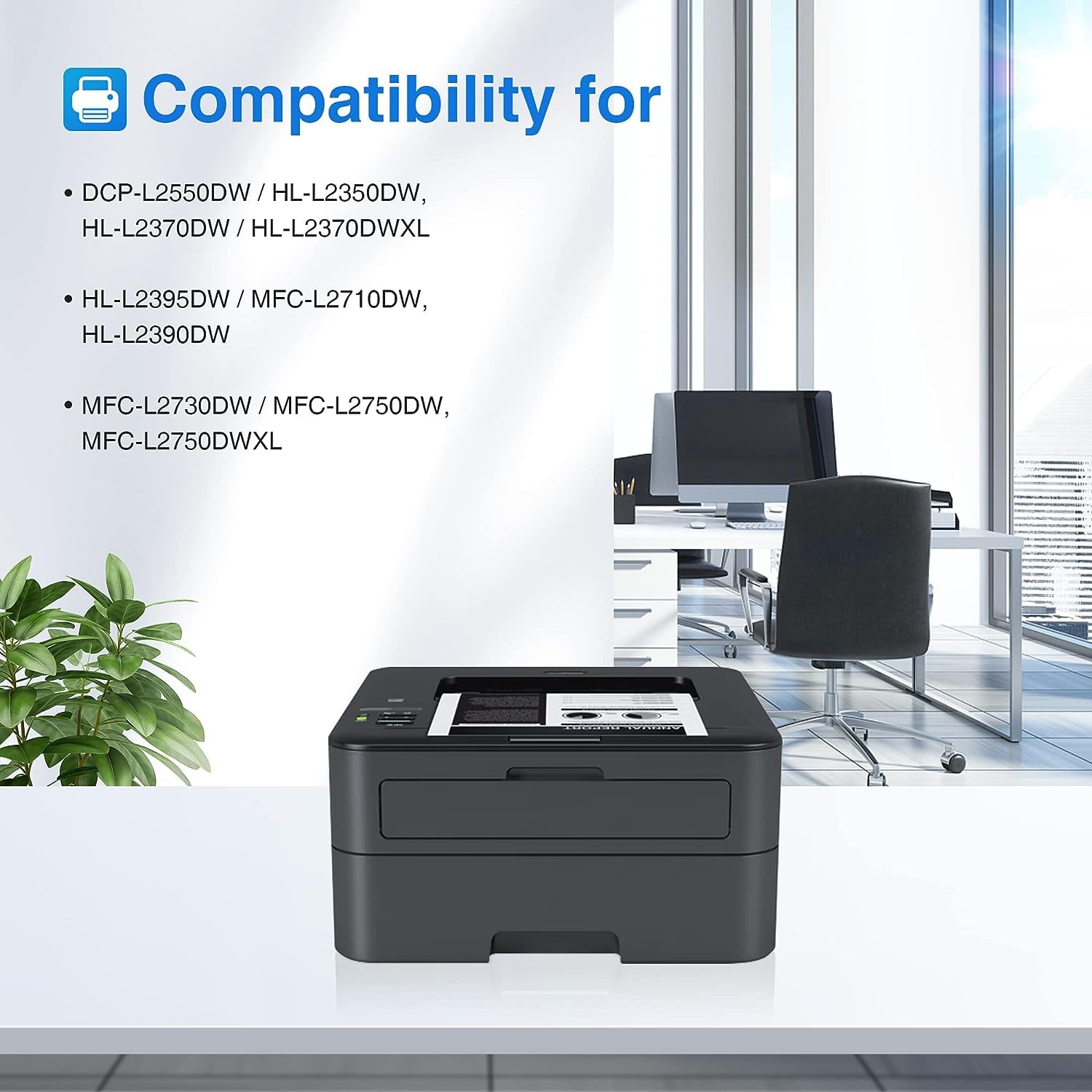
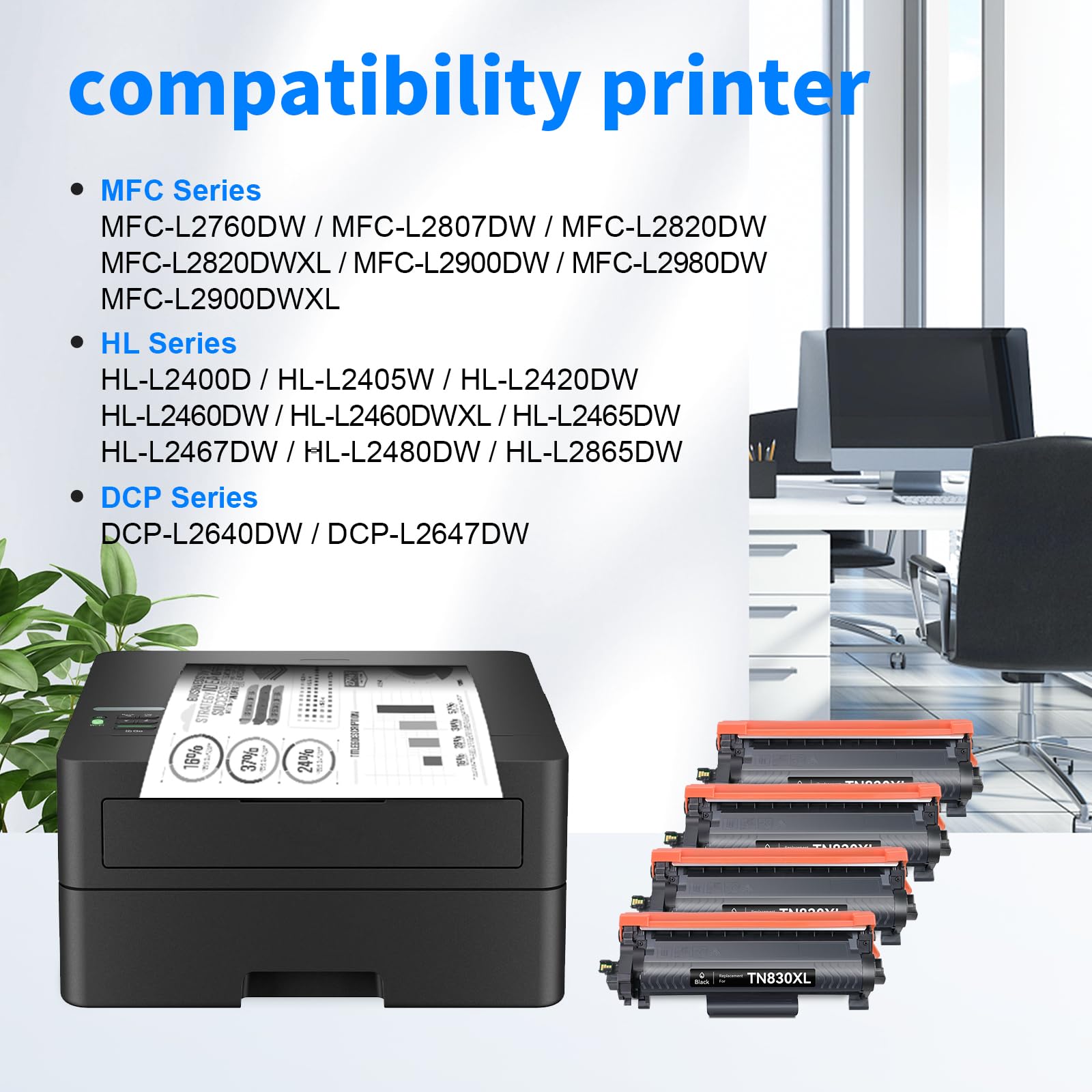
myCartridge engineered the Brother TN830XL compatible toner with precise chips and stable compatibility. Your Brother printer identifies it instantly — no error codes, no “unrecognized cartridge” messages, no extra steps.
- Strict testing for every batch
- Clean, sharp prints from the first page to the last
- No smudging, streaking, or clogging
Just plug it in, close the cover, and print. It’s that simple.
③ Budget-Friendly for Black Friday: Save 70%–80%
Original toner may look small, but the price never does. This Black Friday, you no longer have to choose between quality and savings.
myCartridge TN830XL delivers dependable performance for 70%–80% less than OEM toner. And because it’s an XL high-yield version, your overall cost per page drops even further, making it one of the best-value toner deals of the season.
TN830XL vs. Original Toner: Which One Wins?
| Feature | myCartridge TN830XL | Original Toner |
|---|---|---|
| Price | 70%–80% cheaper than OEM | Premium “brand tax” on every cartridge |
| Page yield | XL high-yield capacity | Standard yield; more frequent replacements |
| Compatibility | Stable chips, error-free recognition | Native compatibility |
| Cost per page | Much lower over time | Significantly higher |
How to Install the TN830XL in Your Brother Printer
Installing your TN830XL compatible toner only takes a few minutes. Follow these simple steps for a smooth, error-free setup:
- Turn off your Brother printer and let it sit for a few seconds.
- Open the front cover to access the toner and drum unit.
- Pull out the drum and toner assembly carefully.
- Press the lock lever to release the old toner cartridge from the drum.
- Unpack your new myCartridge TN830XL and gently shake it side to side to distribute the toner evenly.
- Remove all protective covers and sealing tape.
- Insert the new TN830XL into the drum unit until it clicks into place.
- Reinstall the drum-toner assembly into the printer.
- Close the front cover and power the printer back on.
- Print a test page to confirm everything is working perfectly.
Once installed, your Brother printer is ready for high-yield, low-cost printing.
User Pain Points (and How TN830XL Fixes Them)
| User Pain Point | How myCartridge TN830XL Solves It |
|---|---|
| Original toner is too expensive | TN830XL delivers similar performance while saving around 70%–80%, so you cut costs without sacrificing print quality. |
| Cartridges need to be replaced too often | The XL high-yield design lets you print more and replace less, keeping your workflow continuous. |
| Worried about compatibility or printer errors | TN830XL uses stable chips and strict testing so your Brother printer recognizes it instantly, with no error codes or “unrecognized cartridge” issues. |
Where to Get the Best TN830XL Black Friday Deal
If you’re ready to stop overpaying for original cartridges, this Black Friday is the perfect time to switch to a smarter toner choice.
🛒 Shop Brother TN830XL Compatible Toner on myCartridge
Final Thoughts: Print Smarter, Spend Less
Black Friday comes once a year, but your printer runs every week. Choosing the myCartridge TN830XL compatible toner means you:
- Print more pages for less money
- Avoid mid-project toner emergencies
- Enjoy sharp, clean, professional prints every time
- Protect your budget all year long
If your original toner has been silently draining your budget, this is your sign to upgrade. TN830XL is the smartest toner pick of 2025 — especially on Black Friday.
✅ Upgrade to myCartridge TN830XL Today
*Savings are approximate and based on comparison with typical OEM toner market pricing as of 2025. “OEM” refers to Original Equipment Manufacturer brands. myCartridge is an independent compatible-toner brand not affiliated with any OEM manufacturer.