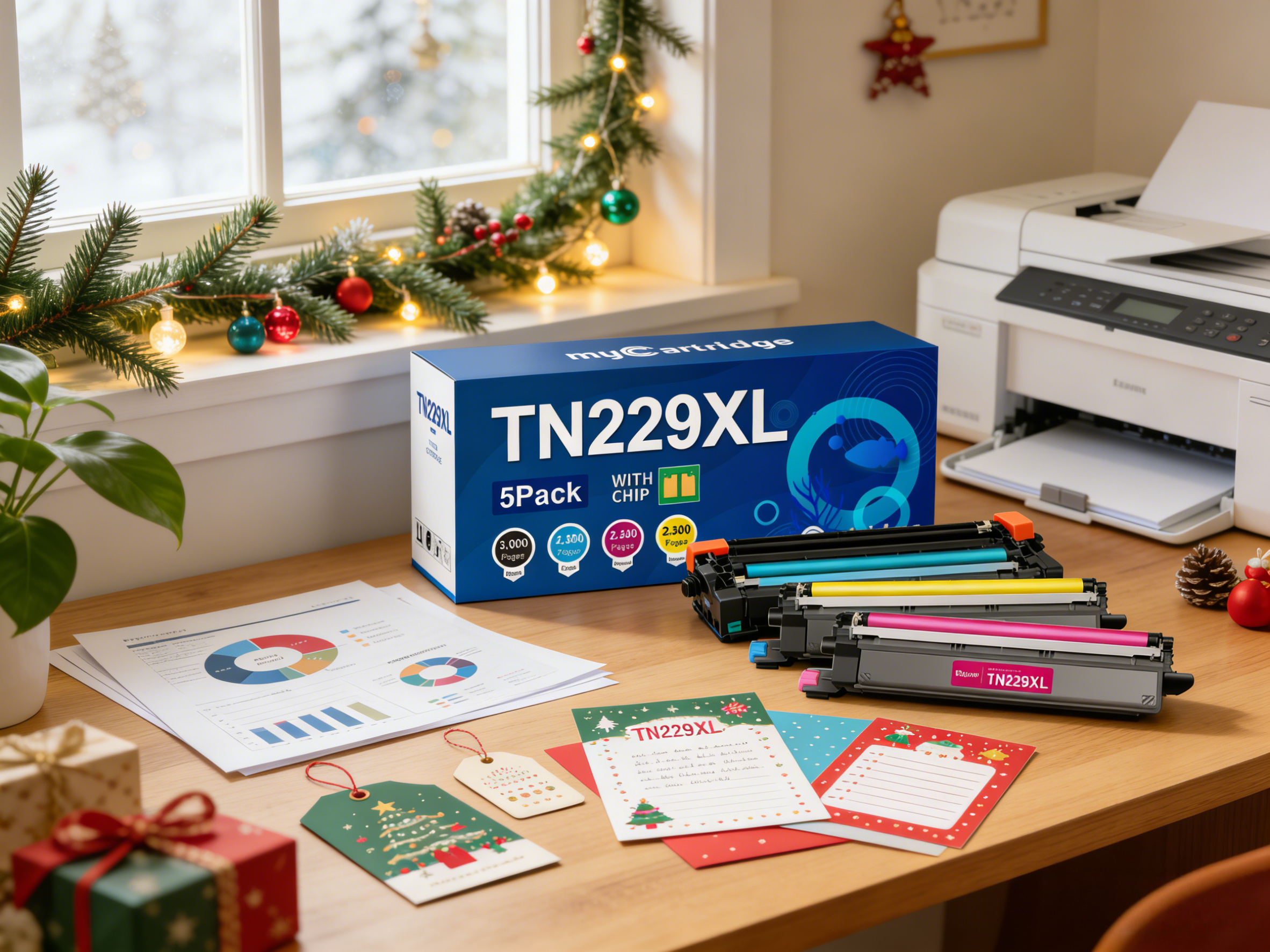
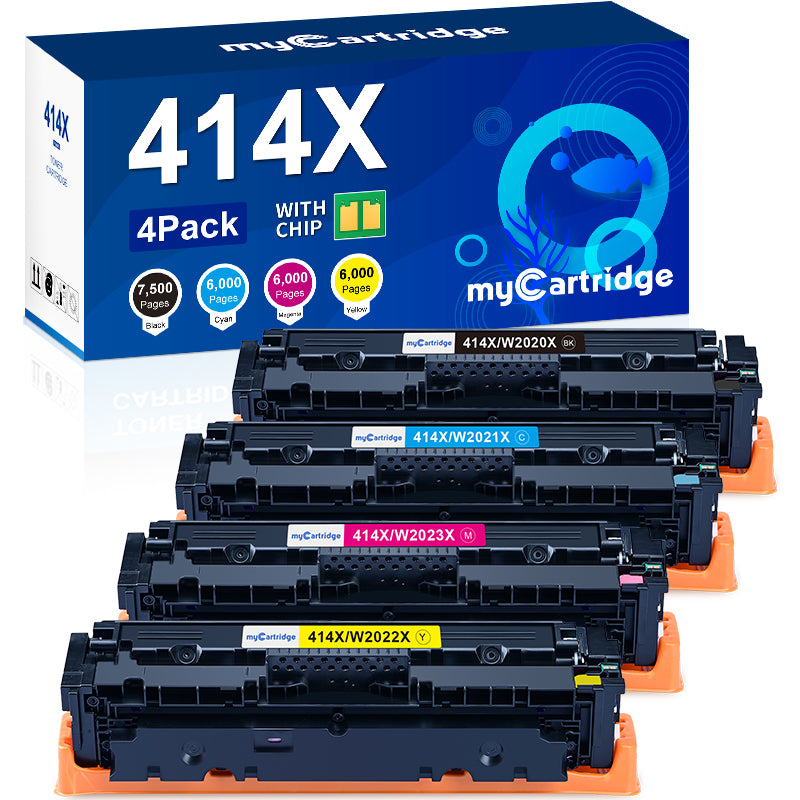
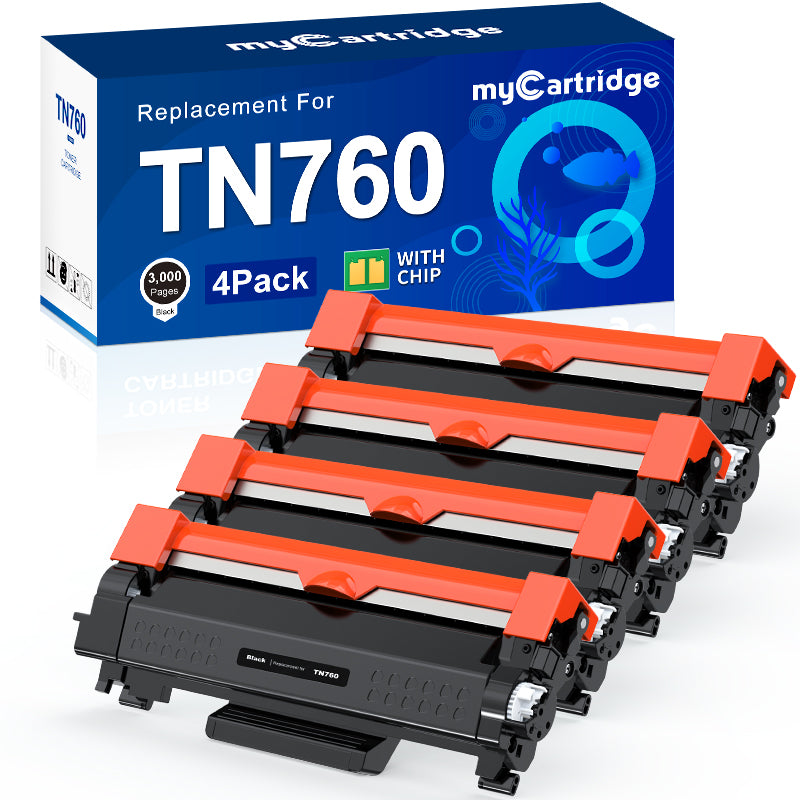
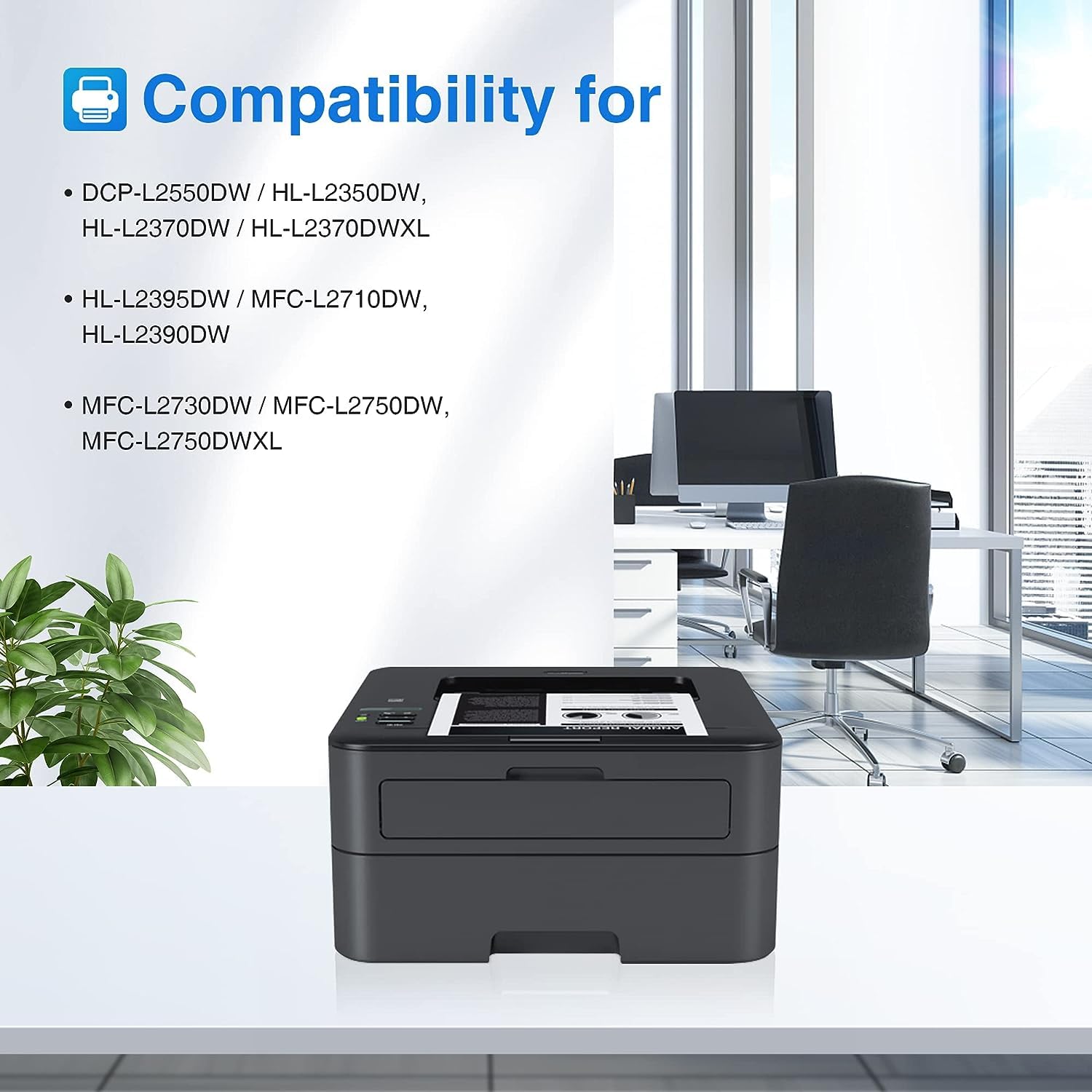
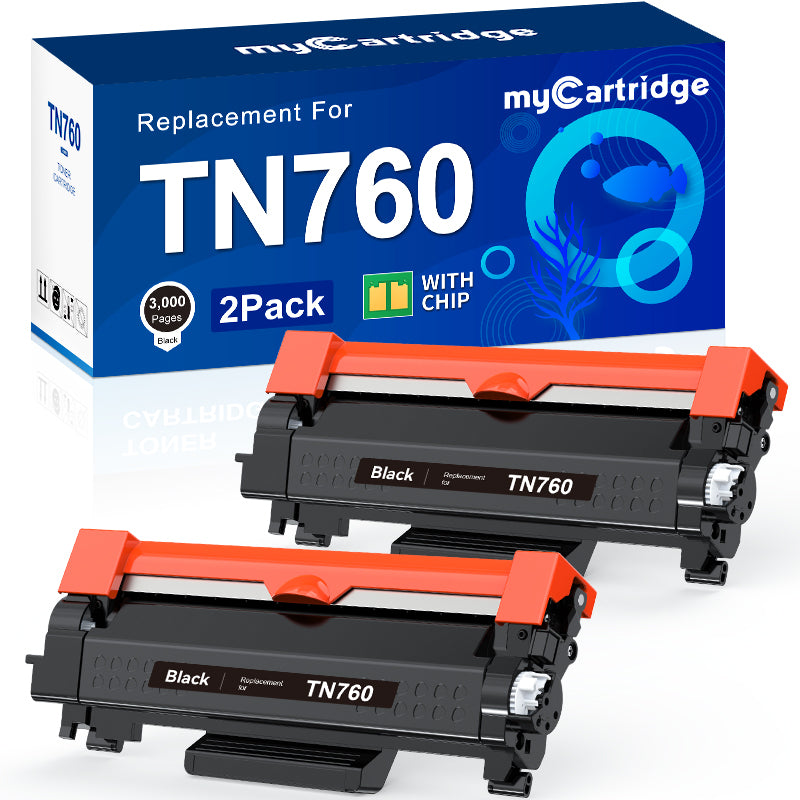
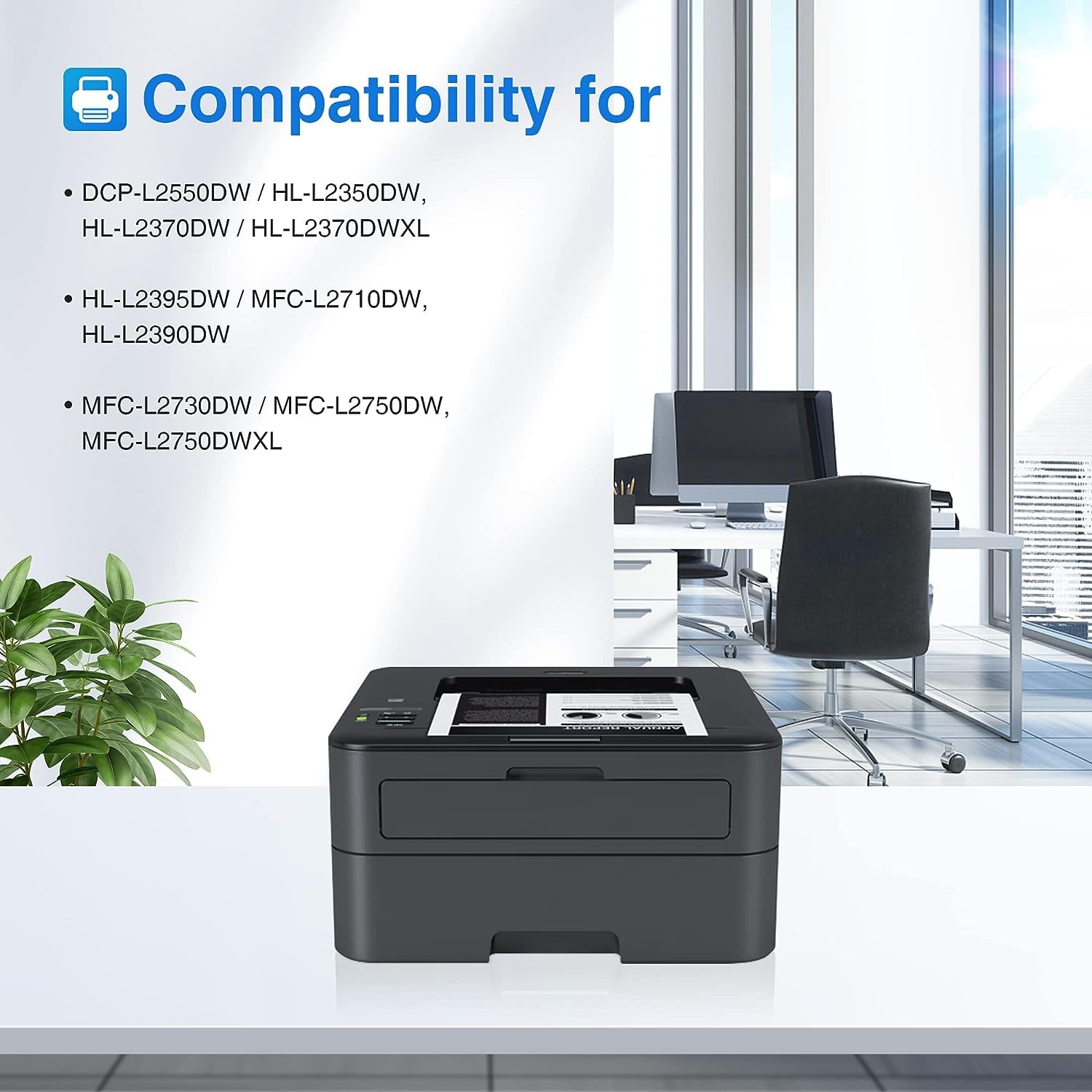
Print Your Christmas Magic at Home with TN229XL
Quick Answer: With myCartridge TN229XL compatible toner, you can print holiday cards, gift tags, festive décor, craft templates, and photo keepsakes at home with sharp detail and vivid color. Choose the right pack—Black 5-Pack for text-heavy projects or Color 4-Pack for vibrant holiday designs—so you can print more with fewer interruptions.
TL;DR
-
Text-heavy printing: TN229XL Black 5-Pack (labels, menus, checklists)
-
Color designs & photos: TN229XL Color 4-Pack (cards, décor, crafts)
- Clean, consistent output for high-volume holiday batches
- Simple install tips included below
Christmas season is when printers work overtime—cards, school crafts, party invitations, last-minute labels, and photo keepsakes. Instead of buying generic prints, you can create personal, professional-looking holiday projects right at home.
What can you print at home for Christmas with TN229XL toner?
Quick Pick
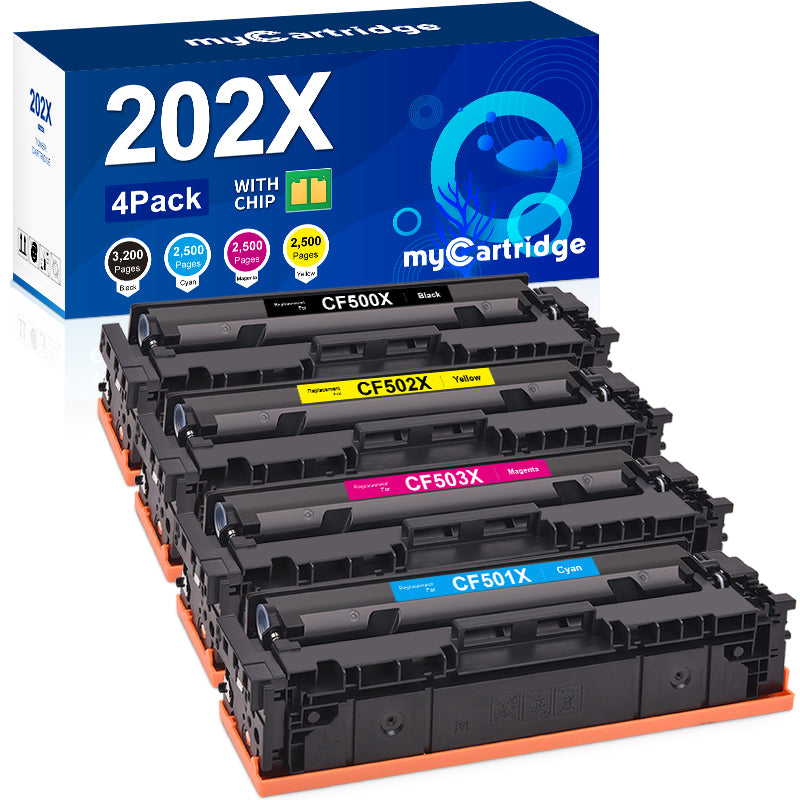
Color 4-Pack → cards, décor, photos
Black 5-Pack → labels, menus, checklists
Holiday Tip
Print in batches to save time—cards first, then labels, then photos.
Direct answer
You can print
Christmas cards,
gift tags,
address labels,
party invitations,
festive wall décor,
kids’ craft templates, and
family photo keepsakes. Use
color toner for designs & photos, and
black toner for high-volume text pages.
🎄 Christmas cards
Warm wishes for friends & family
🏷️ Gift tags & labels
Presents, cookie boxes, shipping
🍽️ Invitations & menus
Holiday gatherings & dinner plans
🖼️ Festive wall décor
Quotes, signs, mini-posters
✂️ Craft templates
Kid-friendly holiday crafts
📸 Family photo keepsakes
Frames, scrapbooks, ornaments
Which TN229XL pack should you choose for your holiday projects?
Direct answer
If you print lots of greetings, labels, and text pages, choose the
Black 5-Pack. If you print colorful cards, décor, or photos, choose the
Color 4-Pack. Many households use both during peak holiday printing.
🎨 Color 4-Pack
Best for designs
- Greeting cards & graphics
- Festive décor prints
- Photo crafts & keepsakes
🖤 Black 5-Pack
Best for text
- Labels, address sheets, tags
- Menus, checklists, instructions
- High-volume holiday batches
Tip: A common setup is Color 4-Pack for graphics + Black 5-Pack for text-heavy pages.
Why TN229XL works so well for holiday printing
Direct answer: TN229XL is ideal for the holidays because it supports high-volume printing, delivers clean color and crisp text, and produces consistent results across batches—so your projects look uniform from the first page to the last.
📄 High-volume friendly
Print cards, labels, and crafts in batches with fewer interruptions.
🎯 Clean, consistent output
Uniform results across pages—great for sets of cards and labels.
🌈 Vivid holiday designs
Richer reds/greens for décor, photos, and festive graphics.
💡 Budget-smart printing
A practical way to keep holiday printing costs under control.
How do you install TN229XL toner correctly?
Direct answer: Unpack and gently shake the cartridge, remove protective parts, lock the toner into the drum unit, and reinstall the drum assembly firmly. Most setup issues happen when seals aren’t fully removed or the drum isn’t seated completely.
1) Shake (5 seconds)
Gently shake side-to-side to distribute toner evenly.
2) Remove protective parts
Take off caps/covers and any sealing tape before inserting.
3) Lock into drum unit
Insert until it clicks into place for stable recognition.
4) Reinstall firmly
Push the drum-toner assembly fully in to avoid errors.
Pro tip (for heavy holiday printing)
If you’re printing lots of holiday graphics, keep a Black 5-Pack on hand for labels, checklists, and instructions—so you don’t pause mid-batch.
Need fast help after purchase?
Join the myCartridge Support Group
Get setup guidance, troubleshooting tips, and holiday printing ideas from our team and community.
FAQs: TN229XL Holiday Printing
Quick answers to the most common questions about choosing packs, installation, and getting clean holiday prints.
Which pack should I buy for holiday printing: Black 5-Pack or Color 4-Pack?
If you’re printing lots of greetings, address labels, checklists, and instructions, the TN229XL Black 5-Pack is the best value. If you’re printing colorful Christmas cards, decorations, and photo crafts, choose the TN229XL Color 4-Pack. Many households use both during peak holiday printing.
Will TN229XL compatible toner work smoothly without printer errors?
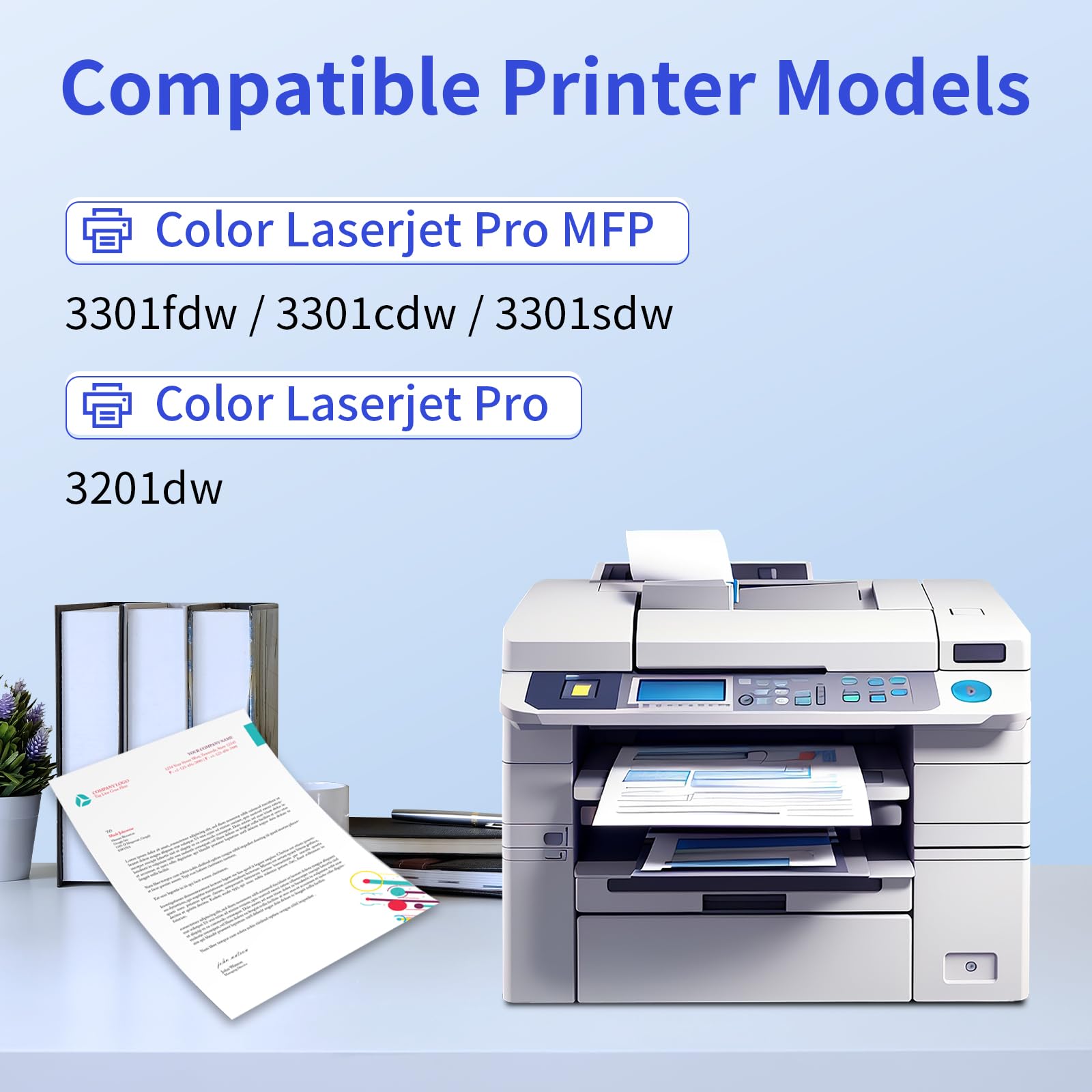
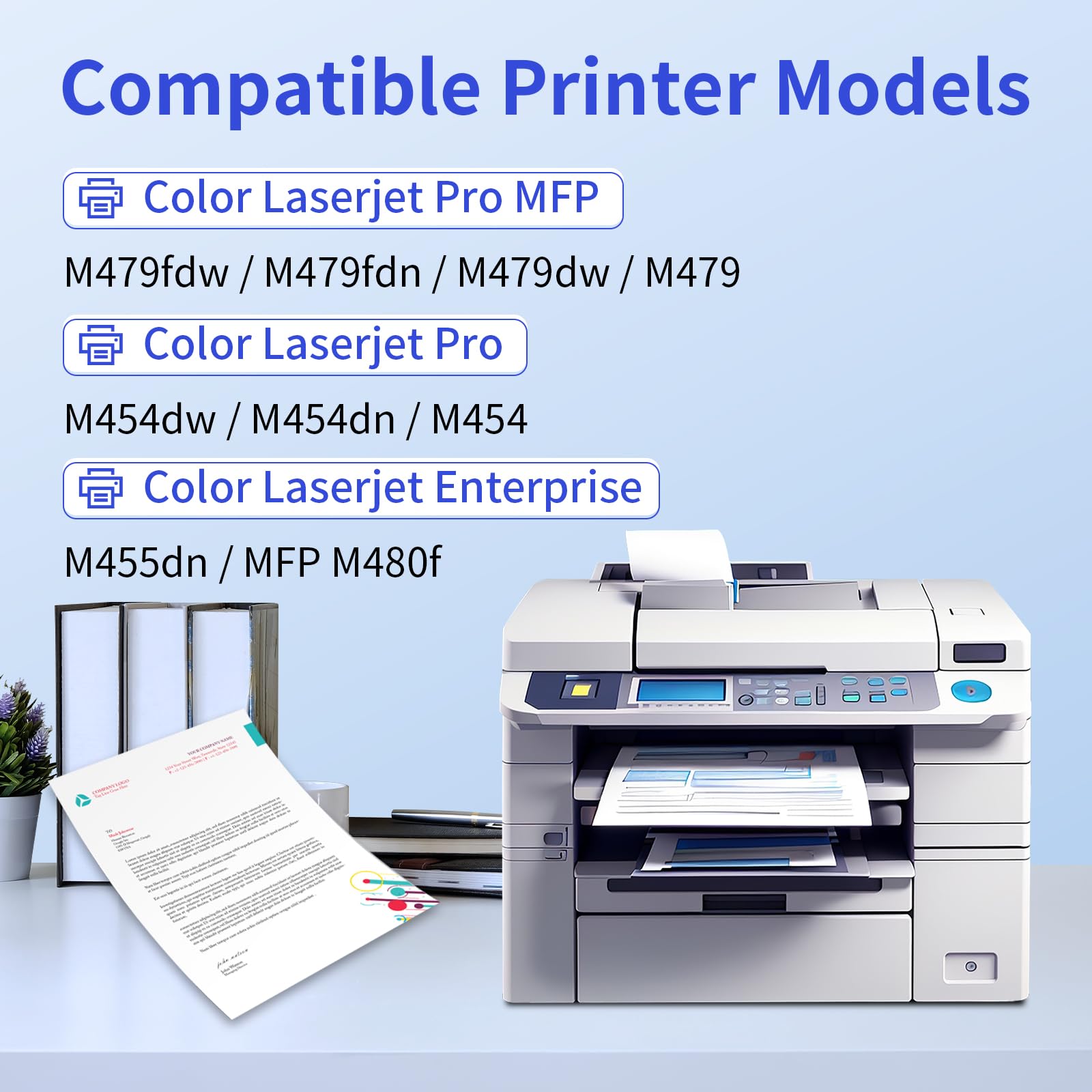
TN229XL compatible toner is designed for stable installation and consistent performance in supported printers. Install carefully: gently shake the cartridge, remove all protective pieces, and lock it into the drum unit. If you see an error, reseat the cartridge and confirm the drum assembly is fully inserted.
How can I prevent smudging or streaks when printing holiday graphics?
Use quality paper (especially for cards and photo crafts) and choose the correct print settings (paper type and quality mode). Avoid touching pages immediately after printing. If streaks appear, check that the toner and drum are seated properly and clean any dust in the printer area. A quick test page often confirms everything is aligned.
What are the best things to print at home for Christmas?
Popular at-home prints include Christmas cards, gift tags, labels, party invitations, wall décor, craft templates for kids, and photo keepsakes like ornaments. Color toner works best for festive designs and photos, while black toner is ideal for menus, checklists, and shipping labels.
What should I do if I print a lot during the holidays?
If you expect high-volume holiday printing, stock up before peak week. A common setup is Color 4-Pack for graphics plus an extra Black 5-Pack for text-heavy printing. This reduces downtime and helps avoid last-minute cartridge changes during batch printing.
Note: “OEM” refers to Original Equipment Manufacturer brands. myCartridge is an independent compatible-toner brand not affiliated with any OEM manufacturer.