


Payment & Security
Your payment information is processed securely. We do not store credit card details nor have access to your credit card information.
Description
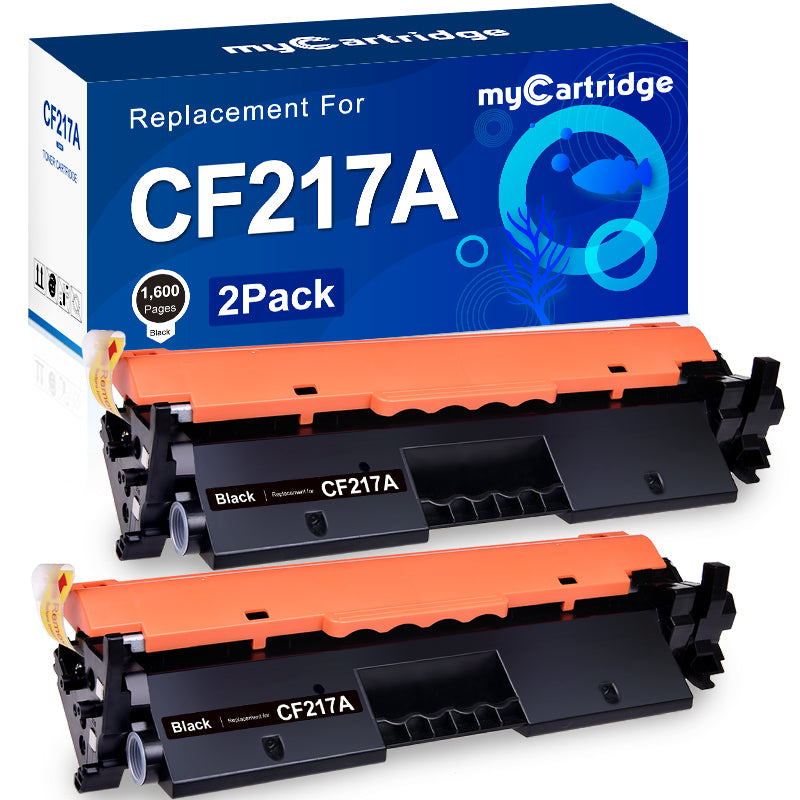
Compatible HP 17A CF217A Toner Cartridge (2 Black, High Yield)
Product overview
The myCartridge compatible HP 17A CF217A black toner cartridge 2-pack is designed for home offices and small businesses that use HP LaserJet Pro M102 and MFP M130 series printers. Each cartridge delivers clear, professional black-and-white documents while helping you control your overall printing costs compared with original HP toner.
Brand & model
- Brand: myCartridge
- Model: Compatible HP 17A / CF217A black toner cartridge
- Color: Black
- Type: Standard yield
- Pack size: 2-pack
Package contents
- 2 × CF217A / 17A compatible black toner cartridges
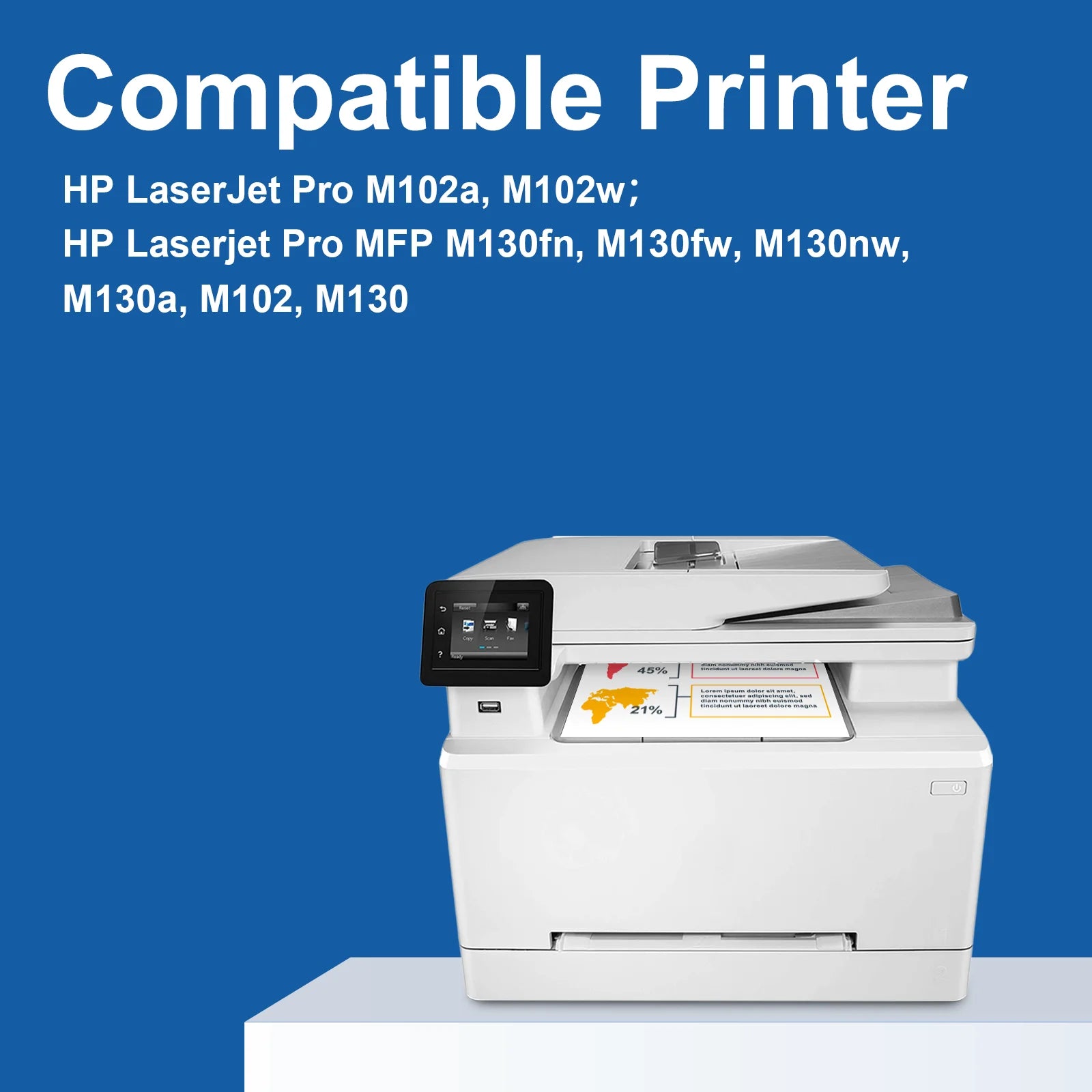
Compatible HP printers
These CF217A / 17A compatible toner cartridges work with the following HP LaserJet Pro printers. Please confirm your printer model before placing your order.
| HP LaserJet Pro: | |
| M102a | M102w |
| HP LaserJet Pro MFP: | |
| M130a | M130fn |
| M130fw | M130nw |
Page yield & cost efficiency
- Page yield: Up to 1,600 pages per 17A CF217A toner cartridge (A4/Letter, at 5% coverage)
- Total yield (2-pack): Up to 3,200 pages at 5% coverage
- Suitable for everyday office documents, reports, letters and school work
- Helps reduce cost per page compared with many OEM cartridges
Print quality & performance
- Produces sharp, dark black text and clear line detail on plain paper
- Ideal for professional-looking documents, invoices, forms and correspondence
- Stable toner formulation helps minimize smudging, streaking and fading under normal use
Quality management & reliability
- Each 17A CF217A toner cartridge undergoes 100% installation testing after production
- Designed for reliable compatibility with HP LaserJet Pro M102 and M130 series printers
- Supports consistent output from the first page to the last page of the cartridge
- Produced in facilities that comply with ISO 9001 (quality management) and ISO 14001 (environmental management) standards
Installation instructions
Follow these steps to install your compatible HP 17A CF217A toner cartridge correctly:
- Prepare the cartridge: Remove the new toner cartridge from its packaging and gently shake it horizontally 5–6 times to distribute the toner evenly inside.
- Remove protective parts: Take off the protective cap and any sealing tape from the cartridge.
- Install into the printer: Insert the toner cartridge into your HP LaserJet Pro printer according to the printer’s instructions until it is firmly seated.
- Close & test: Close the printer cover and print a test page to confirm correct installation and print quality.
Why choose myCartridge?
myCartridge focuses on producing durable, dependable toner cartridges that are easy to install and use. The compatible HP 17A CF217A series is designed to offer a balance of print quality, page yield and price for cost-conscious users.
- Clear text and consistent output for business and personal documents
- Cartridges tested in multiple processes before leaving the factory
- Committed to providing a hassle-free printing experience for every customer
After-sales support
- If you have any questions about installation or print quality, please contact customer support for assistance.
- We aim to respond to inquiries and help troubleshoot issues as quickly as possible.