



Payment & Security
Your payment information is processed securely. We do not store credit card details nor have access to your credit card information.
Payment & Security
Your payment information is processed securely. We do not store credit card details nor have access to your credit card information.
Description
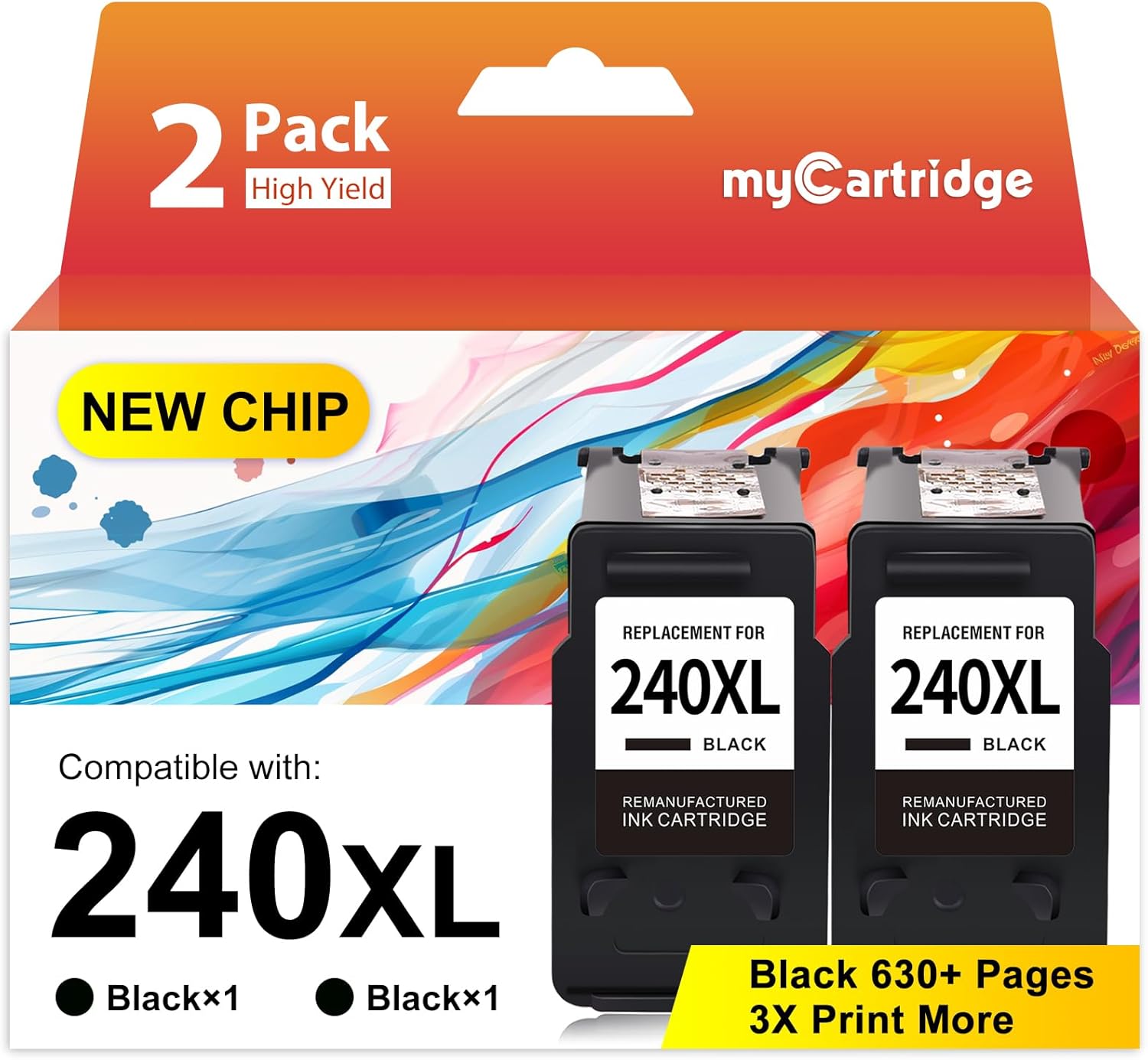
Stop mid-project interruptions with the myCartridge 240XL High Yield Black dual-pack. Engineered for those who refuse to compromise on text clarity, these compatible cartridges deliver deep, pigment-based blacks that won't smudge or fade. Whether you're handling heavy office documentation or school reports, our remanufactured units provide the same page output as the originals but at a price that makes sense. Each cartridge features a smart-monitoring chip to keep your printer and your workflow perfectly synced.
What's in the Box
| Cartridge | OEM Number | Color | Page Yield (Per Unit) |
| 2 x Canon 240XL Black | 5206B001 | Black | ~630 pages |
Total capacity of ~1,200 pages per bundle. Measured at 5% coverage (Letter/A4) per ISO testing.
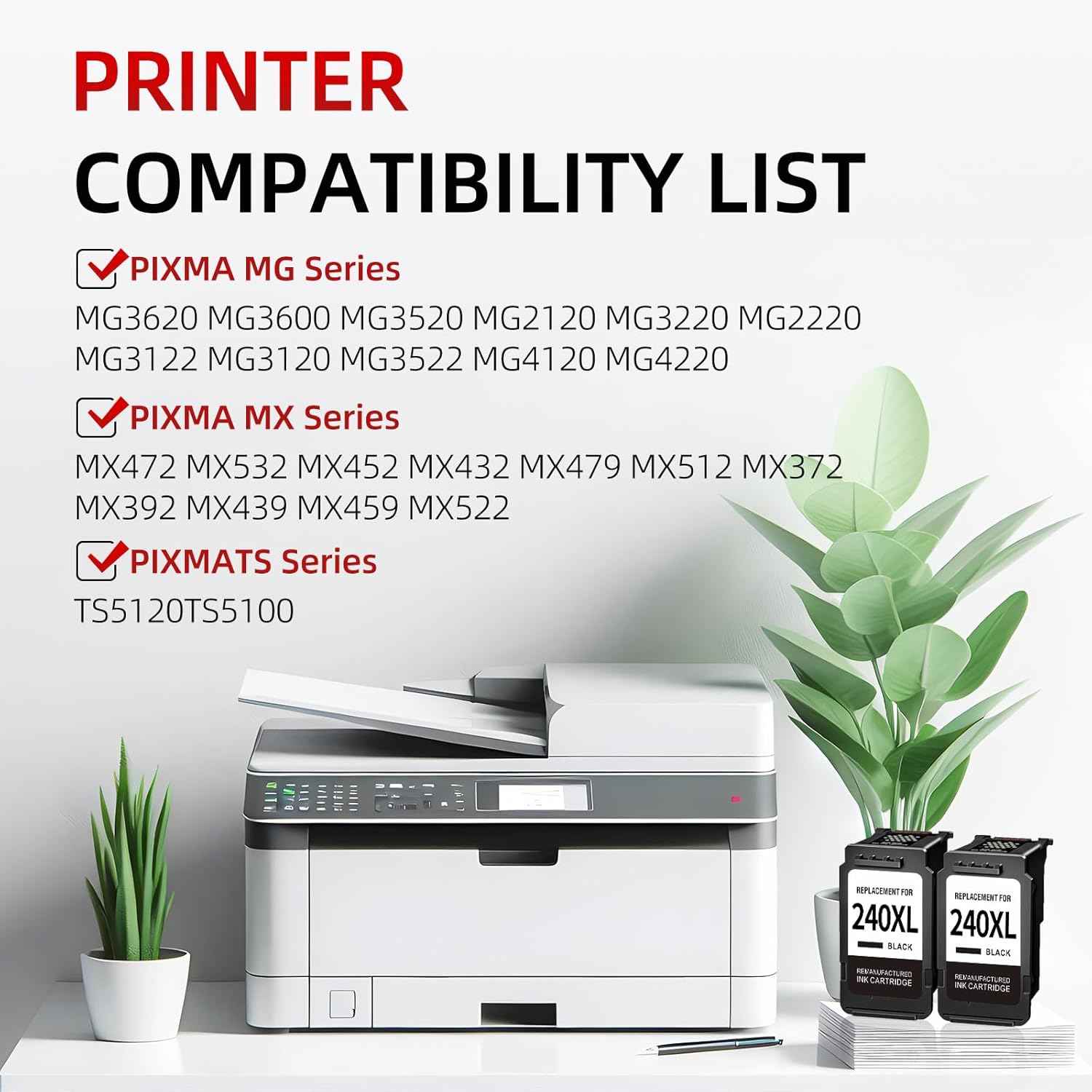
Compatible Canon Printers
| Series | Models |
| PIXMA MG Series | MG2120, MG2220, MG3120, MG3122, MG3220, MG3222, MG3520, MG3522, MG3600, MG3620, MG4120, MG4220 |
| PIXMA MX Series | MX372, MX392, MX432, MX439, MX452, MX459, MX472, MX479, MX512, MX522, MX532 |
| PIXMA TS Series | TS5100, TS5120 |
Tip: These "XL" cartridges share the same footprint as the standard PG-240. If your printer uses the 240 series, these high-capacity versions will click right in.
Canon 240 vs Canon 240XL: The Smart Upgrade
| Feature | Canon 240 (Standard) | Canon 240XL (High Yield) |
| Ink Volume | ~8ml | ~21ml |
| Document Output | ~180 pages | ~600 pages |
| Cost Efficiency | Standard | Maximum (Lowest cost-per-page) |
| Best For | Rare/Light use | Business, Student, & Home Office |
By choosing the 240XL, you're getting over 3x more ink than the standard cartridge. It’s the ultimate way to reduce your "price per page" without sacrificing the sharp, professional look of pigment ink. [Click here to view the Canon 240 Standard Black.]
Quality You Can Trust
-
Sharp Pigment Ink: Our formula is designed for crisp edges and deep blacks, ensuring your resumes and contracts look boardroom-ready.
-
Upgraded Smart Chip: Each unit is equipped with a high-performance chip that accurately communicates with your Canon printer for real-time ink level tracking.
-
Rigorous Testing: We don't just "refill"—we remanufacture. Every cartridge undergoes leak-testing and electrical diagnostics to ensure it performs straight out of the box.
How to Install Canon 240XL Black Cartridges
-
Power on your PIXMA printer and open the front cover/paper tray.
-
Wait for the cartridge holder to slide to the replacement position.
-
Press down on the old black cartridge to release it, then slide it out.
-
Remove the new myCartridge 240XL from its protective packaging.
-
Important: Pull the orange tab to remove the protective sealing tape. Do not touch the copper-colored electrical contacts.
-
Insert the cartridge into the slot at a slight upward angle.
-
Push up firmly until it clicks into place. Close the cover and wait a few moments for the printer to recognize the new supply.
Frequently Asked Questions
-
Will these work if I still have an original Canon color cartridge installed? Yes! Our compatible cartridges are designed to play nice with both OEM and other third-party supplies.
-
Why does the printer say "Used" or "Low Ink"? Since these are remanufactured from original shells, the printer may occasionally remember the old ink status. Simply press and hold the "Stop/Reset" button for 5 seconds to bypass the warning.
-
Are these "pigment" or "dye" based? Our 240XL black is pigment-based, just like the original, ensuring your text is water-resistant and professional.
-
What if the cartridge doesn't click in? Double-check that you are inserting it into the slot labeled "B" (Black). The color slot "C" has a slightly different internal latch.
A Long-Term Solution, Not Just a One-Time Deal.
High printing costs shouldn't be a recurring burden. At myCartridge, we're here to help families, home offices, schools, and small businesses print affordably over the long run—with reliable compatible ink and toner cartridges, Lifetime Warranty support, and 365-Day Returns. These photos feature real customers behind that mission. Share your honest experience or setup photo with us—with your permission, your story may be featured here.


