




Payment & Security
Your payment information is processed securely. We do not store credit card details nor have access to your credit card information.
Description
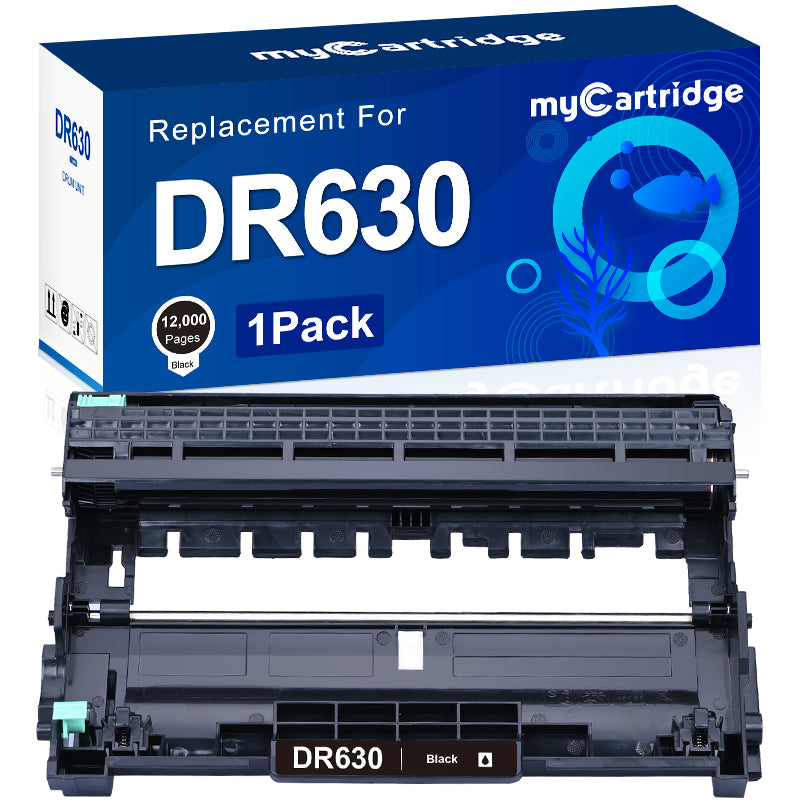
Compatible Brother DR630 Drum Unit (1 Pack) – Replacement for DR630 / DR-630
Product overview
The myCartridge compatible Brother DR630 drum unit is designed as a reliable replacement for the Brother DR630 / DR-630 drum. It works with a wide range of Brother HL, DCP and MFC mono laser printers and is ideal for home offices and small businesses that want consistent print quality and a lower overall printing cost.
Brand & model
- Brand: myCartridge
- Model: Compatible DR630 drum unit replacement for Brother DR630 / DR-630
- Type: Mono laser drum unit (used with compatible TN630 / TN660 toner cartridges, sold separately)
- Pack size: 1-pack
Package contents
- 1 × DR630 / DR-630 compatible drum unit
Page yield & efficiency
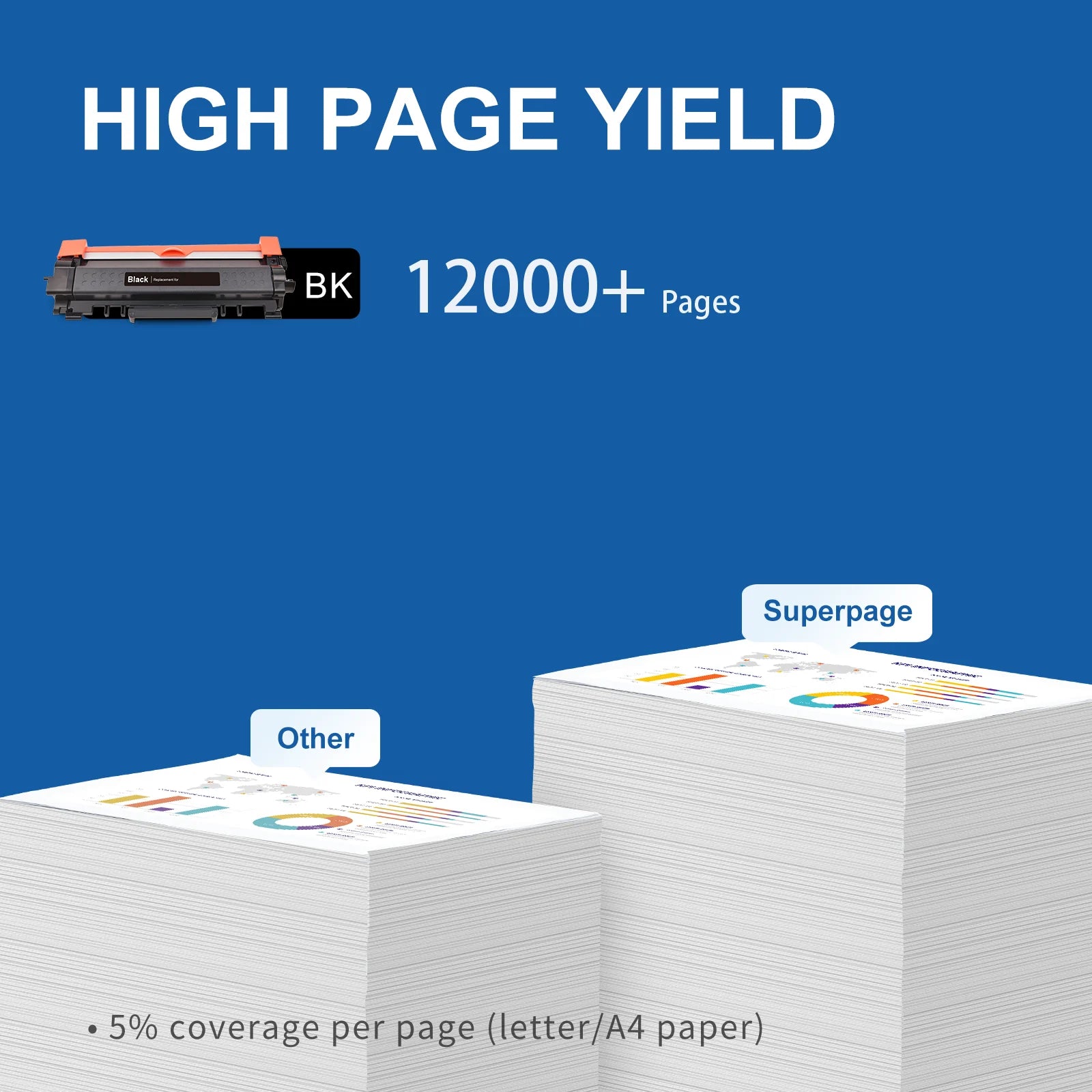
- Page yield: Up to 12,000 pages per DR630 drum unit at 5% coverage (Letter / A4)
- High-capacity drum designed to support multiple toner replacements before needing a new drum
- Helps extend the life of your Brother printer and maintain stable print quality over time
Compatible Brother printers
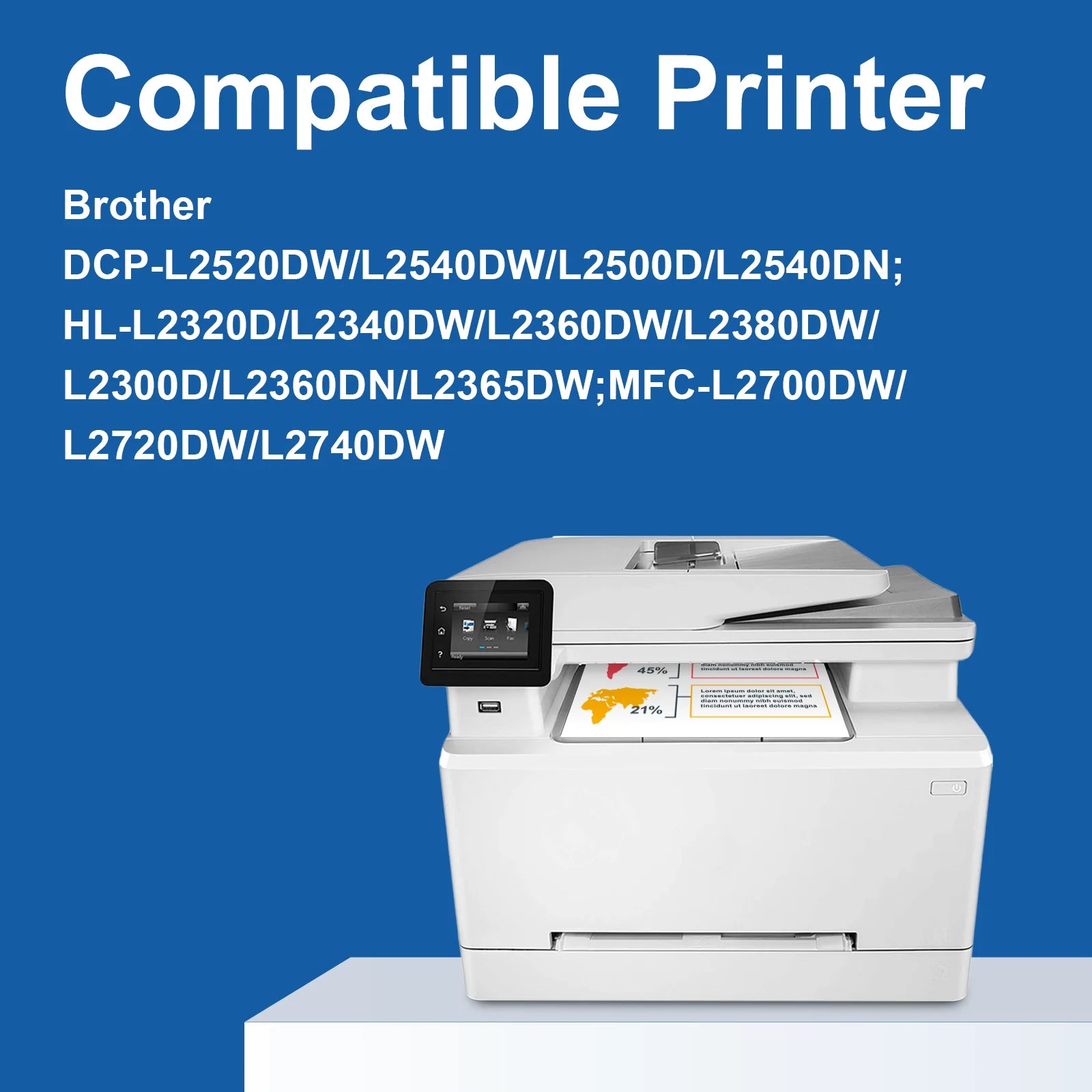
The myCartridge DR630 compatible drum unit works with the following Brother laser printers. Please confirm your printer model before placing your order.
| Brother DCP series: | ||
| DCP-L2500D | DCP-L2520DW | DCP-L2540DN |
| DCP-L2540DW | DCP-L2560DW | |
| Brother HL series: | ||
| HL-L2300D | HL-L2305W | HL-L2315DW |
| HL-L2320D | HL-L2360DN | HL-L2340DW |
| HL-L2360DW | HL-L2365DW | HL-L2380DW |
| Brother MFC series: | ||
| MFC-L2680W | MFC-L2685DW | MFC-L2700DW |
| MFC-L2700DWR | MFC-L2700DN | MFC-L2705DW |
| MFC-L2707DW | MFC-L2720DW | MFC-L2740DW |
Installation instructions
Follow these steps to install your compatible Brother DR630 drum unit correctly:
- Remove protective materials: Take the new DR630 drum unit out of the packaging and remove the protective paper or cover.
- Insert the toner cartridge: Place the existing or new TN630 / TN660 toner cartridge into the DR630 drum unit. Push it firmly until it locks into place.
-
Clean the corona wire: Slide the green tab on the drum unit gently back and forth several times to clean the corona wire.
Important: Return the green tab to its home position before installing the drum unit. - Install into the printer: Insert the drum and toner assembly back into the printer, making sure it clicks into position, then close the front cover.
- Test printing: Print a test page to confirm correct installation and stable print quality.
Quality management & certifications
- Each DR630 drum unit undergoes 100% installation testing after production to verify proper fit and performance.
- Manufactured in facilities that comply with ISO 9001 (quality management) and ISO 14001 (environmental management) standards.
- Designed to provide reliable, consistent output when used with compatible Brother toner cartridges.
Why choose a compatible DR630 drum unit from myCartridge?
- Cost-effective alternative to the original Brother DR630 / DR-630 drum unit
- Supports clear, sharp black text and consistent output over the drum’s life
- Helps extend the effective life of your printer when paired with quality compatible toner
Key features at a glance
- Model: Compatible Brother DR630 / DR-630 drum unit
- Pack size: 1 drum unit
- Page yield: Up to 12,000 pages at 5% coverage (Letter / A4)
- Compatible printers: Brother DCP-L, HL-L and MFC-L models listed above
- Best for: Home office and small business users who need dependable mono printing