





Payment & Security
Your payment information is processed securely. We do not store credit card details nor have access to your credit card information.
Description
About myCartridge Compatible Canon 054 Toner Cartridges 4-Pack (Black, Cyan, Magenta, Yellow)
Professional color printing without the OEM price. myCartridge's Canon 054 compatible 4-pack delivers sharp black text and vibrant color output for your Canon imageCLASS printer backed by an intelligent chip for accurate toner monitoring and a lifetime warranty.
Extra 20% Off Auto-Applied at Checkout on Orders Over $35. No Code Needed.
What's in the Box
| Cartridge | OEM Reference | Color | Page Yield |
|---|---|---|---|
| 1 × Canon 054 Black | CRG-054 BK | Black | 1,500 pages |
| 1 × Canon 054 Cyan | CRG-054 C | Cyan | 1,200 pages |
| 1 × Canon 054 Magenta | CRG-054 M | Magenta | 1,200 pages |
| 1 × Canon 054 Yellow | CRG-054 Y | Yellow | 1,200 pages |
| Total | ~5,100 pages |
Page yield measured at 5% coverage per ISO standards (A4/Letter paper).
Need higher page yield The Canon 054H high-yield version delivers ~3,100 pages black and ~2,300 pages per color approximately 2× more pages per cartridge at a lower cost per page. Ideal for offices with regular printing demands.
Canon 054 vs 054H Which Should You Choose
| Canon 054 (This Product) | Canon 054H (High Yield) | |
|---|---|---|
| Black Page Yield | ~1,500 pages | ~3,100 pages |
| Color Page Yield | ~1,200 pages | ~2,300 pages |
| Compatible Printers | Same | Same |
| Best For | Light to moderate printing | Regular office use |
| Cost Per Page | Standard | Lower |
Both cartridges fit the same Canon imageCLASS printers. If you print frequently, the 054H delivers better cost per page. The 054 is ideal for light or occasional color printing.
Compatible Printers
| Canon Color imageCLASS LBP Series | Canon Color imageCLASS MF Series |
|---|---|
| Color imageCLASS LBP620 | Color imageCLASS MF640C |
| Color imageCLASS LBP621Cw | Color imageCLASS MF641Cw |
| Color imageCLASS LBP622Cdw | Color imageCLASS MF642Cdw |
| Color imageCLASS LBP623Cdw | Color imageCLASS MF643Cdw |
| Color imageCLASS MF644Cdw | |
| Color imageCLASS MF645C |
Please verify your exact printer model before ordering. Check the label on your printer or in the printer settings menu.
Why Choose myCartridge
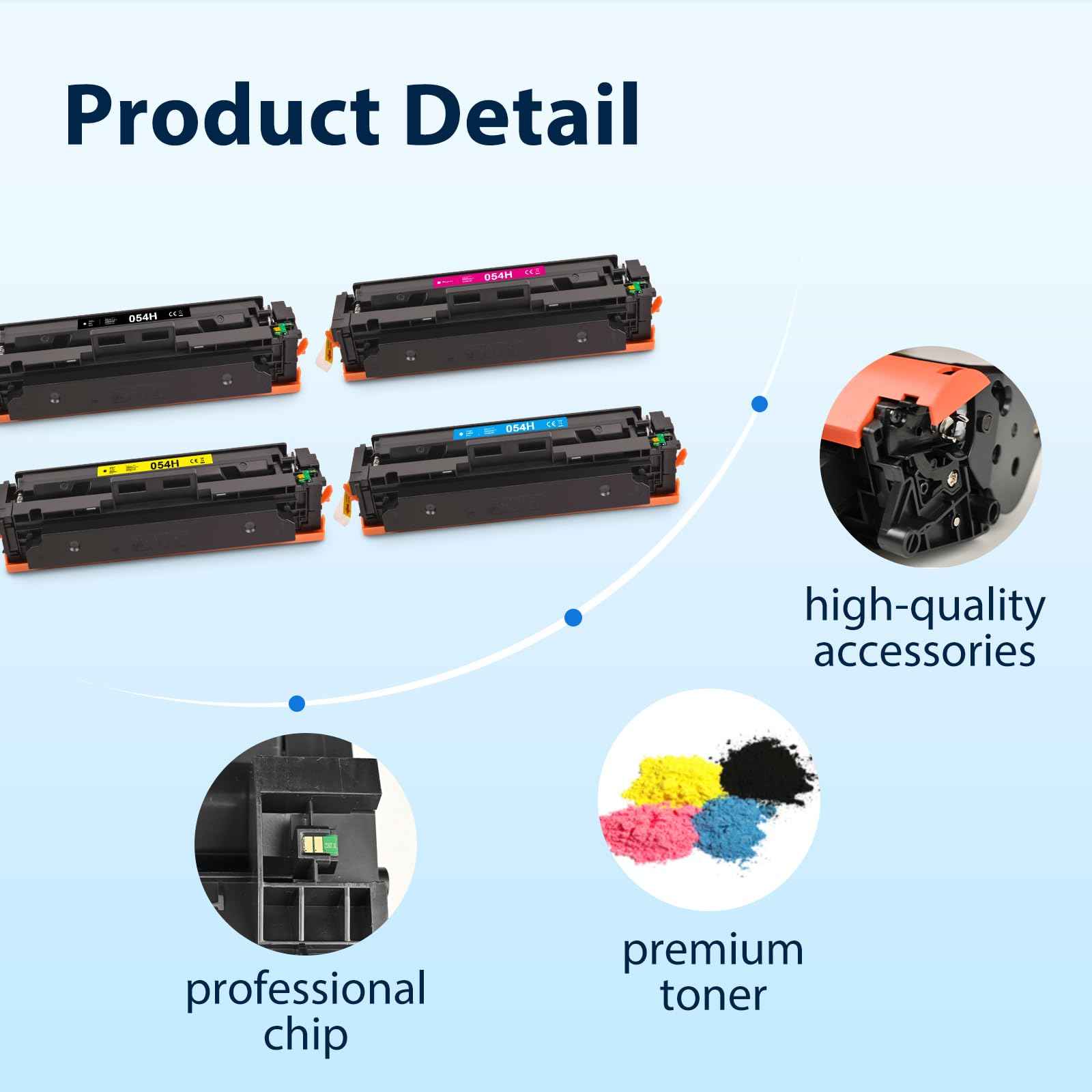
- Latest intelligent chip accurately tracks toner levels and page counts, preventing unexpected print interruptions
- ISO 9001 and ISO 14001 certified manufacturing every cartridge undergoes 100% testing before packaging
- Compatible with both standard 054 and high-yield 054H printer slots seamless installation
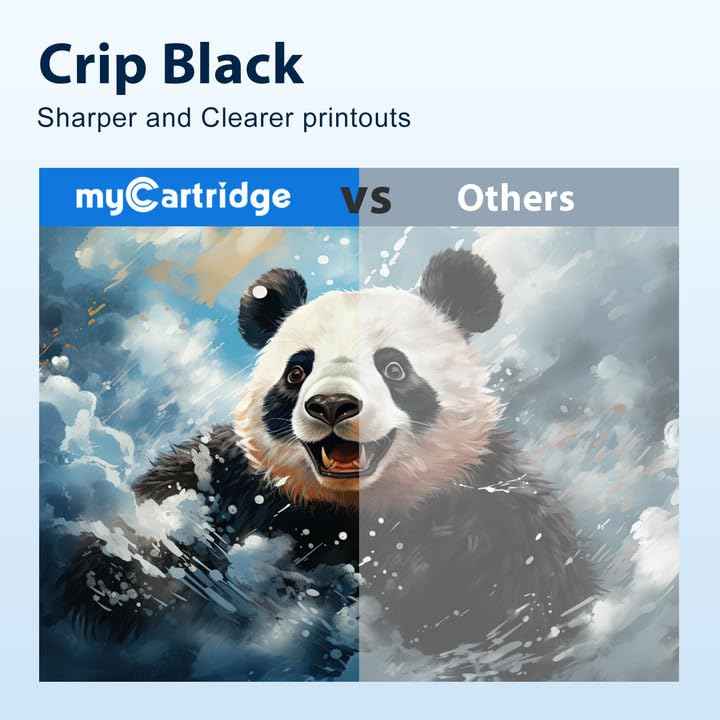
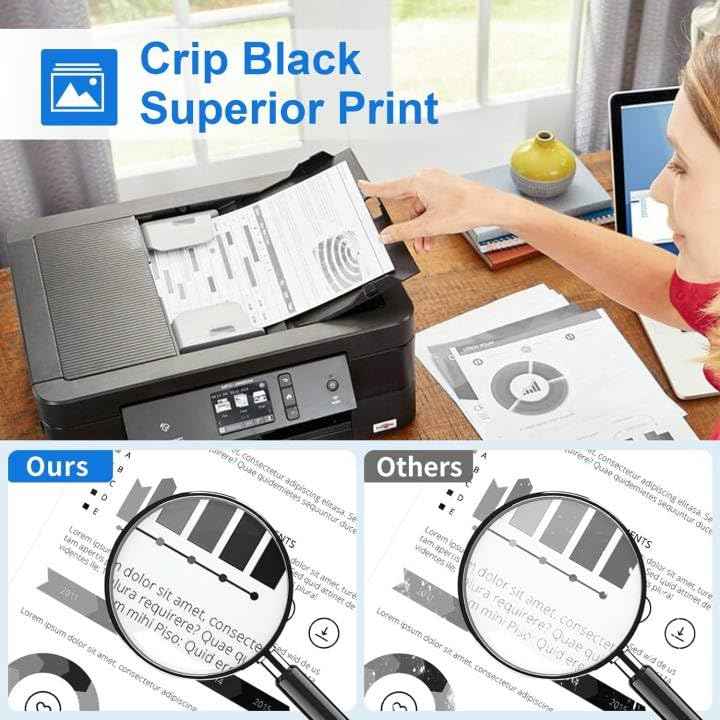
- Sharp black text and vibrant, accurate color output for documents and presentations
- Lifetime Warranty defective cartridge We replace it, no questions asked
- Free shipping on orders over $35
- Ships within 1–4 business days from our US warehouse
How to Install Canon 054 Toner Cartridges
- Power on the printer Make sure the Canon imageCLASS printer is on before opening the front cover.
- Open the front cover Press the release button and swing the front cover open fully.
- Remove the old toner cartridge Grasp the cartridge handle and pull it straight out. Set aside for recycling.
- Unpack the new cartridge Remove from packaging. Do not touch the drum surface or shake the cartridge excessively.
- Rock gently Hold the cartridge horizontally and rock it side to side 5–6 times to distribute toner evenly.
- Remove the protective seal Pull the orange protective tape or cover completely off the cartridge.
- Insert the cartridge Align with the color-coded guide rails and push firmly until it clicks into place.
- Repeat for all 4 colors Install black, cyan, magenta, and yellow before closing the cover.
- Close the front cover Press firmly until it latches. The printer will initialize automatically.
- Print a test page Go to printer settings and run a test print to confirm all four colors are printing correctly.
Color streaks or uneven output Remove the affected cartridge and gently rock it again to redistribute toner. Reinsert and test. If the issue persists, contact myCartridge support covered by Lifetime Warranty.
FAQs
Q: What is the difference between Canon 054 and Canon 054H Both fit the same Canon imageCLASS printers. The 054 is standard yield (~1,500 pages black / ~1,200 pages color). The 054H is high-yield (~3,100 pages black / ~2,300 pages color) approximately 2× more pages per cartridge. If you print regularly, the 054H offers better cost per page.
Q: Are Canon 054 and 054H interchangeable in the same printer Yes. The 054 and 054H are physically identical and fit the same imageCLASS printers. You can use either version the only difference is how much toner each cartridge holds.
Q: What Canon printers use 054 toner cartridges The Canon Color imageCLASS LBP series (LBP620, LBP621Cw, LBP622Cdw, LBP623Cdw) and MF series (MF640C, MF641Cw, MF642Cdw, MF643Cdw, MF644Cdw, MF645C). See the full compatible printer list above.
Q: Will using compatible toner cartridges void my Canon printer warranty No. Under the Magnuson-Moss Warranty Act, Canon cannot void your printer warranty solely because you used a compatible or third-party toner cartridge.
Q: How does the intelligent chip work Each myCartridge 054 toner cartridge includes a smart chip that communicates with your printer to accurately display toner levels and page counts on the printer's control panel, preventing unexpected printing interruptions.
Q: How should I store unused toner cartridges Store sealed toner cartridges in a cool, dry place away from direct sunlight and heat. myCartridge Canon 054 toner cartridges have a shelf life of 24 months unopened.
Canon, imageCLASS, CRG-054, and related model names are registered trademarks of Canon Inc. myCartridge is not affiliated with or endorsed by Canon Inc. Product names are used for compatibility identification only.
Related products
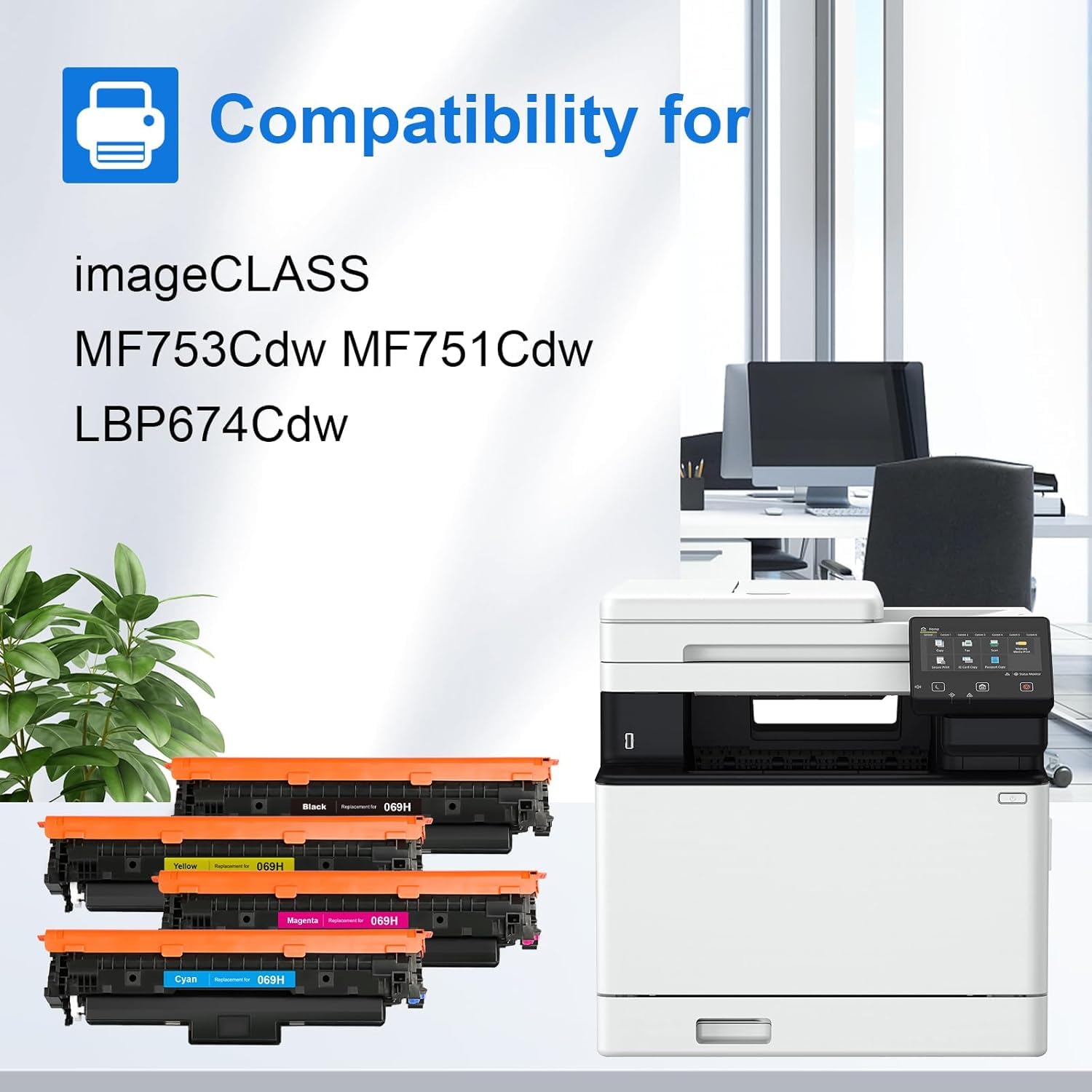
For imageCLASS LBP674CDW MF753CDW MF751CDW


For imageCLASS D1620 D1650